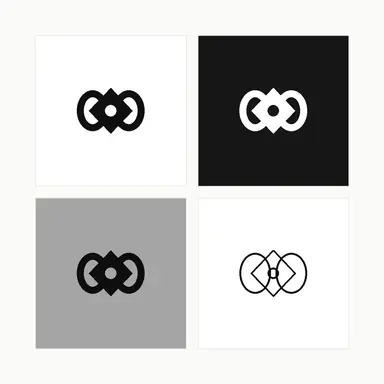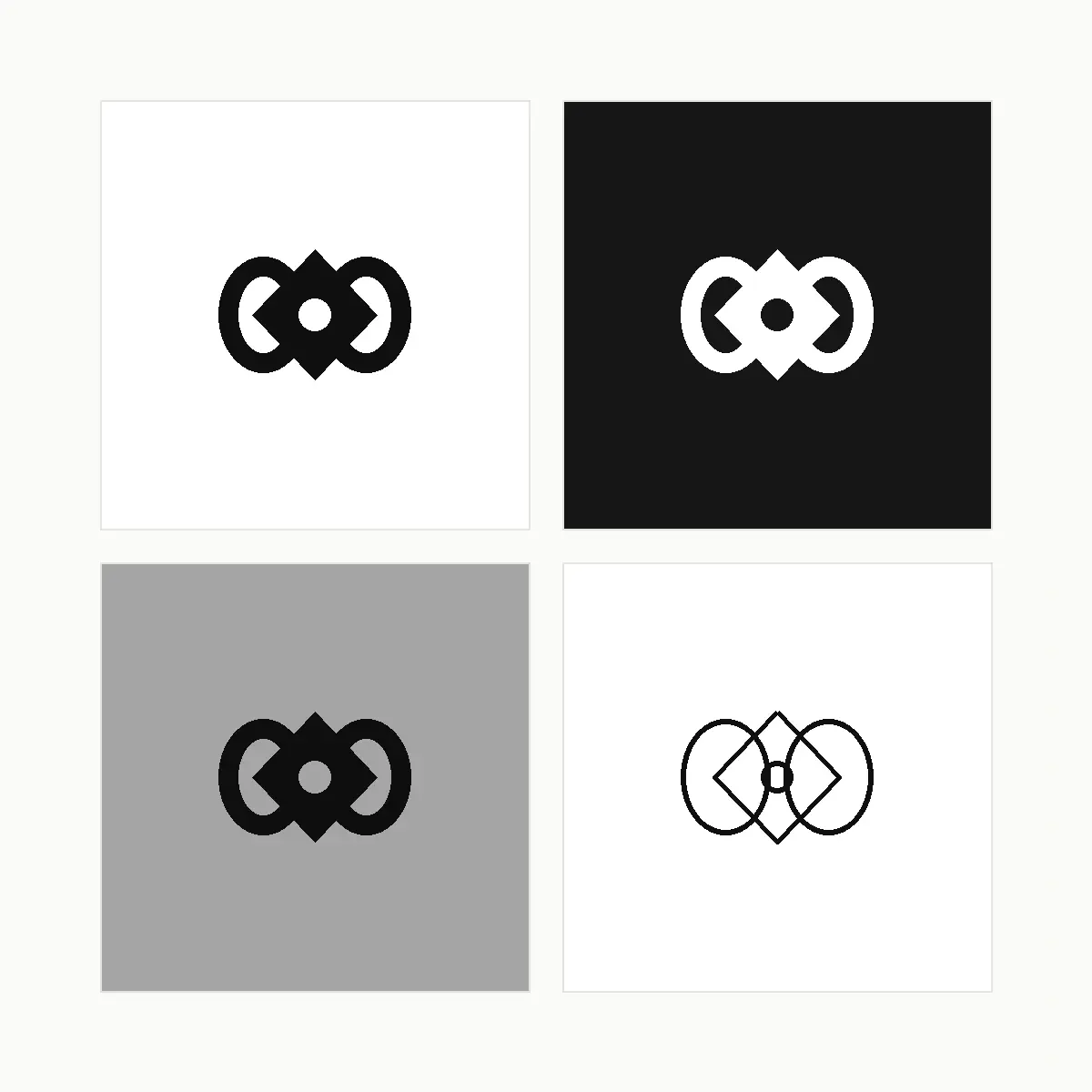
Example result illustrating this prompt's visual direction. Actual results may vary by model, reference image and settings.
 Requires Photo
  Design Prompts
  Logo Sketch to Brand Mark Concept Prompts
 Logo Sketch to Monochrome and Reversed Usage Sheet
Prove a sketched mark works everywhere by producing black, reversed, greyscale, and outline versions on one usage sheet.
Prompt
You are preparing production artwork for a brand identity. I am uploading a photograph of a logo sketch. Build one clean symbol from the sketch, then present that identical symbol four ways on a single white usage sheet arranged as a two-by-two grid. Panel one is solid black on white. Panel two is the symbol knocked out in pure white on a solid black field. Panel three is the symbol in black on a mid-grey tone to test greyscale printing. Panel four is a thin single-weight outline version for embossing, engraving, and foil. Keep the geometry identical across all four panels and adjust only fill, stroke, and background. Check that any negative space inside the mark still reads correctly when reversed, and thicken or open counters if the reversed version fills in. Use equal panel sizes, equal gutters, and no labels, captions, or descriptive text inside the image. After the image, note any adjustment the reversed or outline version required.
Recommended:
ChatGPT


Upload your photo to the AI tool first, then use this prompt.
The prompt asks the model to preserve identity and key visual features.
How to use it
- Ask specifically whether the reversed version needed thicker gaps, since that is the most common production failure.
- Request each panel as a separate clean file once the sheet looks correct.
- Test the outline version at a small size before approving it for engraving or foil.
Common failure fixes
- If the reversed version looks heavy or clogged, ask for widened counters and gaps in the knockout panel only.
- If the symbol shape shifts between panels, require identical geometry with only fill and background changing.
- If the outline version loses the concept, ask for a single consistent stroke weight tested at small scale.