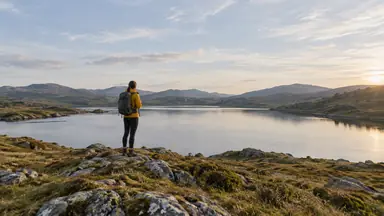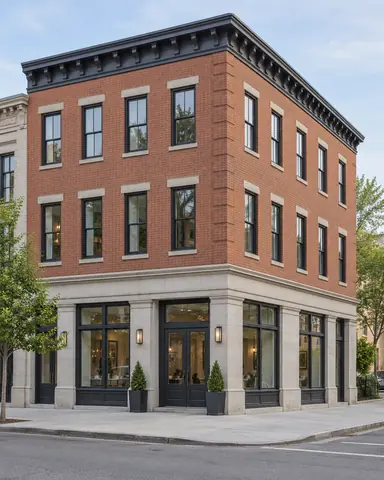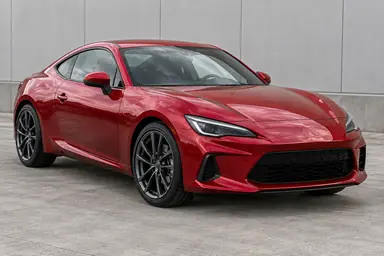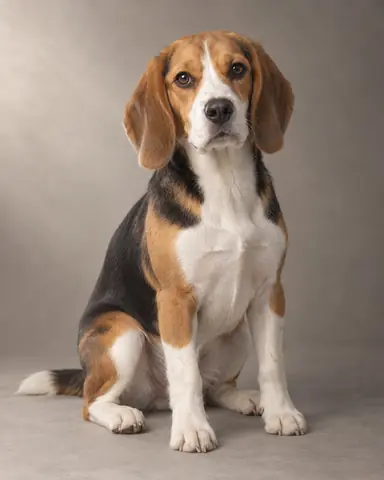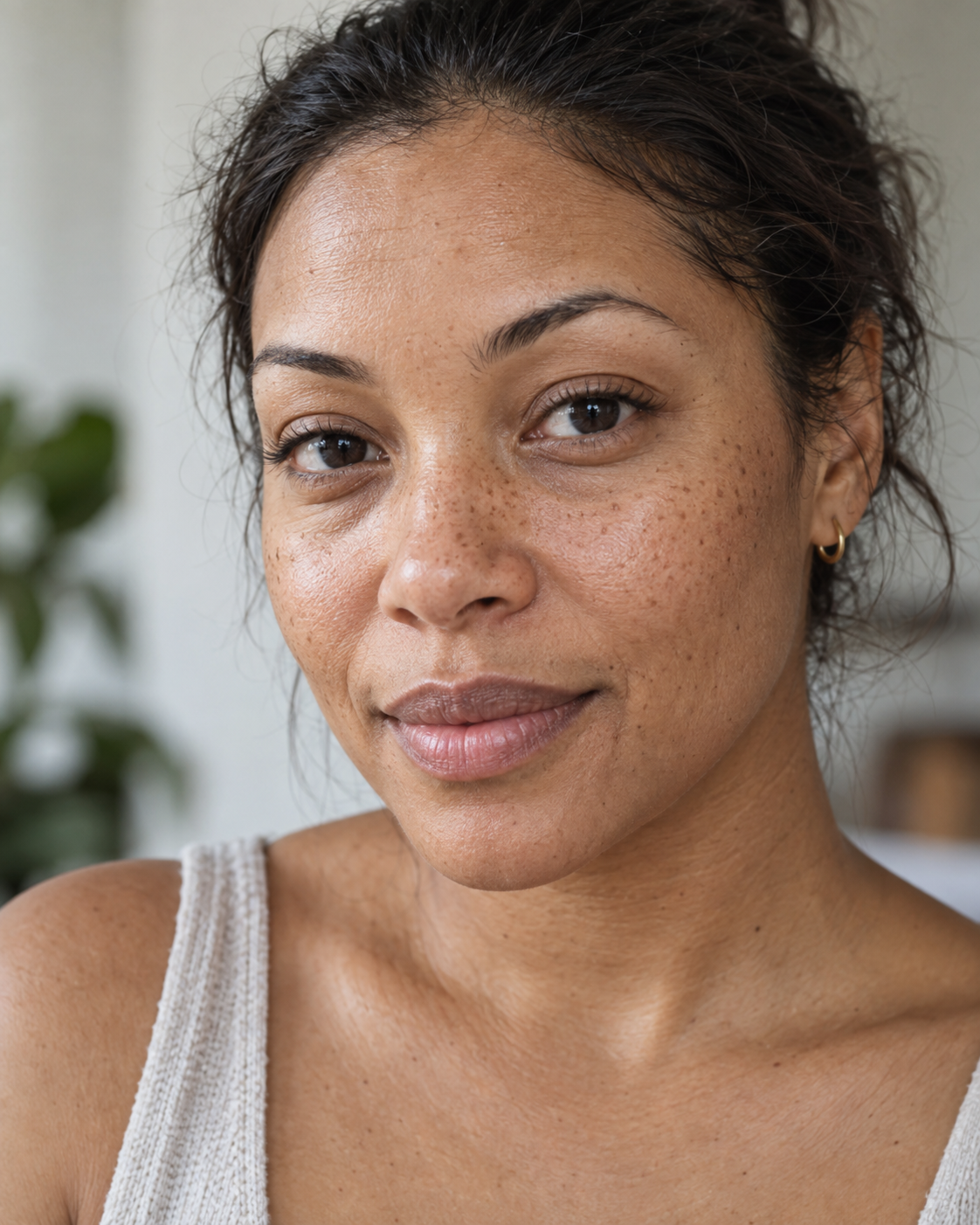
Example result illustrating this prompt's visual direction. Actual results may vary by model, reference image and settings.
 Requires Photo
  Photo Prompts
  ChatGPT Photo Editing Prompts
 True to Life Skin Retouching
Reduce temporary distractions while preserving natural skin and identity.
Prompt
Retouch the uploaded portrait with a light, realistic editorial finish. Keep facial geometry, age, skin tone, freckles, moles, scars, expression, and body proportions unchanged. Reduce temporary blemishes, minor redness, and isolated shine while retaining pores, fine lines, and natural tonal variation. Gently balance exposure around the eyes without erasing under-eye structure. Preserve normal tooth and eye color. Keep hair, clothing, background, lighting direction, and framing unchanged. Do not apply face slimming, beauty filters, makeup, skin lightening, or uniform texture smoothing.
Recommended:
ChatGPT


Upload your photo to the AI tool first, then use this prompt.
The prompt asks the model to preserve identity and key visual features.
How to use it
- Upload the reference photo you want to edit.
- Paste the prompt and provide any requested target details or optional reference images.
- Review the result against your reference and use a relevant failure fix if needed.
Common failure fixes
- If freckles disappear, restore every permanent mark from the reference.
- If skin becomes waxy, reduce smoothing and reintroduce natural pore texture.
- If skin tone shifts, match the reference midtones under corrected light.