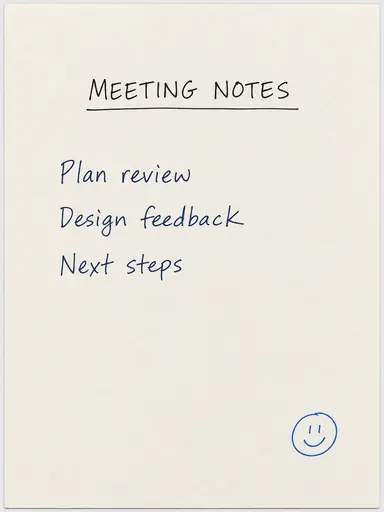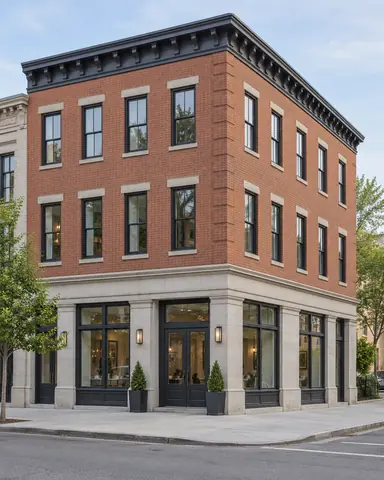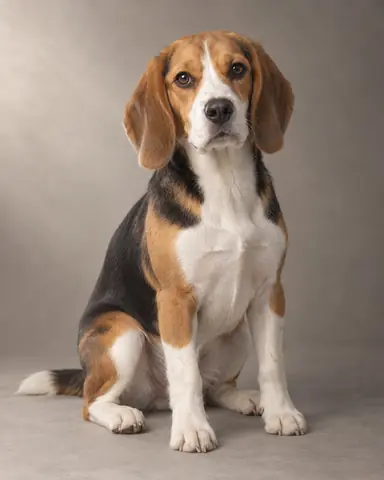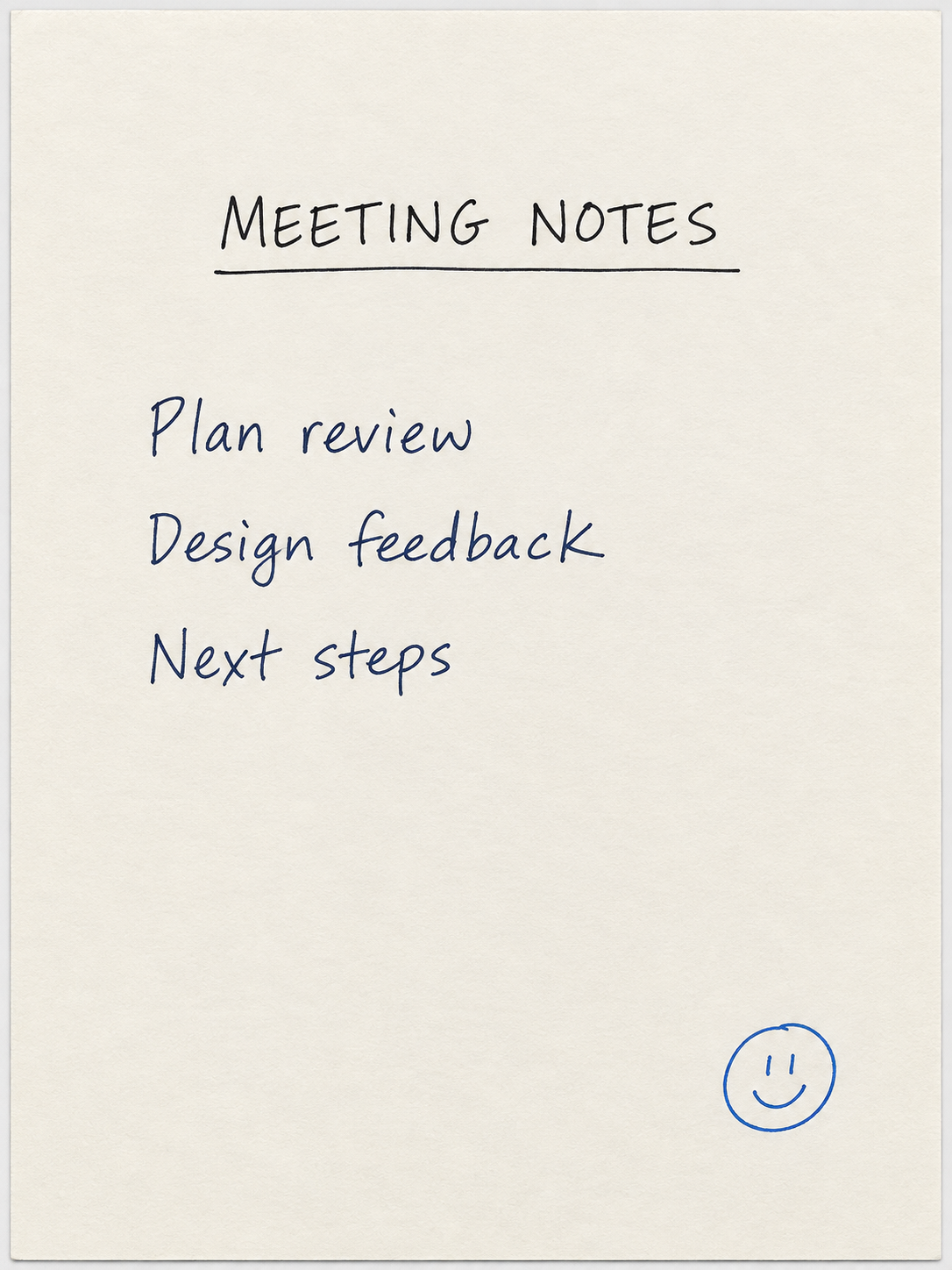
Example result illustrating this prompt's visual direction. Actual results may vary by model, reference image and settings.
 Requires Photo
  Photo Prompts
  ChatGPT Photo Editing Prompts
 Clean Document Photo to Scan Look
Improve a photographed page while preserving every visible mark and word.
Prompt
Clean the uploaded photograph of a document into a readable scan-like image. Correct page perspective and rotation, preserve the full page boundaries, and even out illumination by reducing cast shadows and glare where existing detail supports recovery. Keep all original text, numbers, signatures, stamps, handwriting, annotations, and diagrams exactly as visible. Preserve intentional paper color and meaningful colored markings. Do not rewrite text, change content, remove marks, or invent obscured characters; if key content is unreadable, request a clearer photograph. Use gentle sharpening and retain the page's natural proportions.
Recommended:
ChatGPT


Upload your photo to the AI tool first, then use this prompt.
The prompt asks the model to preserve identity and key visual features.
How to use it
- Upload the reference photo you want to edit.
- Paste the prompt and provide any requested target details or optional reference images.
- Review the result against your reference and use a relevant failure fix if needed.
Common failure fixes
- If wording changes, restore the exact visible text and avoid text regeneration.
- If faint handwriting disappears, reduce whitening and preserve low-contrast marks.
- If glare hides content, request a clearer source instead of inventing letters.