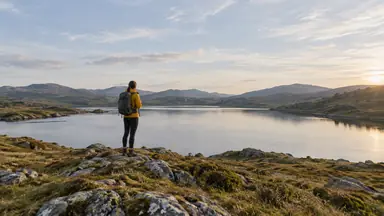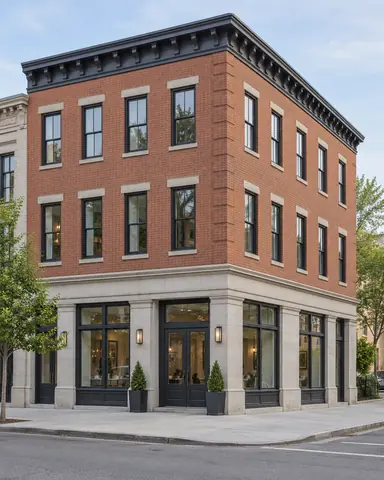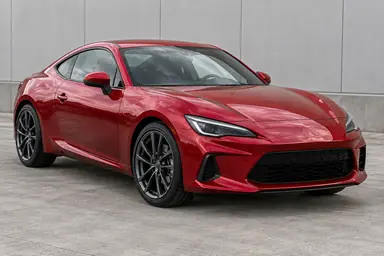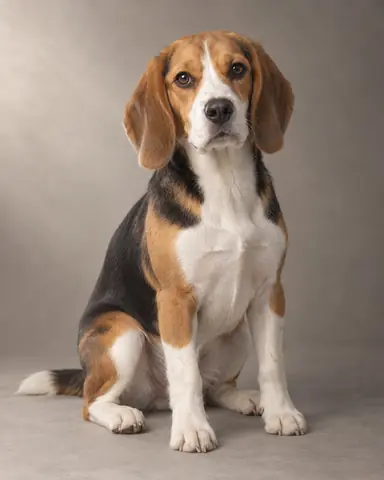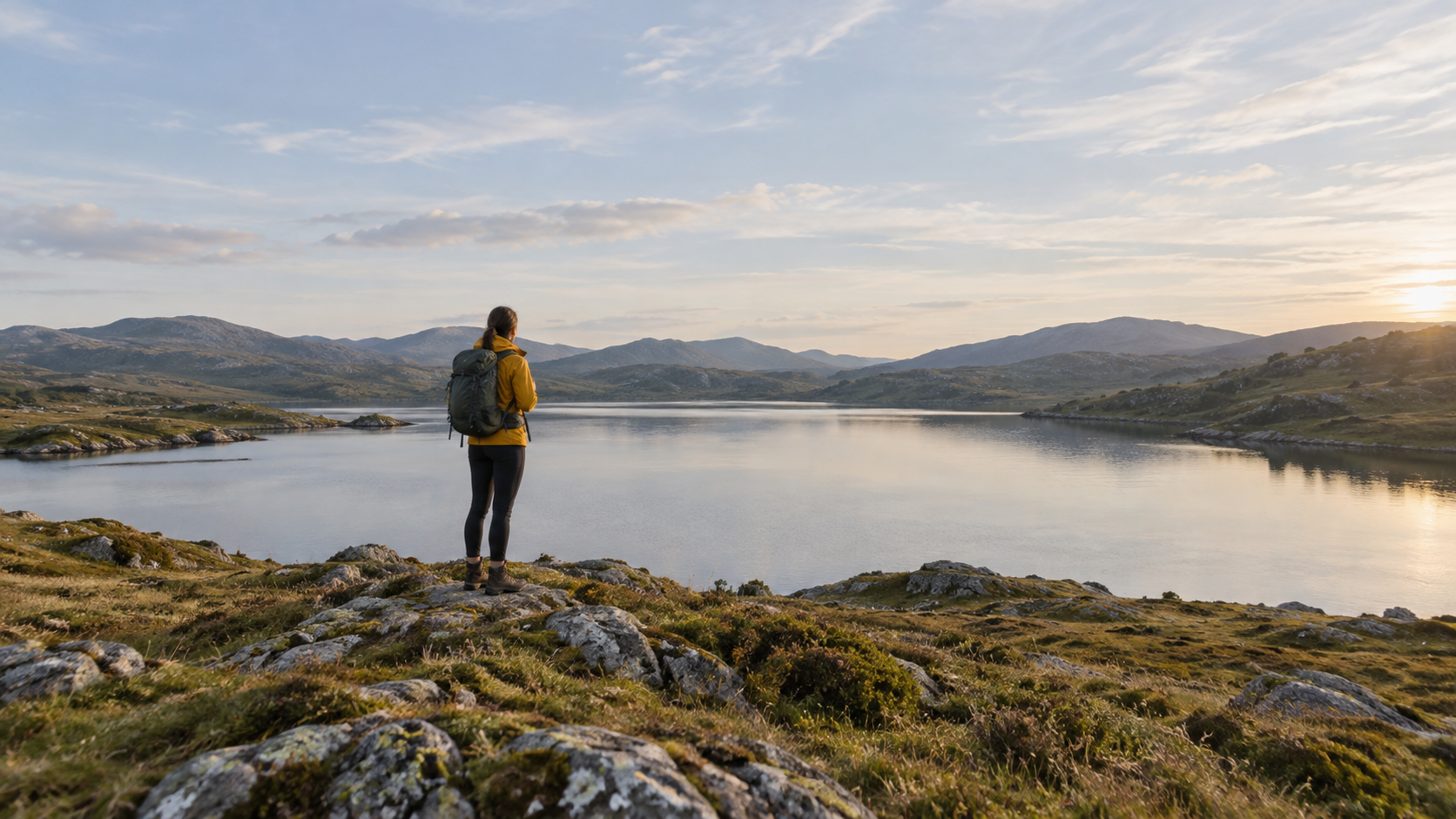
Example result illustrating this prompt's visual direction. Actual results may vary by model, reference image and settings.
 Requires Photo
  Photo Prompts
  ChatGPT Photo Editing Prompts
 Seamless Photo Expansion for a Wide Crop
Extend a photograph horizontally while protecting the original subject.
Prompt
Expand the uploaded photograph horizontally to a 16:9 composition without cropping the original subject. Keep the original image region unchanged as closely as possible, including identity, pose, object placement, and focal detail. Extend only the side areas, continuing the background's perspective, light, texture, depth of field, and horizon. Prefer simple plausible scene continuation; do not add people, text, landmarks, or prominent new objects. Avoid duplicating existing objects or stretching the image. Keep the subject at its original scale and blend the extension boundaries invisibly.
Recommended:
ChatGPT


Upload your photo to the AI tool first, then use this prompt.
The prompt asks the model to preserve identity and key visual features.
How to use it
- Upload the reference photo you want to edit.
- Paste the prompt and provide any requested target details or optional reference images.
- Review the result against your reference and use a relevant failure fix if needed.
Common failure fixes
- If the subject stretches, preserve the original region and generate only side extensions.
- If objects repeat, replace duplicates with simple scene-consistent continuation.
- If seams show, match horizon, texture scale, blur, and exposure across each boundary.