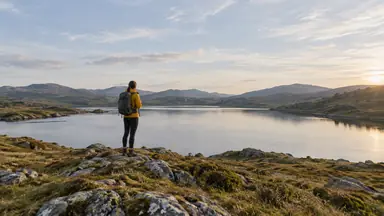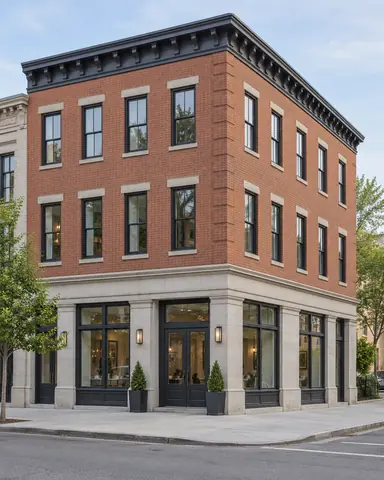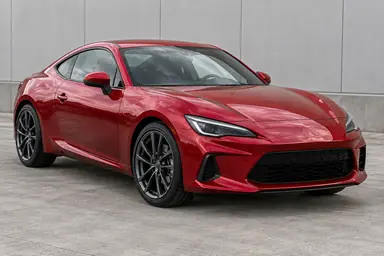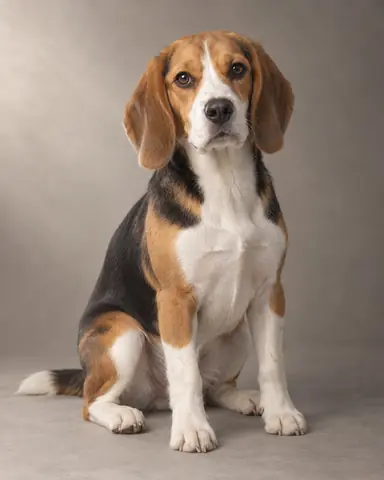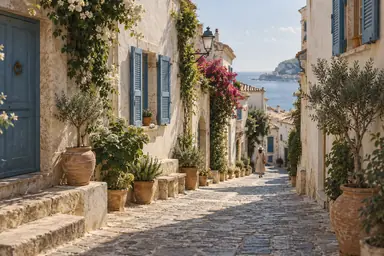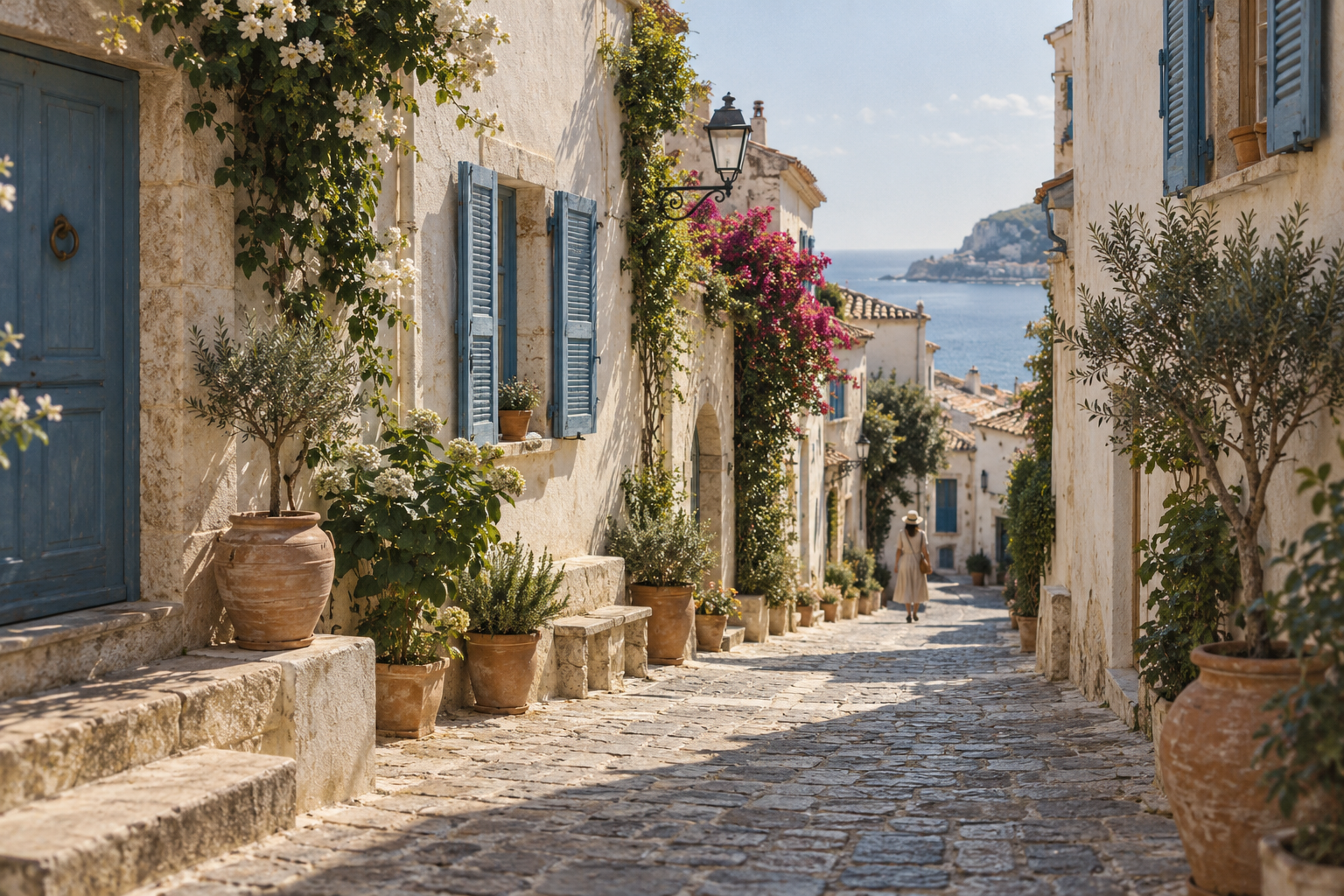
Example result illustrating this prompt's visual direction. Actual results may vary by model, reference image and settings.
 Requires Photo
  Photo Prompts
  ChatGPT Photo Editing Prompts
 Subtle Film Look for Travel Photos
Give travel images a restrained analog finish without changing their content.
Prompt
Apply a subtle analog-film treatment to the uploaded travel photograph. Preserve all people, objects, architecture, perspective, and composition. Use gently warm highlights, slightly cool shadows, restrained greens, and a soft highlight roll-off while keeping natural skin tones and detailed blacks. Add fine, irregular photographic grain scaled to the image rather than coarse noise. Retain clear subject detail and moderate contrast. Do not add date stamps, borders, dust, scratches, light leaks, or new elements. Keep the original aspect ratio and avoid heavy orange-and-teal grading.
Recommended:
ChatGPT


Upload your photo to the AI tool first, then use this prompt.
The prompt asks the model to preserve identity and key visual features.
How to use it
- Upload the reference photo you want to edit.
- Paste the prompt and provide any requested target details or optional reference images.
- Review the result against your reference and use a relevant failure fix if needed.
Common failure fixes
- If skin turns orange, isolate and neutralize skin midtones.
- If grain overwhelms detail, reduce grain size and strength.
- If shadows look washed out, deepen blacks while preserving the soft highlight roll-off.