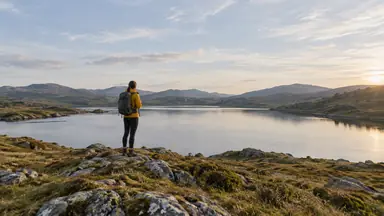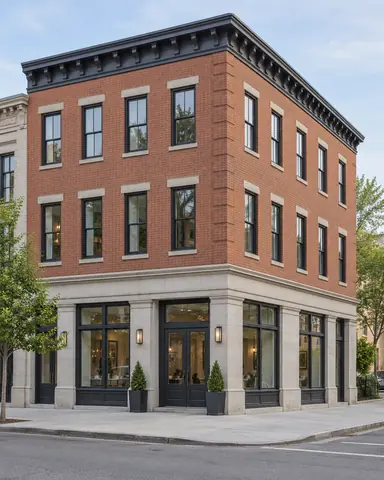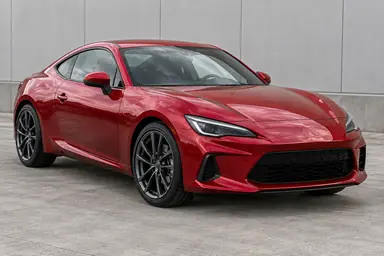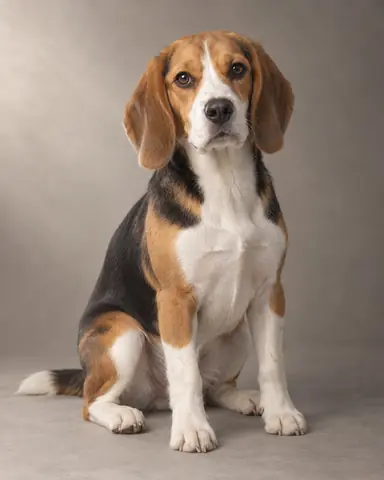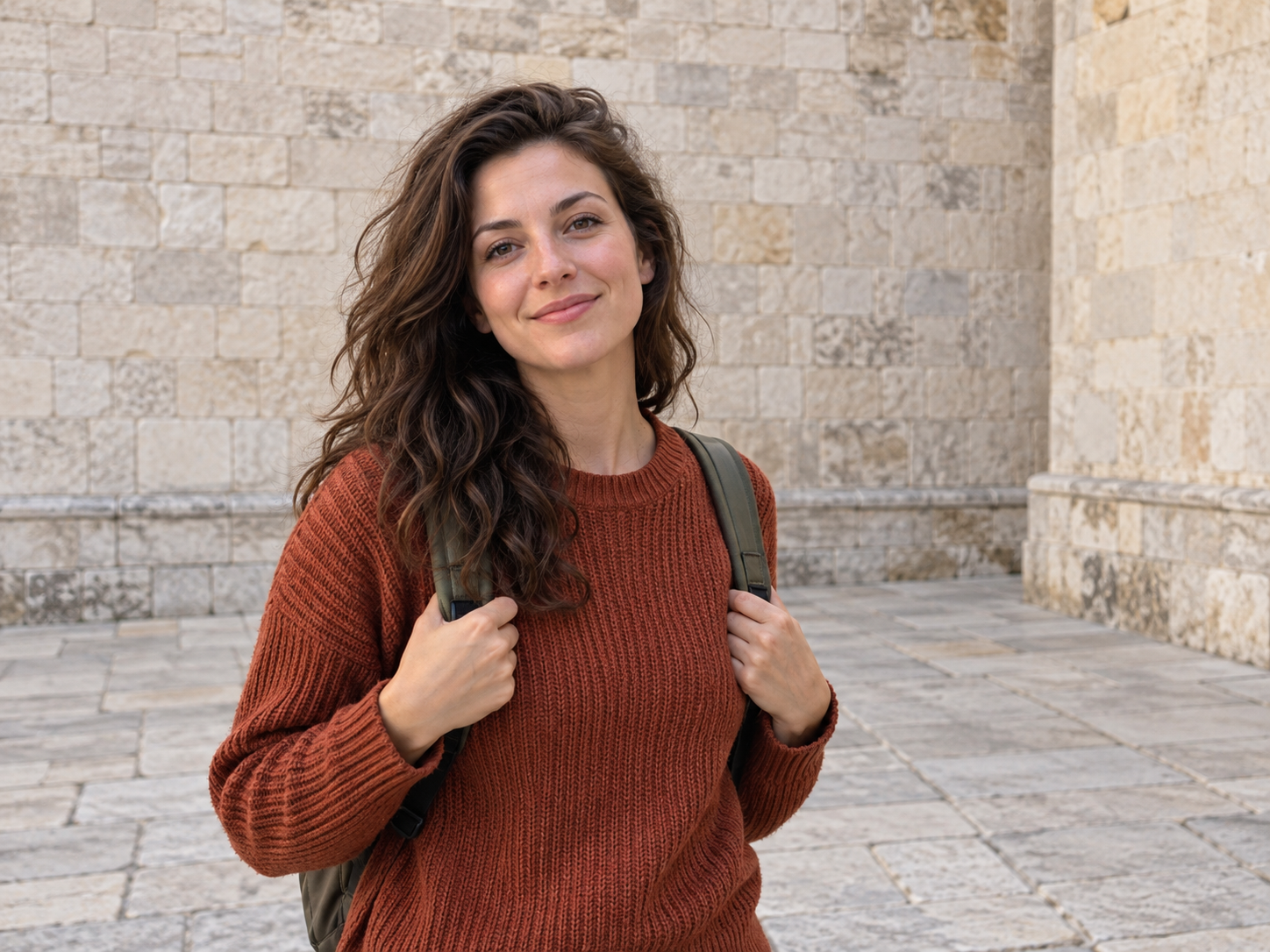
Example result illustrating this prompt's visual direction. Actual results may vary by model, reference image and settings.
 Requires Photo
  Photo Prompts
  ChatGPT Photo Editing Prompts
 Seamless Background Distraction Removal
Remove a selected distraction while keeping the surrounding photograph coherent.
Prompt
Edit the uploaded photograph by removing only the background distraction I identify in my accompanying message or marked image. If no target is identified, ask me which object to remove before editing. Preserve the main subject, all unrelated objects, and the original crop. Reconstruct the cleared area using nearby scene structure, continuing lines, textures, depth of field, and lighting naturally. Remove the target's shadow or reflection only when attributable to that target. Avoid repeated cloning patterns, warped paving, invented signage, or changes to the subject. Return a seamless photographic edit.
Recommended:
ChatGPT


Upload your photo to the AI tool first, then use this prompt.
The prompt asks the model to preserve identity and key visual features.
How to use it
- Upload the reference photo you want to edit.
- Paste the prompt and provide any requested target details or optional reference images.
- Review the result against your reference and use a relevant failure fix if needed.
Common failure fixes
- If the wrong object disappears, use a marked target and restore everything outside it.
- If textures repeat, rebuild the patch with varied nearby texture.
- If a shadow remains, remove only the shadow belonging to the deleted target.