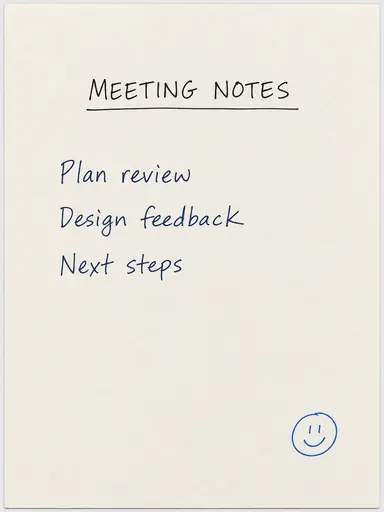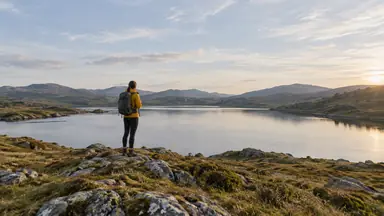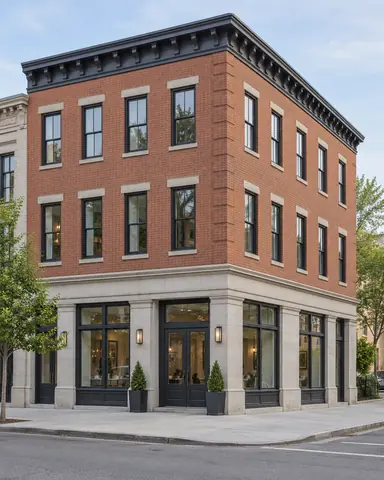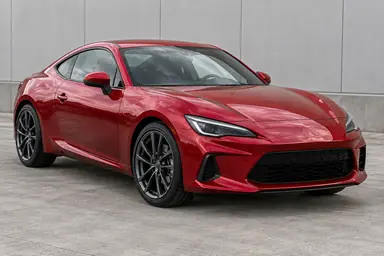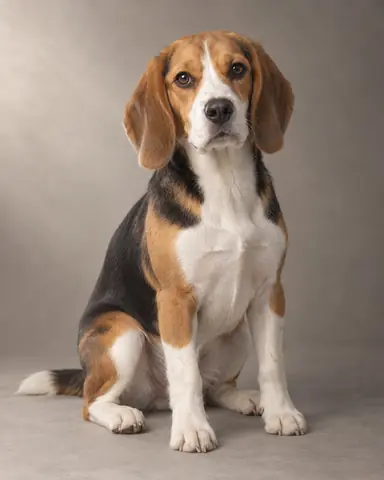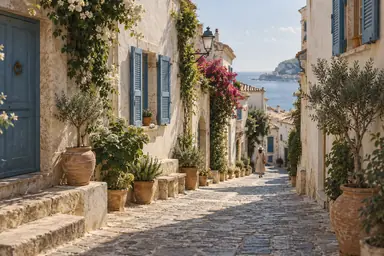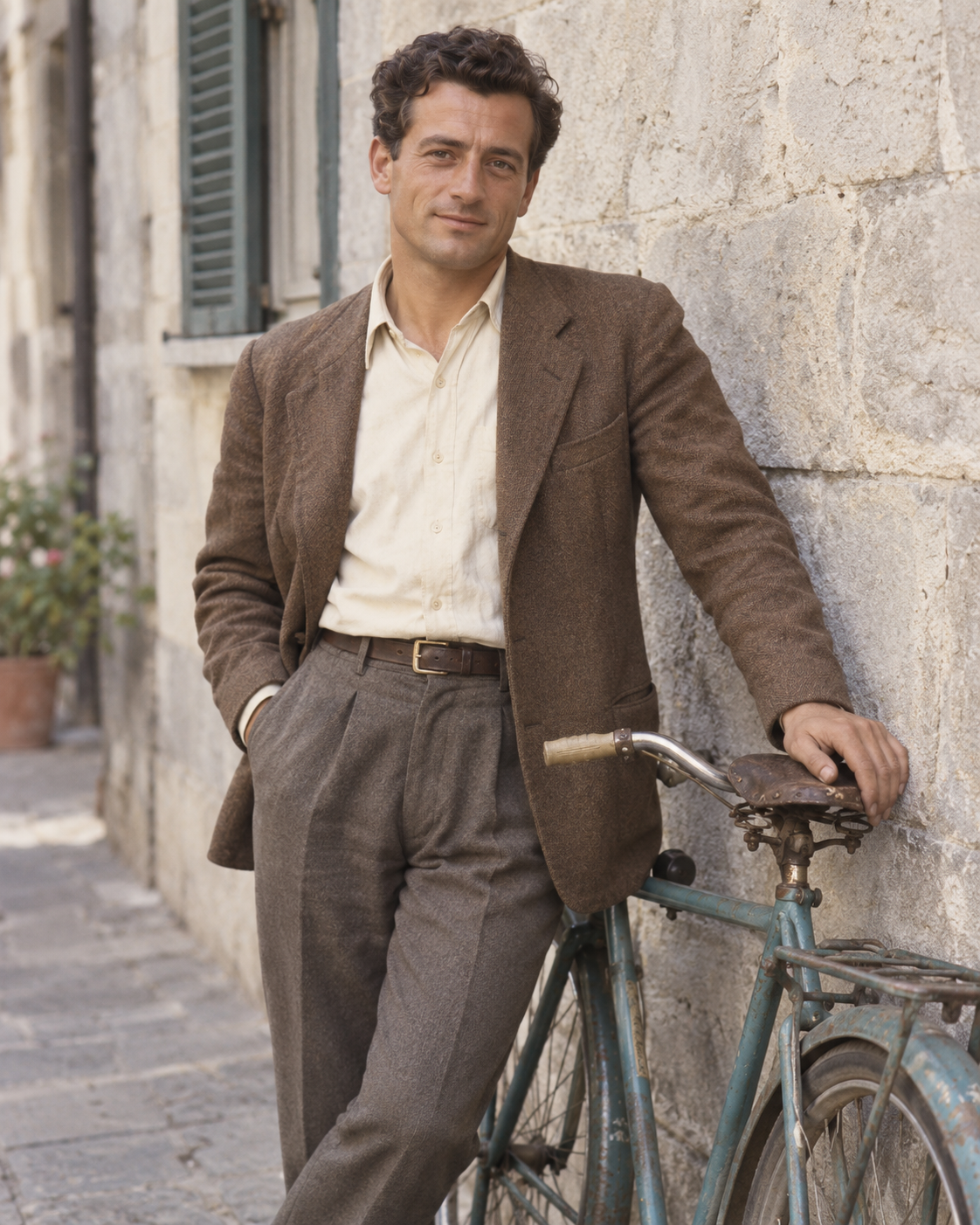
Example result illustrating this prompt's visual direction. Actual results may vary by model, reference image and settings.
 Requires Photo
  Photo Prompts
  ChatGPT Photo Editing Prompts
 Plausible Historical Photo Colorization
Add restrained interpretive color to a monochrome photograph.
Prompt
Colorize the uploaded black-and-white photograph with understated, plausible color. Preserve every face, pose, object, texture, shadow, and photographic grain. Use natural skin variation, muted clothing colors, and material-appropriate hues. Follow any color references supplied with the photo; for unspecified colors, make conservative choices without implying historical certainty. Preserve the source luminance and avoid color bleeding at hair, collars, and fingers. Do not repair away original character or add objects. Keep the original composition and make the result look like a lightly aged color photograph.
Recommended:
ChatGPT


Upload your photo to the AI tool first, then use this prompt.
The prompt asks the model to preserve identity and key visual features.
How to use it
- Upload the reference photo you want to edit.
- Paste the prompt and provide any requested target details or optional reference images.
- Review the result against your reference and use a relevant failure fix if needed.
Common failure fixes
- If color crosses edges, constrain it to the correct skin, fabric, or object region.
- If colors feel modern, reduce saturation and preserve source luminance.
- If supplied color references are ignored, match them before adjusting unspecified hues.