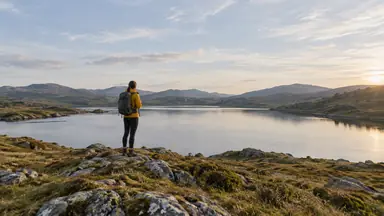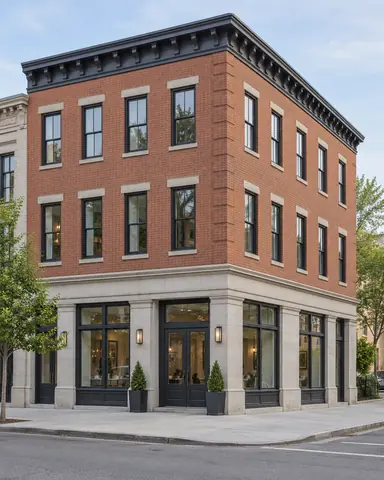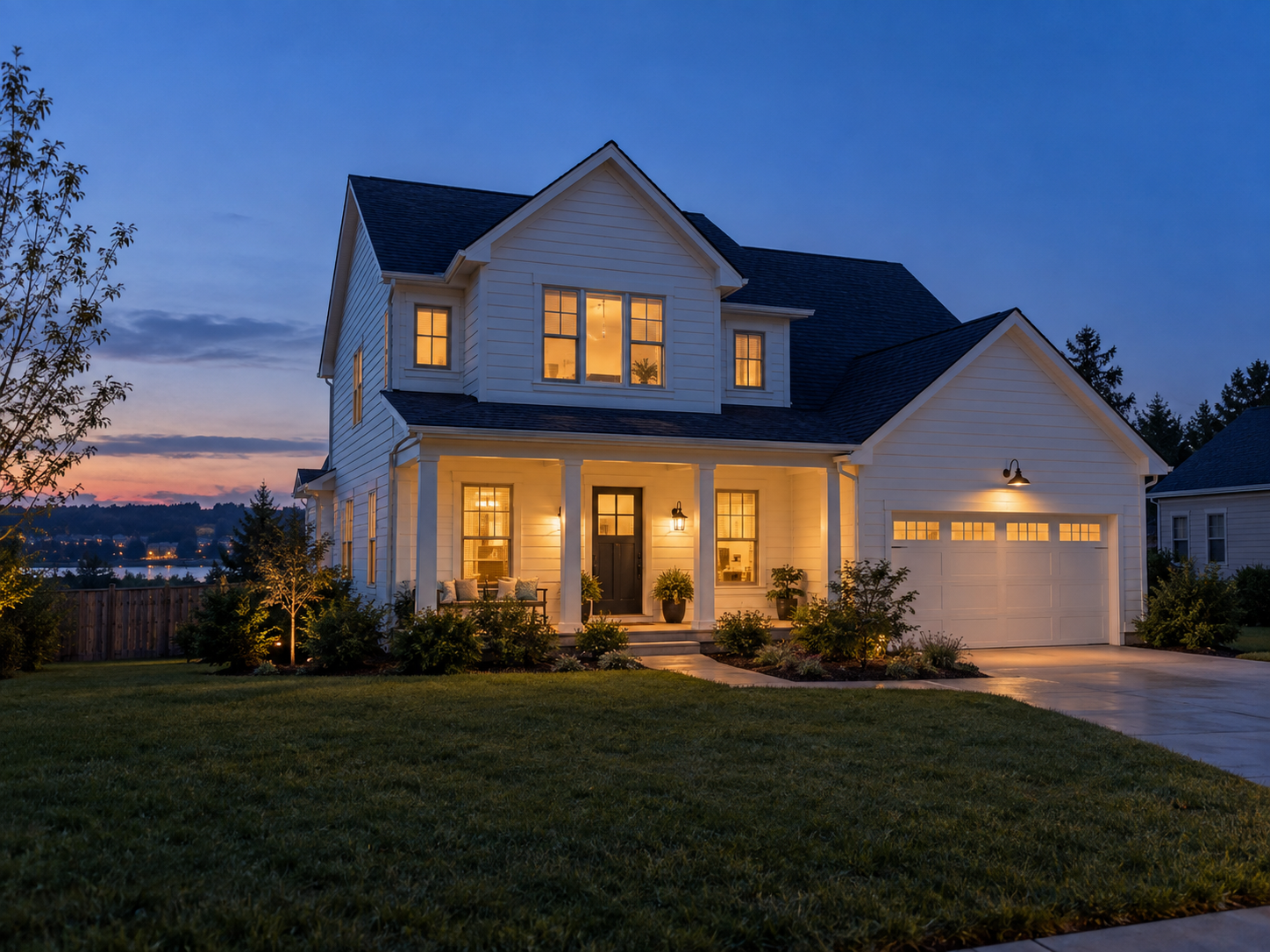
Example result illustrating this prompt's visual direction. Actual results may vary by model, reference image and settings.
 Requires Photo
  Photo Prompts
  ChatGPT Photo Editing Prompts
 Natural Real Estate Twilight Conversion
Convert a daytime exterior into a plausible blue-hour property image.
Prompt
Transform the uploaded exterior property photo into early twilight. Preserve the building, landscaping, driveway, neighboring structures, and camera angle. Replace the daytime sky with a subdued blue-hour gradient consistent with the horizon. Add warm illumination only to existing visible windows and installed exterior fixtures, with gentle spill onto adjacent surfaces. Darken ambient areas naturally while retaining facade detail. Match shadows and reflections to the new low-light setting. Do not add rooms, lights, mountains, or landscaping features. Keep the original composition and realistic photographic contrast.
Recommended:
ChatGPT


Upload your photo to the AI tool first, then use this prompt.
The prompt asks the model to preserve identity and key visual features.
How to use it
- Upload the reference photo you want to edit.
- Paste the prompt and provide any requested target details or optional reference images.
- Review the result against your reference and use a relevant failure fix if needed.
Common failure fixes
- If new fixtures appear, remove them and illuminate only existing light sources.
- If the sky is too bright, lower its luminance to match twilight exposure.
- If windows glow uniformly, retain window divisions and vary visible interior brightness.