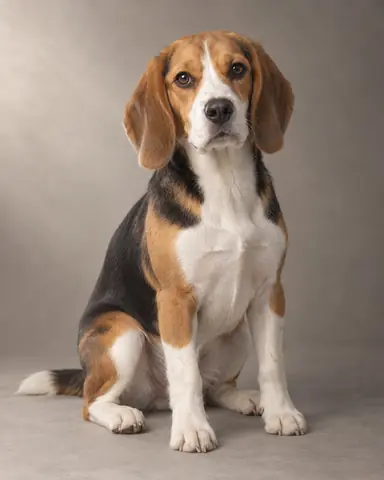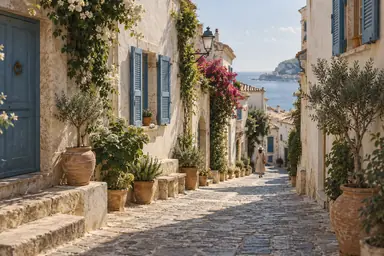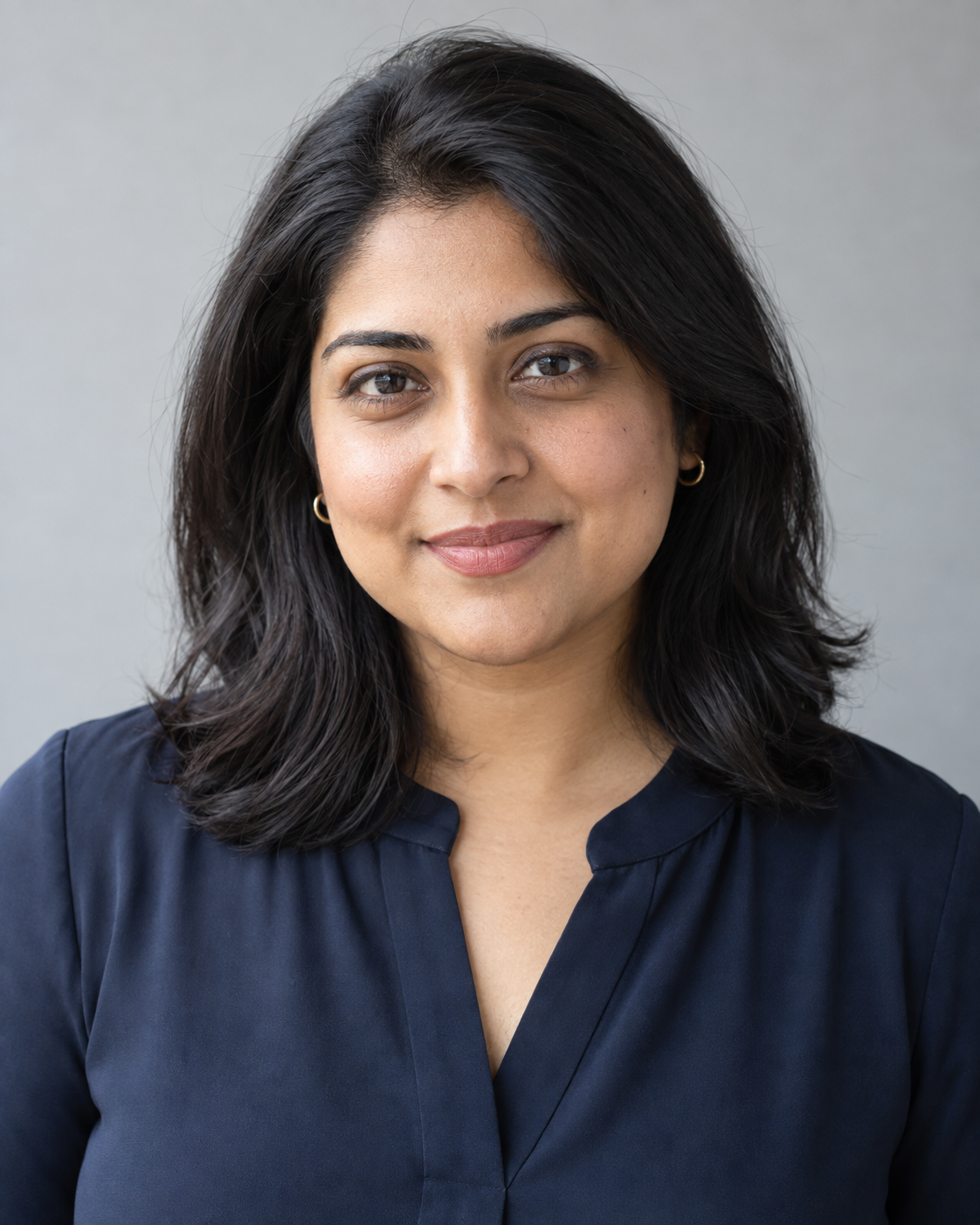
Example result illustrating this prompt's visual direction. Actual results may vary by model, reference image and settings.
 Requires Photo
  Photo Prompts
  ChatGPT Photo Editing Prompts
 Natural Professional Headshot
Turn a casual portrait into a polished, identity-preserving professional headshot.
Prompt
Edit the uploaded portrait into a professional headshot. Preserve the person's facial proportions, age, skin tone, hairline, distinctive marks, and expression. Frame from the upper chest upward at eye level. Use a soft light-gray studio background, broad window-style key light, gentle fill, and realistic catchlights. Retain the existing clothing while removing only distracting lint or creases. Keep pores, natural under-eye texture, and individual hairs; do not reshape the face or whiten teeth beyond realism. Produce a clean 4:5 composition with comfortable headroom.
Recommended:
ChatGPT


Upload your photo to the AI tool first, then use this prompt.
The prompt asks the model to preserve identity and key visual features.
How to use it
- Upload the reference photo you want to edit.
- Paste the prompt and provide any requested target details or optional reference images.
- Review the result against your reference and use a relevant failure fix if needed.
Common failure fixes
- If the face changes, use the original facial geometry and distinctive marks without beautification.
- If skin looks plastic, restore pores and reduce smoothing.
- If the crop feels cramped, expand headroom without shrinking the face.