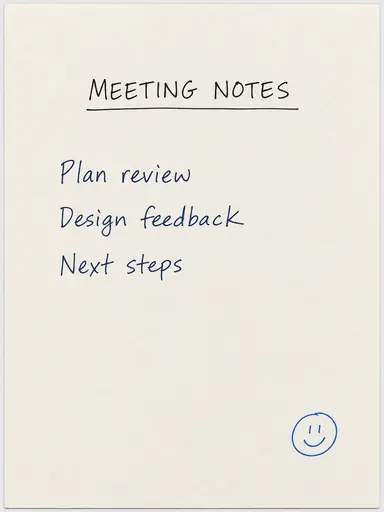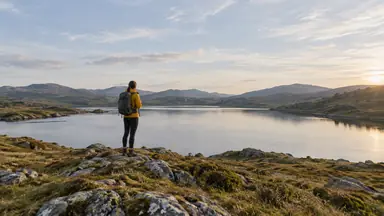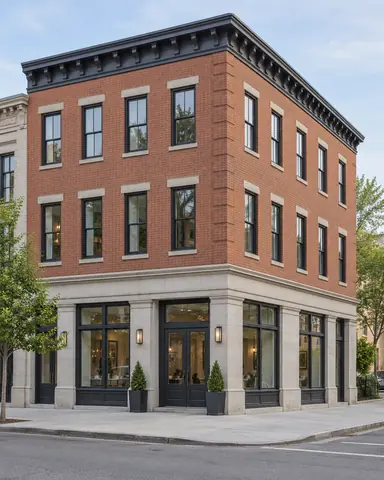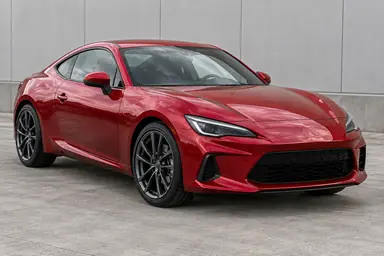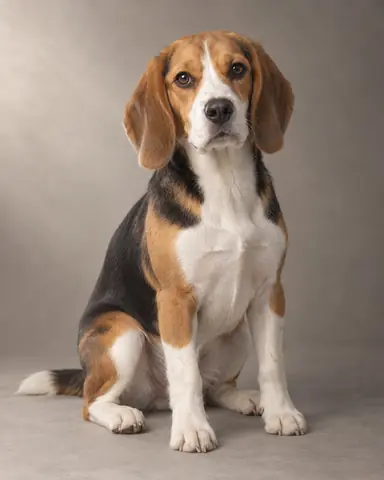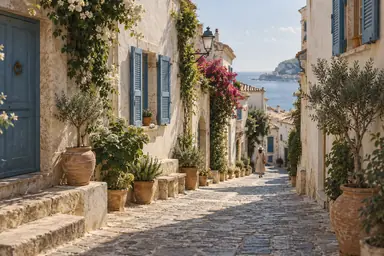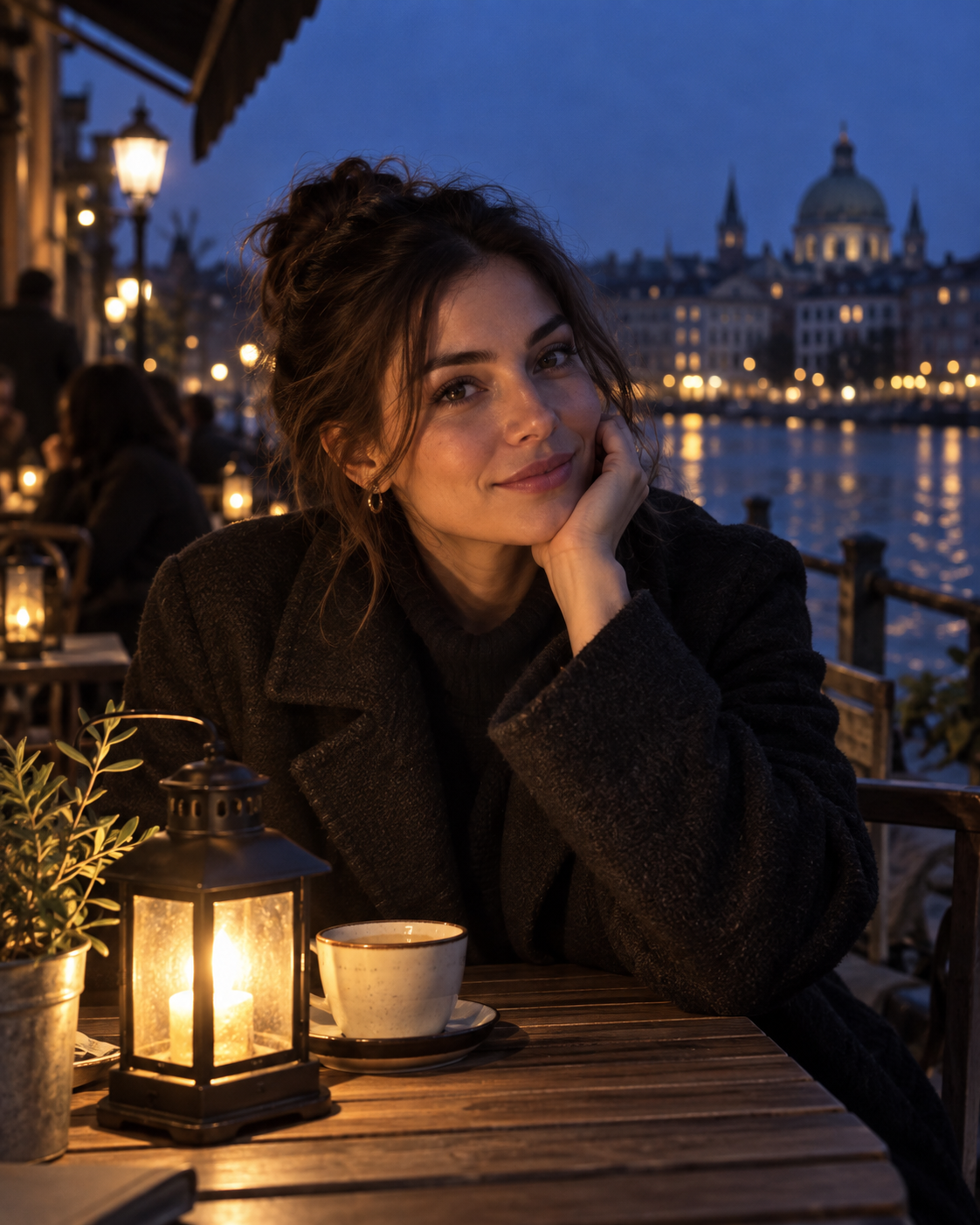
Example result illustrating this prompt's visual direction. Actual results may vary by model, reference image and settings.
 Requires Photo
  Photo Prompts
  ChatGPT Photo Editing Prompts
 Natural Low Light Photo Recovery
Improve a dark photo with restrained noise reduction and realistic detail.
Prompt
Improve the uploaded low-light photograph while preserving the scene's nighttime atmosphere. Raise exposure enough to reveal the main subject, protect bright lamps and signs, and correct excessive color casts without neutralizing intentional warm light. Reduce chroma noise strongly and luminance noise gently, retaining skin, hair, fabric, and surface texture. Preserve the original subjects, facial features, framing, and depth of field. Do not invent unreadable text or pretend to recover details hidden by severe blur. Keep plausible deep shadows and avoid daytime brightness, halos, or oversharpening.
Recommended:
ChatGPT


Upload your photo to the AI tool first, then use this prompt.
The prompt asks the model to preserve identity and key visual features.
How to use it
- Upload the reference photo you want to edit.
- Paste the prompt and provide any requested target details or optional reference images.
- Review the result against your reference and use a relevant failure fix if needed.
Common failure fixes
- If the scene resembles daylight, lower ambient exposure while retaining subject detail.
- If surfaces look smeared, reduce luminance denoising and restore texture.
- If lamp edges have halos, reduce local contrast around bright sources.