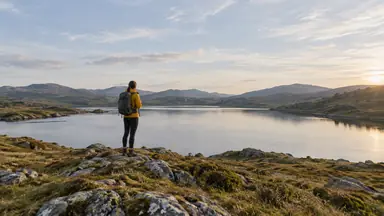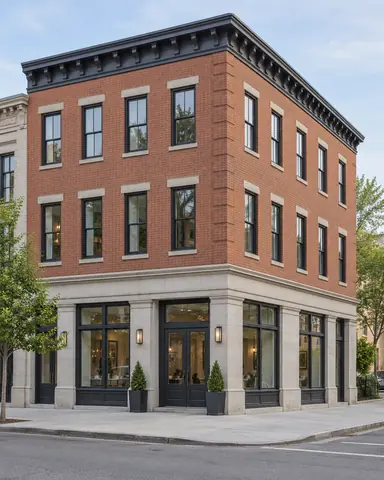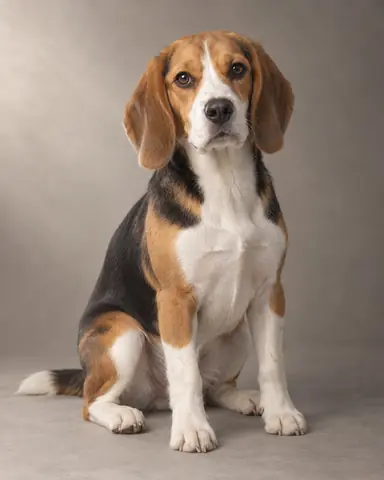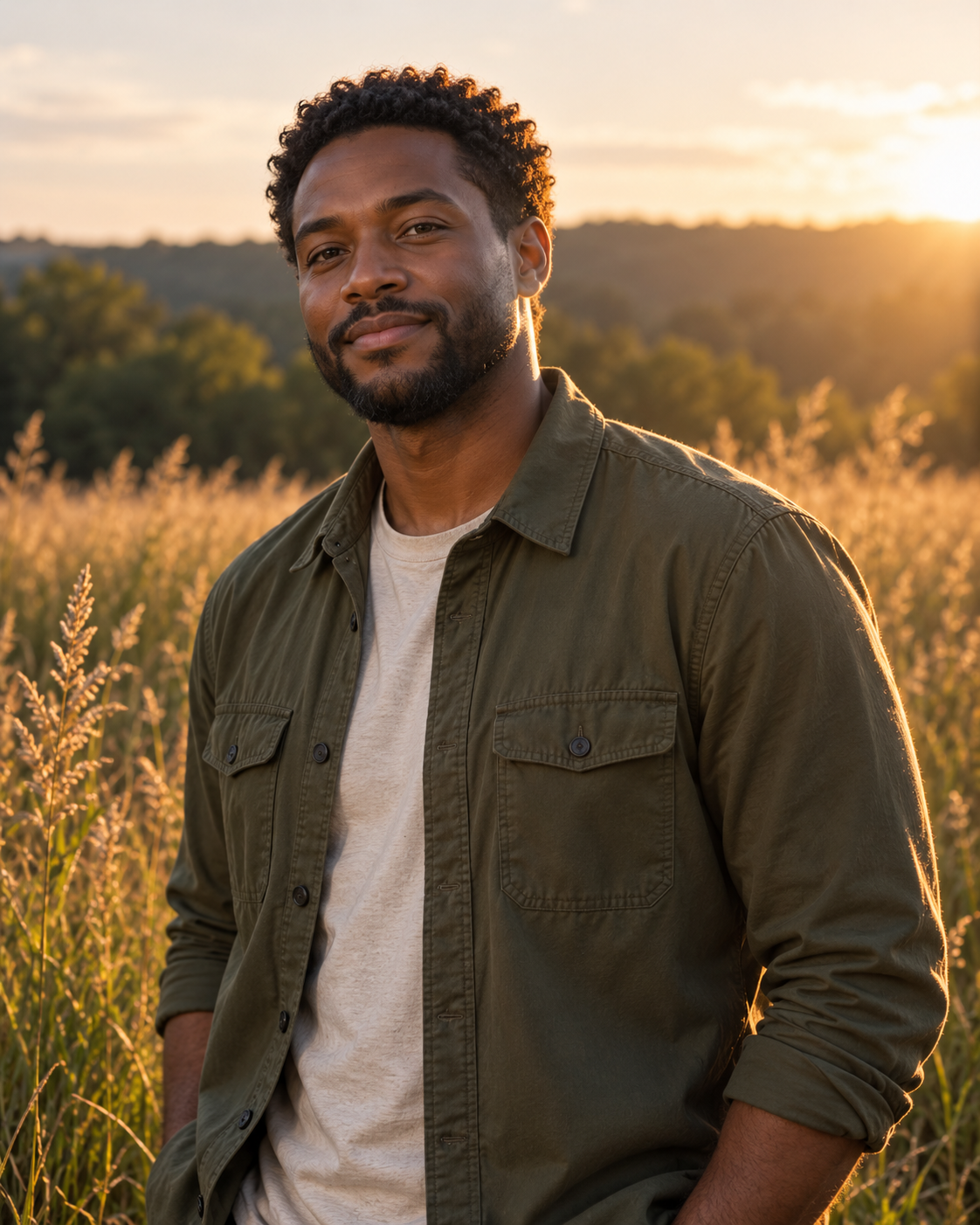
Example result illustrating this prompt's visual direction. Actual results may vary by model, reference image and settings.
 Requires Photo
  Photo Prompts
  ChatGPT Photo Editing Prompts
 Golden Hour Portrait Relighting
Give an existing outdoor portrait believable warm sunset light.
Prompt
Relight the uploaded outdoor portrait as a natural golden-hour photograph. Preserve identity, pose, outfit, background structures, and camera position. Place the low warm sun behind the subject on camera right, adding a fine rim to hair and shoulders and soft neutral fill on the face. Make scene shadows agree with this direction. Keep skin color believable, protect bright detail, and use restrained warm highlights with slightly cooler shadows. Retain the original depth of field and aspect ratio. Avoid orange skin, artificial sun disks, and heavy lens flare.
Recommended:
ChatGPT


Upload your photo to the AI tool first, then use this prompt.
The prompt asks the model to preserve identity and key visual features.
How to use it
- Upload the reference photo you want to edit.
- Paste the prompt and provide any requested target details or optional reference images.
- Review the result against your reference and use a relevant failure fix if needed.
Common failure fixes
- If skin becomes orange, keep facial midtones neutral and warm only the light.
- If shadows conflict, align all shadows with the sun behind camera right.
- If the rim looks neon, reduce its brightness and width.