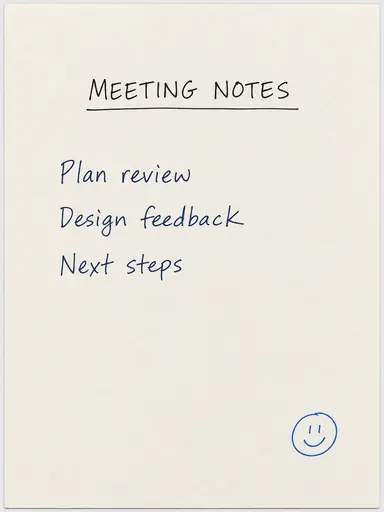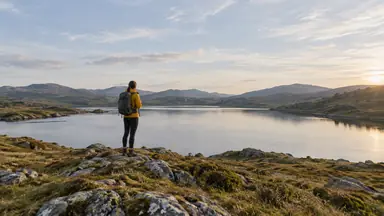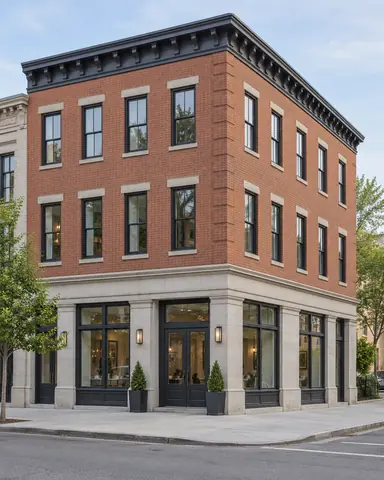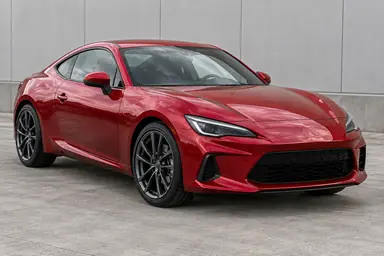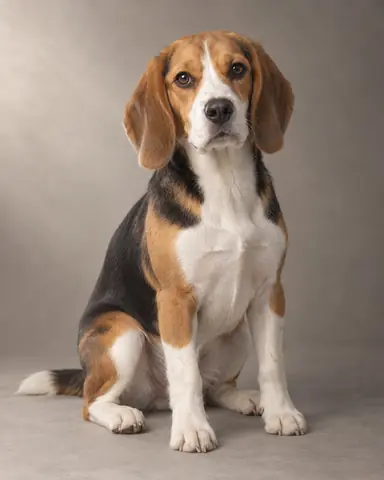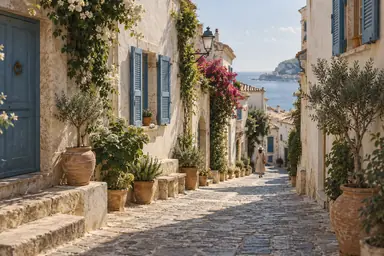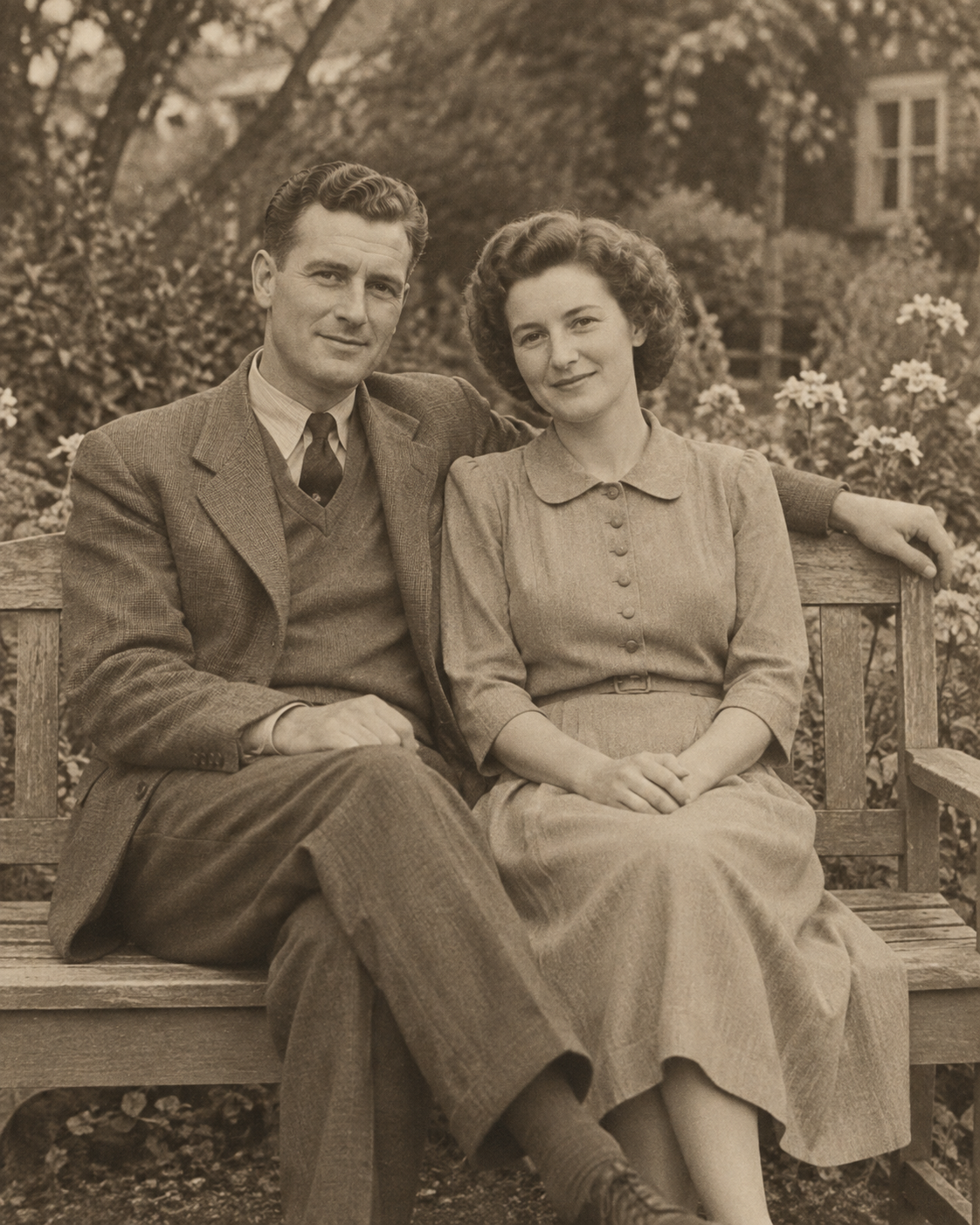
Example result illustrating this prompt's visual direction. Actual results may vary by model, reference image and settings.
 Requires Photo
  Photo Prompts
  ChatGPT Photo Editing Prompts
 Conservative Old Photo Restoration
Repair visible damage while preserving the character of an old photograph.
Prompt
Restore the uploaded old photograph conservatively. Remove dust, scratches, small tears, and staining while keeping the original people, faces, clothing, setting, and crop. Reconstruct damaged areas only when surrounding evidence supports the repair; leave uncertain facial details understated instead of inventing features. Correct uneven fading and restore moderate contrast while preserving the original monochrome or sepia tone and fine grain. Do not colorize, modernize clothing, erase age, or turn faces into polished modern portraits. Preserve any intentional border, and output the repaired image at the original aspect ratio.
Recommended:
ChatGPT


Upload your photo to the AI tool first, then use this prompt.
The prompt asks the model to preserve identity and key visual features.
How to use it
- Upload the reference photo you want to edit.
- Paste the prompt and provide any requested target details or optional reference images.
- Review the result against your reference and use a relevant failure fix if needed.
Common failure fixes
- If faces look invented, reduce reconstruction and preserve the original visible features.
- If the image looks modern, restore fine grain and its original tonal palette.
- If repairs form blurry patches, match local texture across the repair boundary.