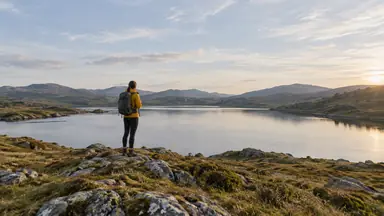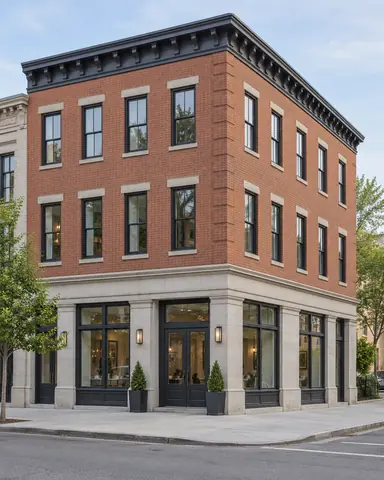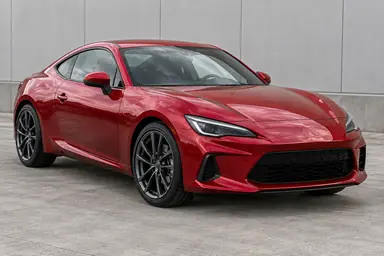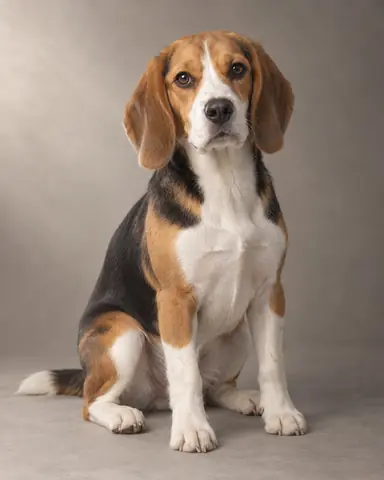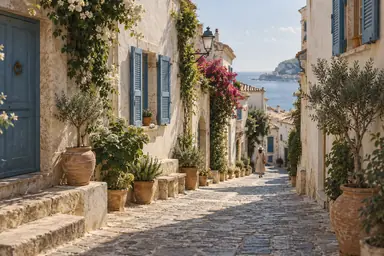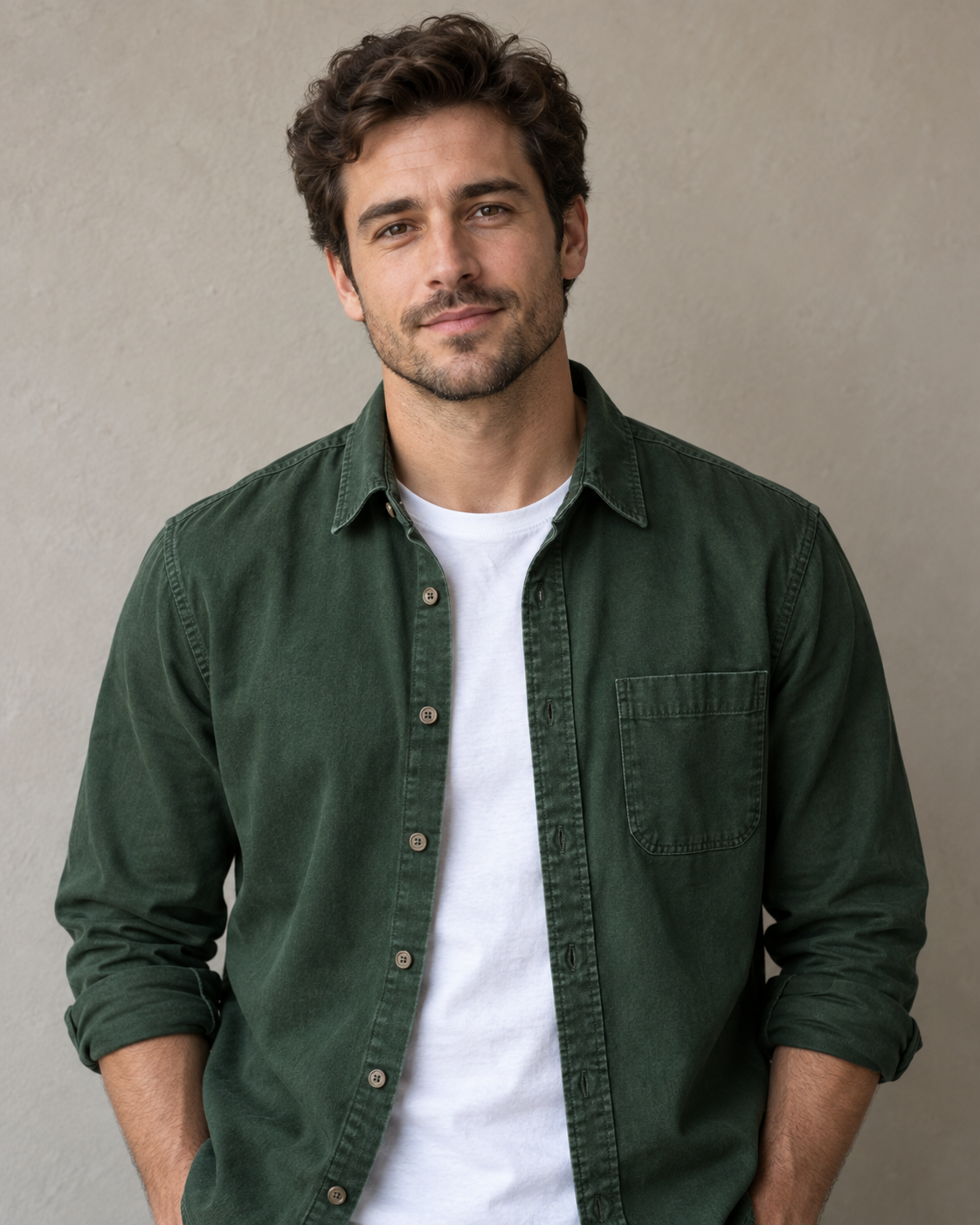
Example result illustrating this prompt's visual direction. Actual results may vary by model, reference image and settings.
 Requires Photo
  Photo Prompts
  ChatGPT Photo Editing Prompts
 Clothing Color Change with Fabric Detail
Recolor a selected garment while retaining its cut, texture, and shadows.
Prompt
In the uploaded photo, change only the garment I identify to the color I specify. If the garment or target color is missing, ask for the missing detail before editing. Preserve the person's identity, skin, hair, pose, body shape, and all other clothing. Maintain the selected garment's seams, buttons, print, weave, folds, and material response to light. Apply the new color consistently through lit and shadowed regions without painting over texture. Keep logos and multicolor trim unchanged unless explicitly included in my request. Leave the background and crop intact.
Recommended:
ChatGPT


Upload your photo to the AI tool first, then use this prompt.
The prompt asks the model to preserve identity and key visual features.
How to use it
- Upload the reference photo you want to edit.
- Paste the prompt and provide any requested target details or optional reference images.
- Review the result against your reference and use a relevant failure fix if needed.
Common failure fixes
- If color spills onto skin, confine the edit to the selected garment.
- If the fabric becomes flat, restore luminance variation and weave from the source.
- If trim changes unintentionally, restore its original color and boundaries.