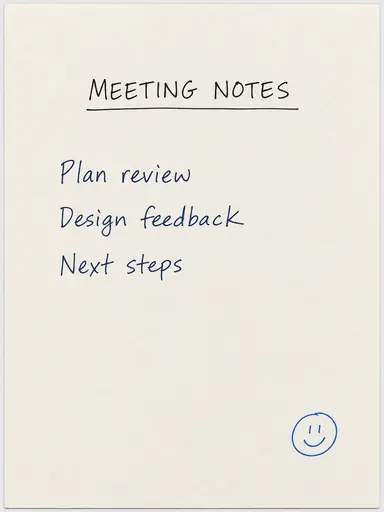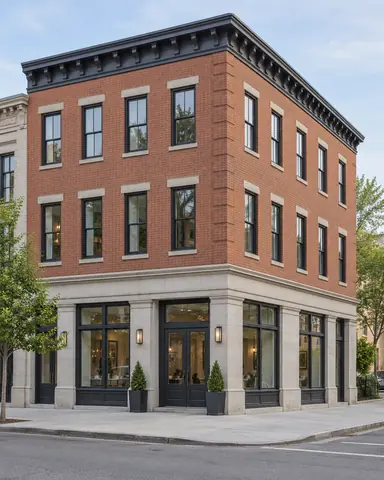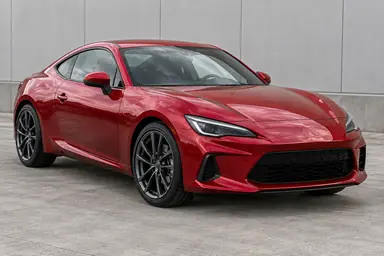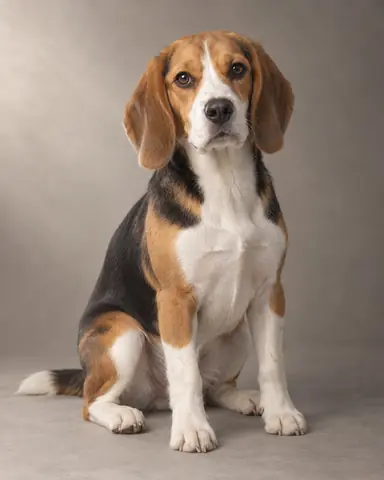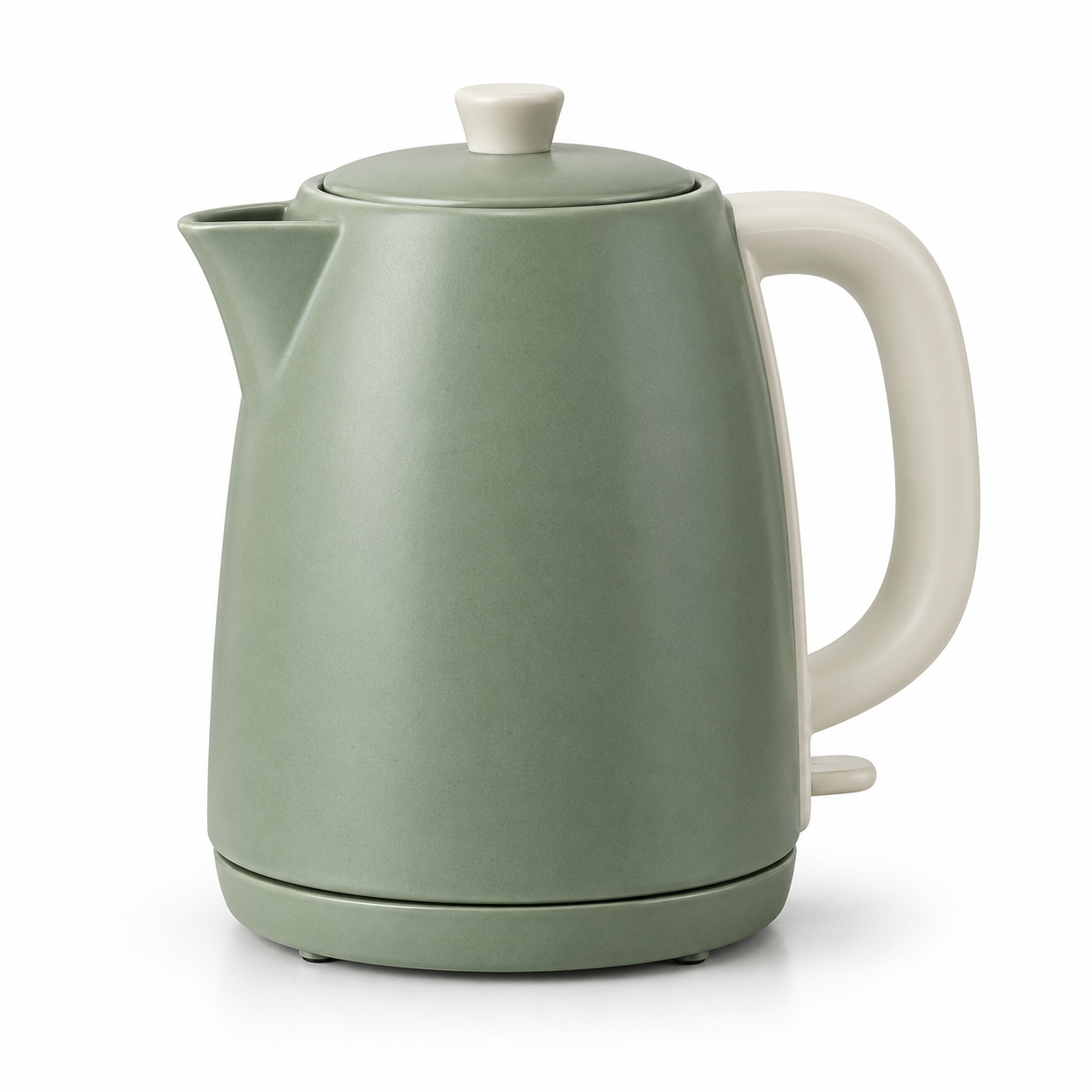
Example result illustrating this prompt's visual direction. Actual results may vary by model, reference image and settings.
 Requires Photo
  Photo Prompts
  ChatGPT Photo Editing Prompts
 Clean White Background Product Photo
Create a clean catalog image while retaining exact product shape and detail.
Prompt
Edit the uploaded product photograph into a clean catalog image. Isolate the existing product on a uniform white background while preserving its silhouette, dimensions, color, material, seams, controls, and any existing markings. Do not invent text or repair unreadable labels by guessing. Center it with even margins, use soft studio light, and retain a faint natural contact shadow beneath the base so it is grounded. Remove dust and background clutter only. Keep transparent or reflective areas physically plausible and all product edges sharp without halos. Output a square composition.
Recommended:
ChatGPT


Upload your photo to the AI tool first, then use this prompt.
The prompt asks the model to preserve identity and key visual features.
How to use it
- Upload the reference photo you want to edit.
- Paste the prompt and provide any requested target details or optional reference images.
- Review the result against your reference and use a relevant failure fix if needed.
Common failure fixes
- If edges glow, remove fringe while preserving fine silhouette detail.
- If the product floats, add a short soft shadow directly beneath its base.
- If the shape changes, restore the reference proportions and component placement.