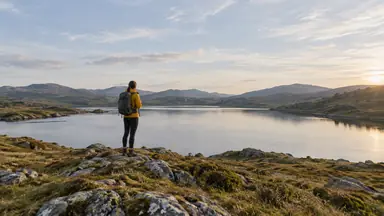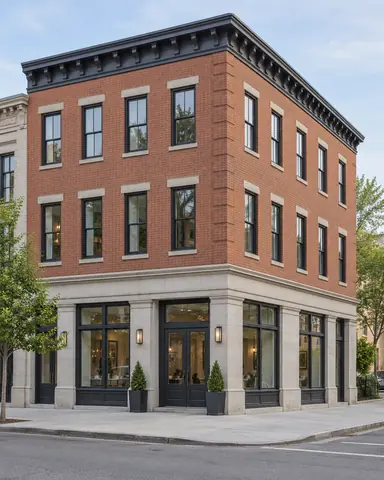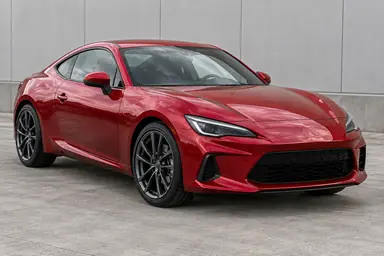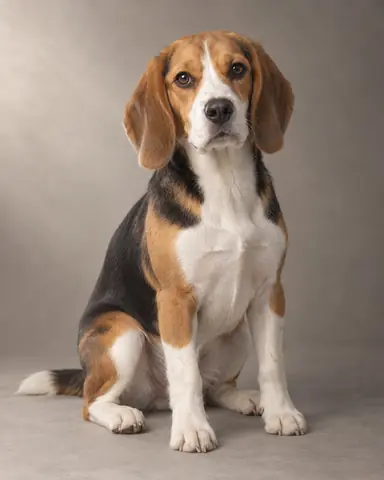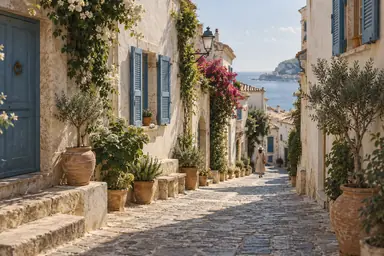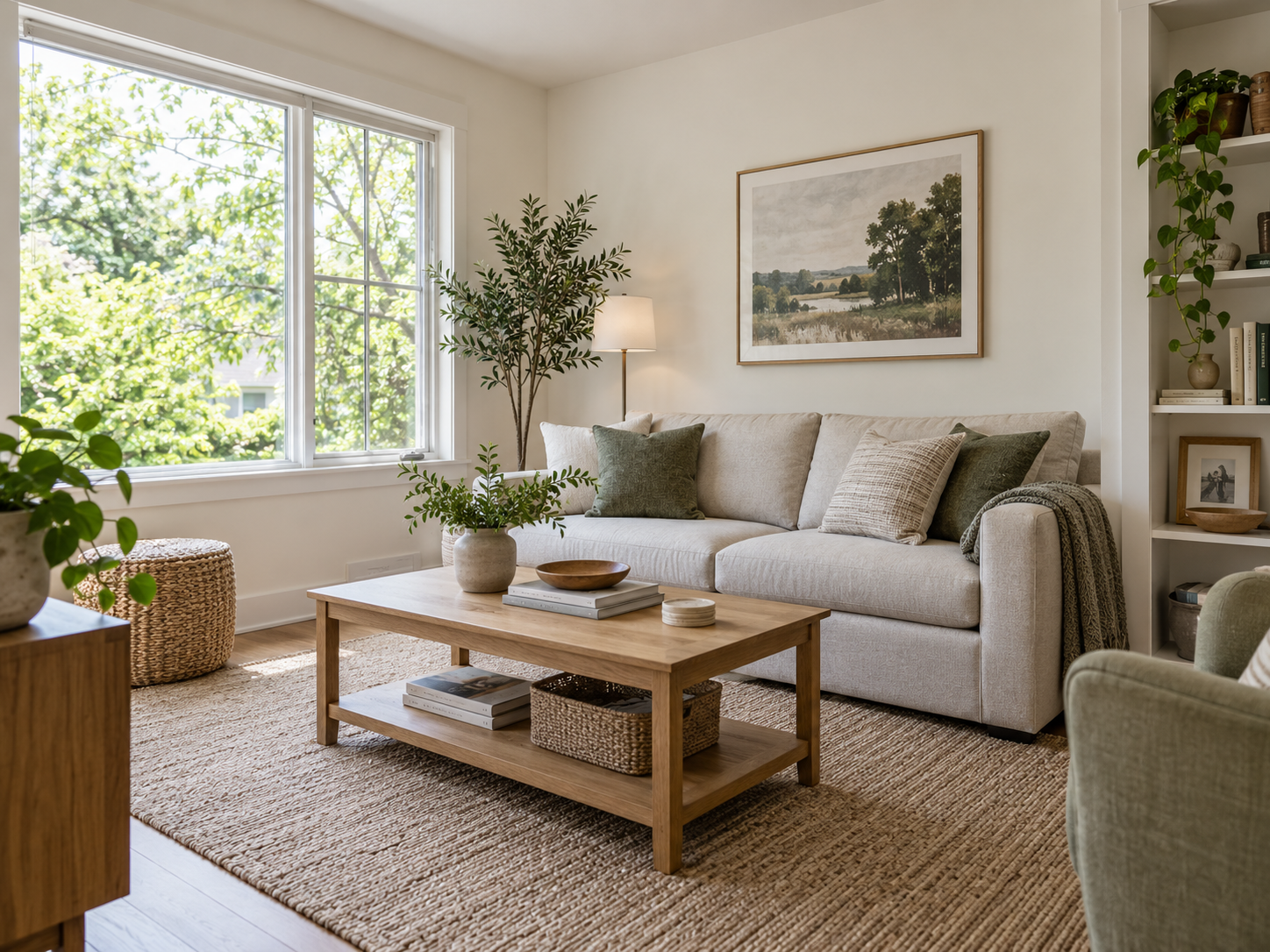
Example result illustrating this prompt's visual direction. Actual results may vary by model, reference image and settings.
 Requires Photo
  Photo Prompts
  ChatGPT Photo Editing Prompts
 Bright and Balanced Interior Photo
Balance indoor exposure and window detail without changing the room.
Prompt
Edit the uploaded interior photograph for a bright, natural architectural presentation. Preserve the room dimensions, doors, windows, furnishings, materials, and outside view. Correct vertical perspective without stretching furniture. Balance window highlights and indoor shadows so both retain believable detail; do not fabricate a view where it is unrecoverable. Neutralize mixed-light color casts while keeping warm lamps subtly warm. Preserve material texture and gentle corner shadows. Do not add decor or remove fixtures. Retain the widest usable composition after perspective correction, with no extreme HDR effect.
Recommended:
ChatGPT


Upload your photo to the AI tool first, then use this prompt.
The prompt asks the model to preserve identity and key visual features.
How to use it
- Upload the reference photo you want to edit.
- Paste the prompt and provide any requested target details or optional reference images.
- Review the result against your reference and use a relevant failure fix if needed.
Common failure fixes
- If the room appears enlarged, restore the reference geometry and field of view.
- If windows look pasted in, soften exposure transitions around the frames.
- If walls turn gray, raise neutral midtones while retaining corner shading.