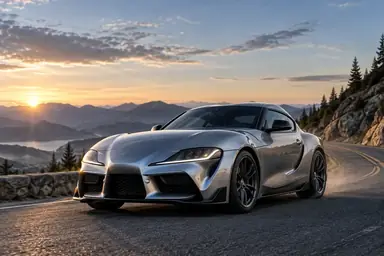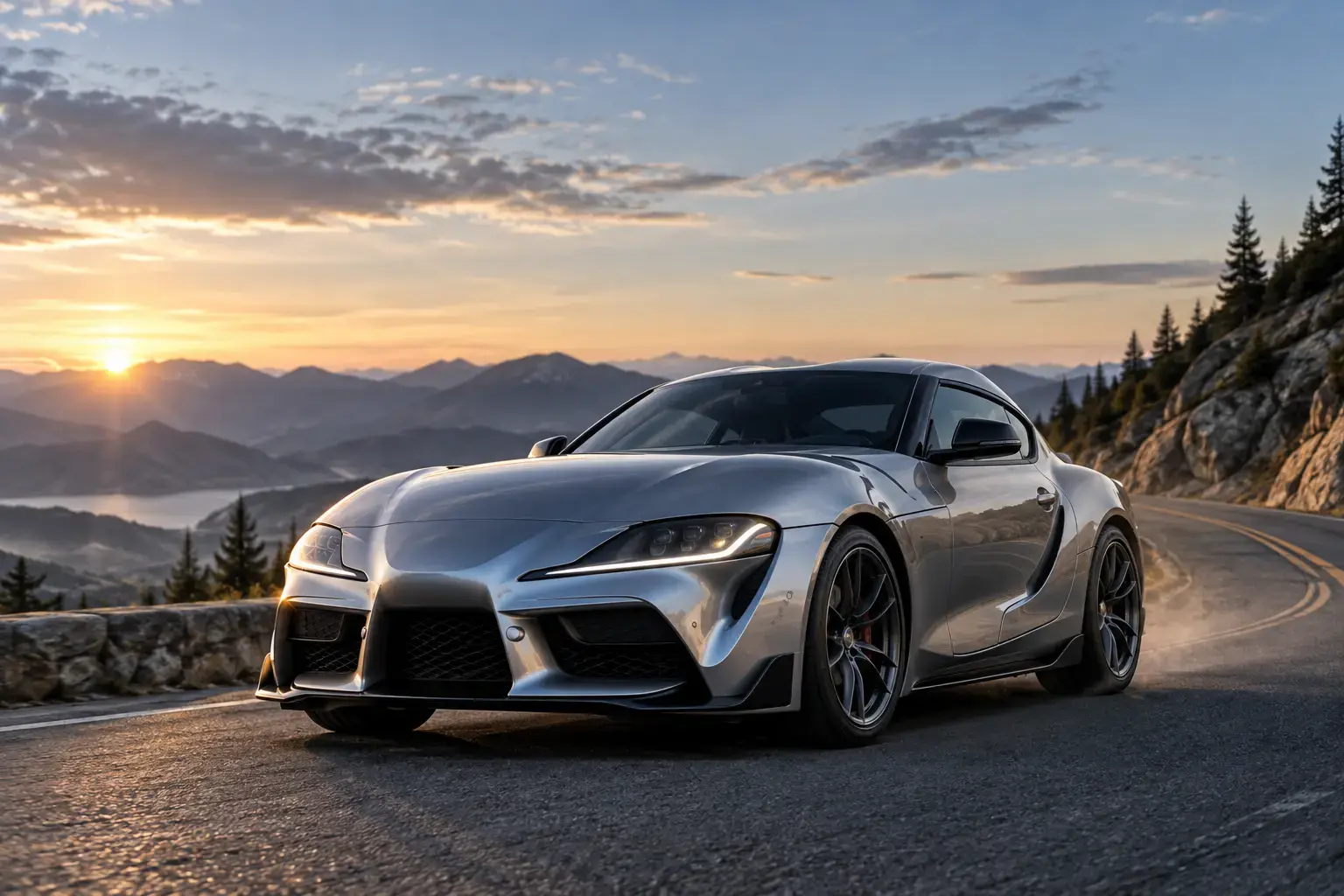
Example result illustrating this prompt's visual direction. Actual results may vary by model, reference image and settings.
 Requires Photo
  Video Prompts
  AI Image-to-Video Motion Prompts
 Roadside Vehicle Launch
Animate a parked vehicle into a smooth cinematic departure while retaining exact design details.
Prompt
Transform the uploaded parked-vehicle photo into a six-second cinematic launch. Preserve the exact make-defining body geometry, paint, wheels, lights, windows, license plate appearance, road, and landscape. Begin with a brief still hold, then let the wheels rotate correctly as the vehicle rolls forward smoothly. Add realistic suspension response, tire contact, subtle road dust when appropriate, and a low camera pan that follows the movement. Keep reflections and shadows coherent; avoid body morphing, sliding tires, changing wheel designs, or invented traffic.
Recommended:
ChatGPT


Upload your photo to the AI tool first, then use this prompt.
The prompt asks the model to preserve identity and key visual features.
How to use it
- Upload a three-quarter vehicle photograph with wheels fully visible.
- Keep acceleration modest to preserve body and wheel consistency.
- Match tire rotation and vehicle travel direction precisely.
Common failure fixes
- If wheels slide, explicitly synchronize rotation with forward travel.
- If the body changes, demand rigid geometry and a smaller camera pan.
- If reflections flicker, specify continuous environmental reflections.