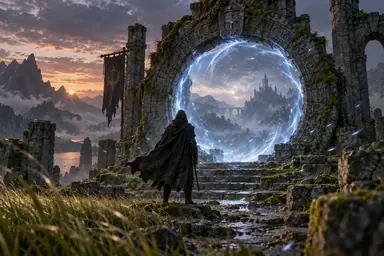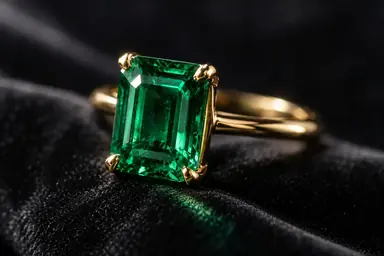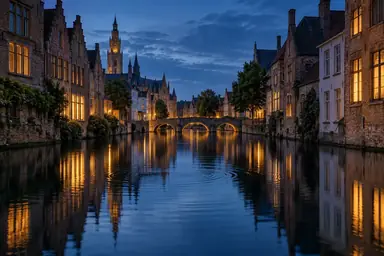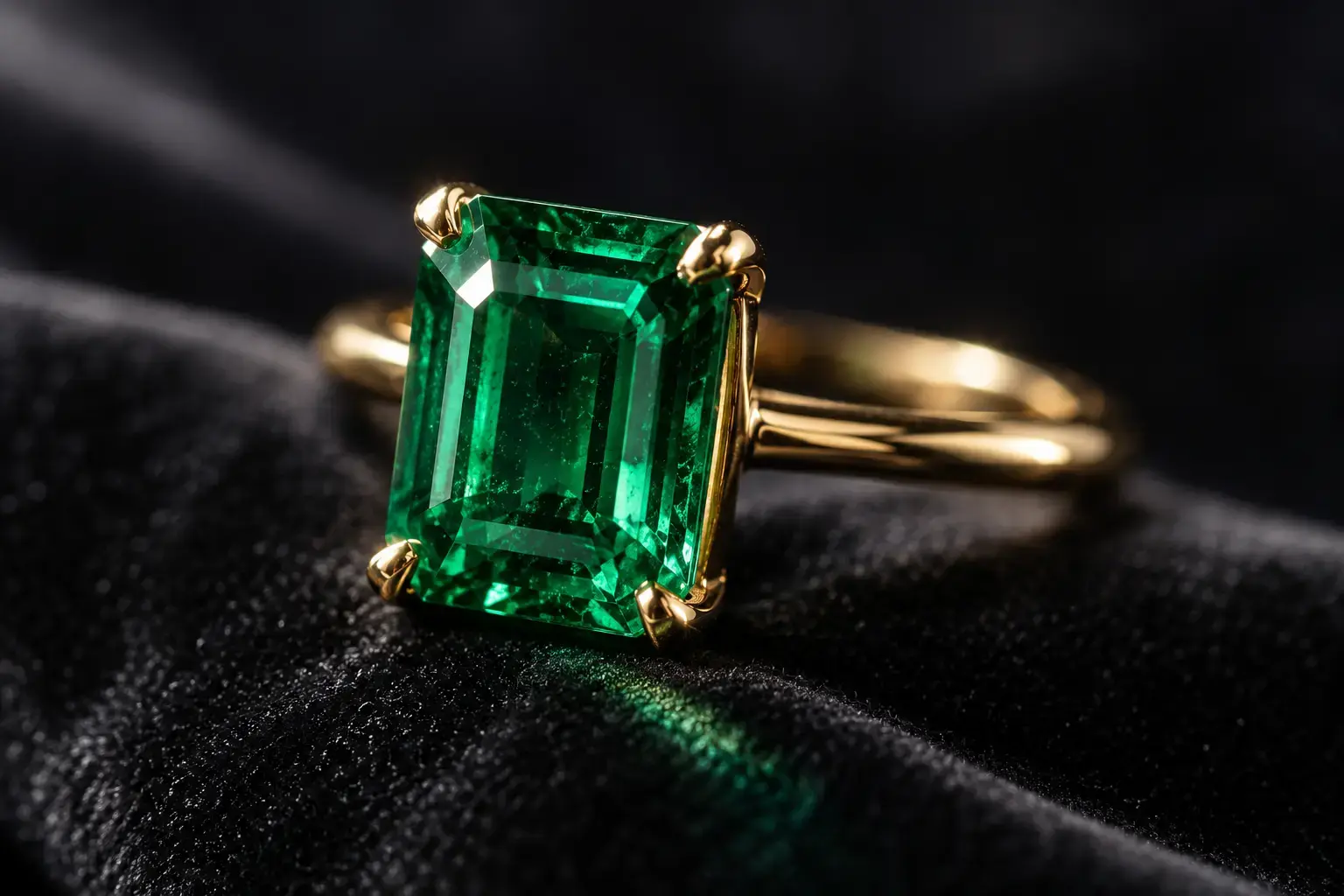
Example result illustrating this prompt's visual direction. Actual results may vary by model, reference image and settings.
 Requires Photo
  Video Prompts
  AI Image-to-Video Motion Prompts
 Jewelry Macro Light Sweep
Animate jewelry with a controlled light sweep, minute rotation, and stable gemstone geometry.
Prompt
Animate the uploaded jewelry macro photo into a five-second luxury product clip. Preserve the exact metalwork, gemstone cut, setting, prongs, color, scale, and surface finish. Introduce a very slow five-degree rotation while a narrow soft highlight travels across the metal and gemstone facets. Add tiny physically plausible sparkle events without changing the stone. Keep the background dark and stable, depth of field controlled, edges clean, and reflections continuous. Avoid extra stones, altered prongs, pulsing brightness, floating objects, or exaggerated lens flares.
Recommended:
ChatGPT


Upload your photo to the AI tool first, then use this prompt.
The prompt asks the model to preserve identity and key visual features.
How to use it
- Upload a sharp macro photograph with gemstone facets and prongs visible.
- Use minimal rotation to protect intricate construction details.
- Keep sparkle restrained and tied to the moving light source.
Common failure fixes
- If prongs change, explicitly lock their count and placement.
- If the gem pulses, replace brightness changes with one moving reflection.
- If extra stones appear, specify a single unchanged jewelry item.