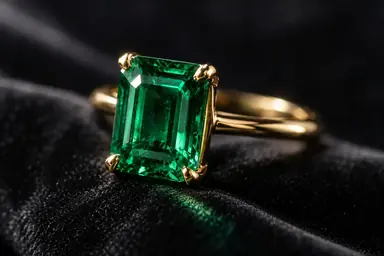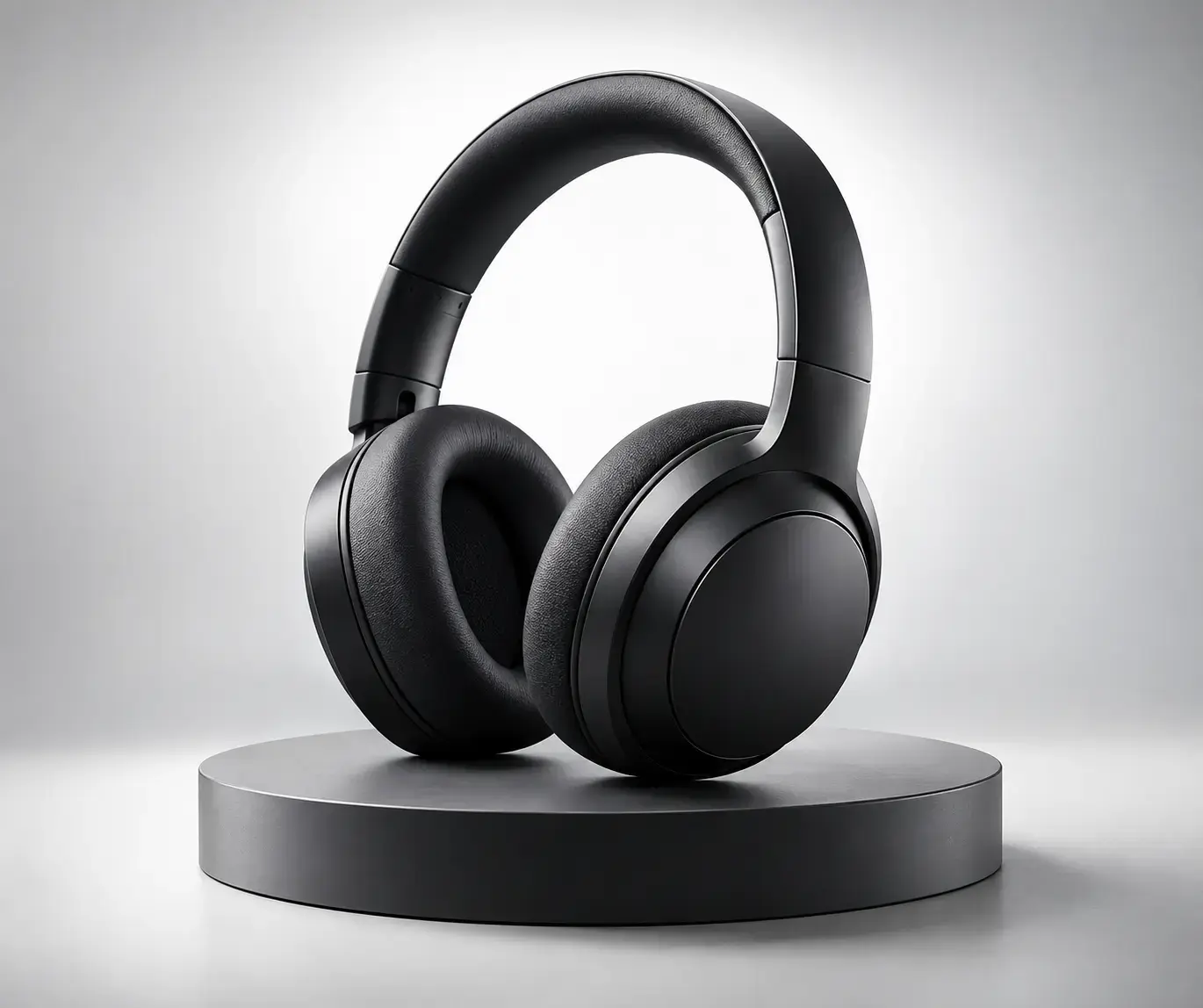
Example result illustrating this prompt's visual direction. Actual results may vary by model, reference image and settings.
 Requires Photo
  Video Prompts
  AI Image-to-Video Motion Prompts
 Product Turntable Reveal
Turn a static product photograph into a polished rotating studio reveal.
Prompt
Transform the uploaded product photo into a five-second premium turntable reveal. Preserve the product's exact geometry, materials, colors, label placement, proportions, and readable brand details. Rotate the product smoothly about twenty degrees while the camera makes a gentle push-in. Let a soft highlight travel naturally across reflective surfaces without changing the object. Keep the base stable, the background seamless, shadows physically consistent, edges sharp, and all printed details free from morphing or flicker.
Recommended:
ChatGPT


Upload your photo to the AI tool first, then use this prompt.
The prompt asks the model to preserve identity and key visual features.
How to use it
- Upload a centered product photo with clean edges and adequate resolution.
- Use restrained rotation when labels or intricate geometry must remain exact.
- Check the first and last frames for shape and typography stability.
Common failure fixes
- If product geometry changes, reduce the rotation angle and demand rigid-object consistency.
- If labels flicker, request locked typography and minimal perspective change.
- If reflections swim, specify one fixed studio lighting setup.