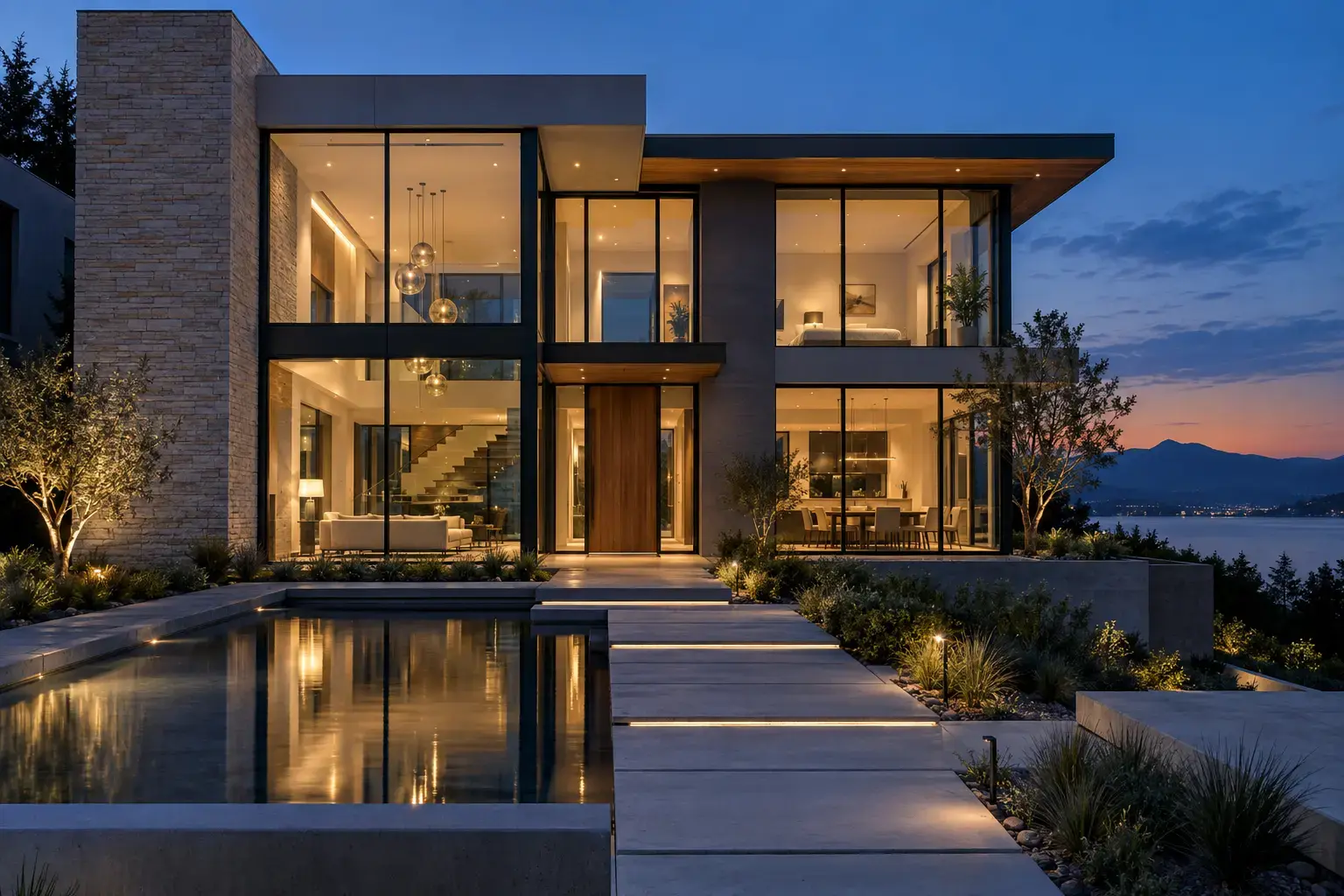
Example result illustrating this prompt's visual direction. Actual results may vary by model, reference image and settings.
 Requires Photo
  Video Prompts
  AI Image-to-Video Motion Prompts
 Architecture Day-to-Night Transition
Animate an exterior photograph through a smooth daylight-to-blue-hour lighting transition.
Prompt
Transform the uploaded building exterior into an eight-second day-to-night transition. Preserve the architecture, materials, windows, landscaping, signage, camera position, and perspective exactly. Gradually shift daylight toward blue hour, lengthen and soften shadows, cool the sky, and switch interior and exterior practical lights on in a believable sequence. Add only subtle foliage movement. Keep straight lines rigid, window counts unchanged, reflections coherent, exposure controlled, and avoid camera motion, flicker, new objects, or changes to the facade.
Recommended:
ChatGPT


Upload your photo to the AI tool first, then use this prompt.
The prompt asks the model to preserve identity and key visual features.
How to use it
- Upload a well-exposed exterior image with the full facade visible.
- Keep the camera locked to protect architectural lines.
- Specify a gradual transition long enough for lighting changes to feel natural.
Common failure fixes
- If walls wobble, demand a locked camera and rigid architectural geometry.
- If windows change, explicitly preserve their count, size, and placement.
- If lighting flickers, request one continuous exposure transition.