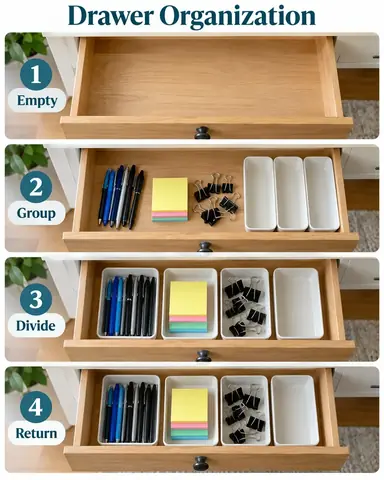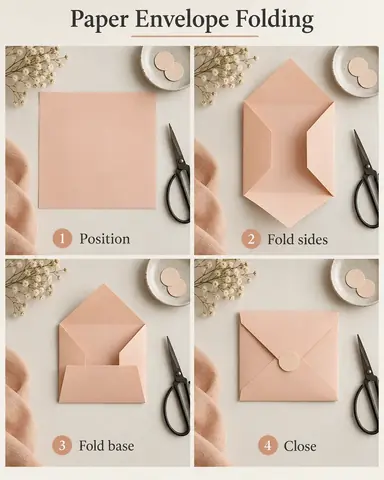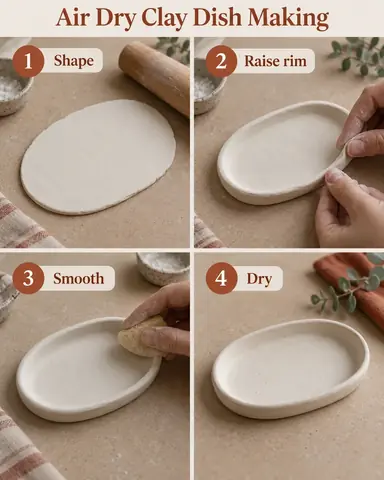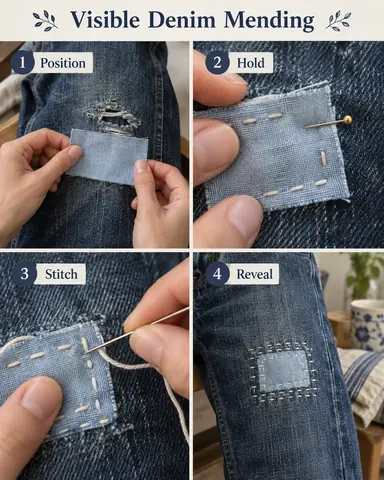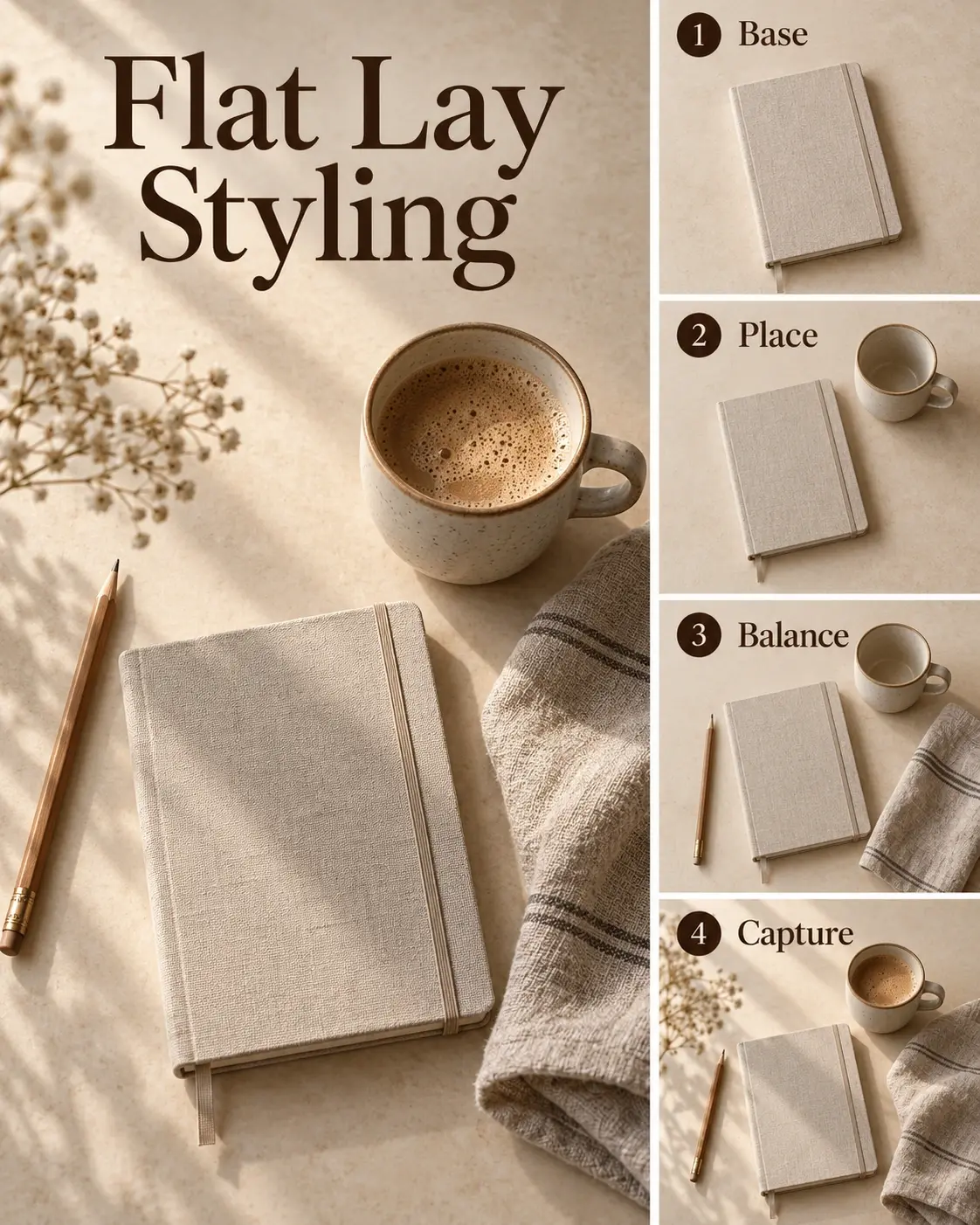
Example result illustrating this prompt's visual direction. Actual results may vary by model, reference image and settings.
 Requires Photo
  Social Media Prompts
  Process Photos to Social Tutorial Infographic Prompts
 Flat Lay Styling Tutorial from Setup Photos
Turn flat lay styling process photos into a compact, readable social tutorial while preserving the documented steps.
Prompt
Transform the uploaded flat lay styling process photos into one polished portrait social tutorial infographic. Treat the photographs as authoritative evidence of the actual process, not merely style inspiration. Use the user's stated step order; otherwise follow explicit filenames or visible chronology. If essential order is ambiguous, request that clarification before rendering. Use all distinct essential stages, combining redundant views without inventing missing actions. Track the same props through the setup, preserve their relative scale, and show composition decisions rather than generic photo retouching; do not invent camera settings. Preserve the same objects, materials, colors, recognizable hands, and physically plausible anatomy throughout; adjust only crops, exposure, background cleanup, and layout for continuity. Default to a 4:5 portrait composition with one large finished composition beside three smaller setup photos, adapting the panel count to the supplied evidence. Use soft beige with dark brown type, generous separation between photographs, and clear left-to-right, top-to-bottom reading order. Render a short factual title, consecutive step numbers, and action labels in the user's language; use source wording when provided, otherwise derive brief labels only from visible actions. For a matching four-stage sequence, suitable labels are "Base", "Place", "Balance", "Capture"; adapt them if the photos show different actions. Keep labels outside the photographic action, large enough to read on a phone, with strong contrast and comfortable edge margins. Do not add helper paragraphs, social platform interfaces, watermarks, brand marks, fabricated measurements, durations, claims, or unrelated decorations. Deliver one finished infographic, not a device mockup or a collage of multiple posts.
Recommended:
ChatGPT


Upload your photo to the AI tool first, then use this prompt.
The prompt asks the model to preserve identity and key visual features.
How to use it
- Upload clear photographs of the flat lay styling stages, including the finished result.
- Provide the intended photo order and any exact title or step wording; identify photographs that should be excluded.
- Apply the prompt and check the output against the original sequence before publishing.
Common failure fixes
- If props multiply, restrict every frame to the objects visible at that stage.
- If text is crowded or misspelled, shorten labels and rerender the exact supplied wording with larger type.
- If step order changes, explicitly map each numbered panel to its corresponding source photo.