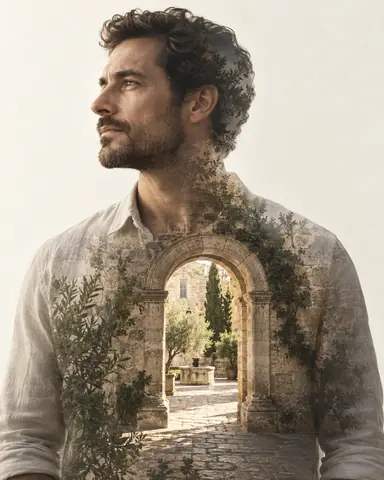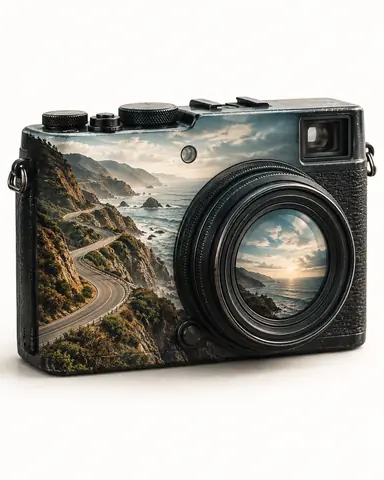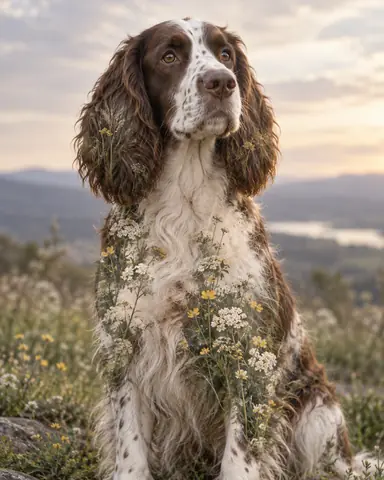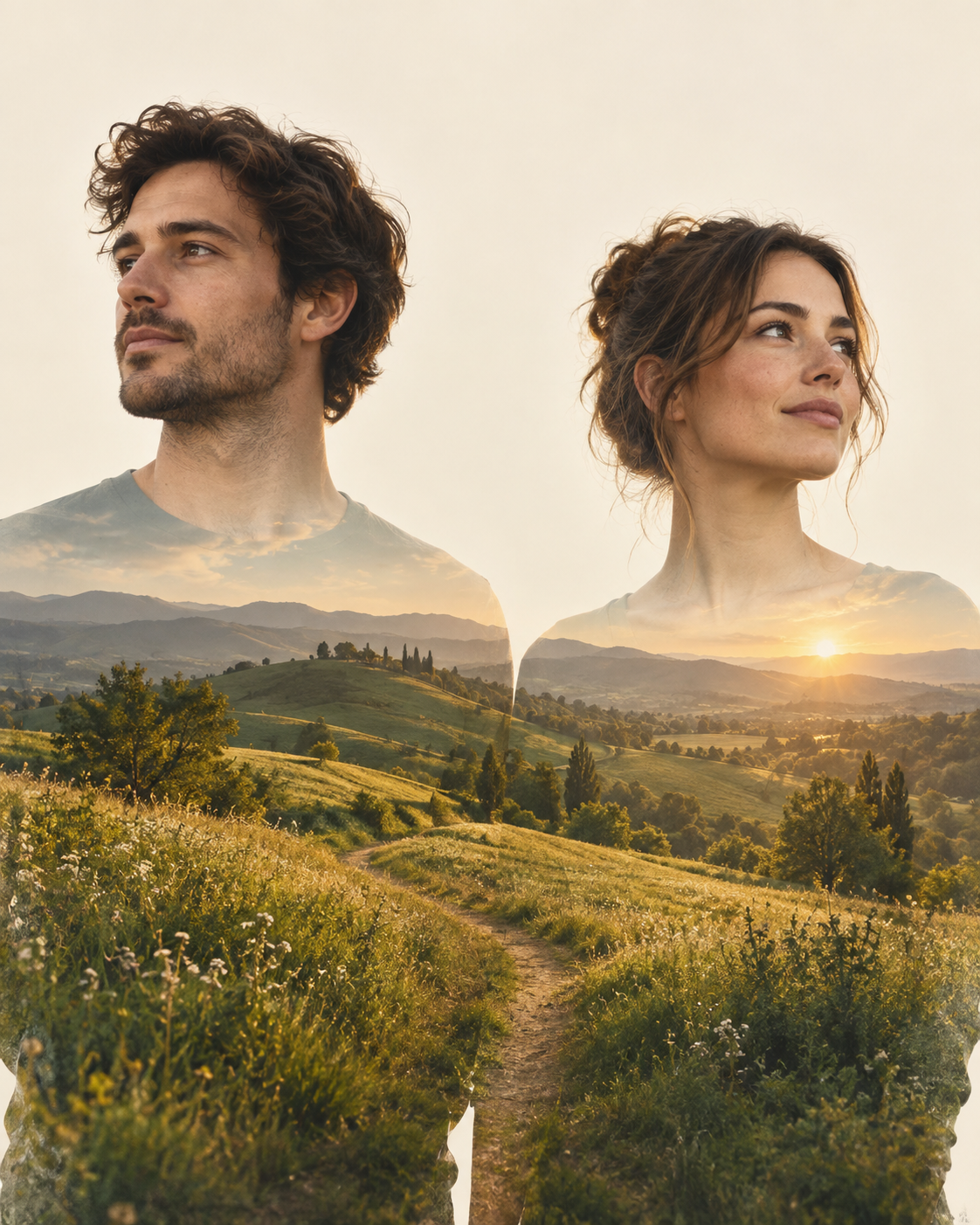
Example result illustrating this prompt's visual direction. Actual results may vary by model, reference image and settings.
 Requires Photo
  Photo Prompts
  Creative Double Exposure Photo Prompts
 Couple Shared Landscape Double Exposure
Connect two reference subjects with one continuous landscape exposure without merging their identities.
Prompt
Use the uploaded reference photo to create a polished double-exposure photographic artwork. The ideal source is a photograph of two people with separated faces and visible shoulders. Preserve the reference subject's identity or identifying structure, original pose, proportions, and viewpoint; do not invent unseen facial detail or change age, skin tone, expression, or anatomy. Combine the source with a generated secondary photographic exposure using tonal blending and a carefully feathered silhouette mask, so both exposures remain legible rather than appearing as a pasted collage. Preserve both people and their original spacing. Place a continuous rolling meadow panorama across their lower shoulders and torsos, with a gentle path joining the two masked areas visually. Fade the landscape before it reaches either mouth. Use soft green and golden late-afternoon light on a cream background. Keep the space between heads empty and do not invent physical contact. Deliver one finished image in a 4:5 portrait composition, expanding only the neutral background when needed to avoid cutting off the subject. Keep crisp defining edges, smooth exposure transitions, controlled highlights, and natural photographic detail. Add no captions, typography, borders, watermarks, or additional subjects.
Recommended:
ChatGPT


Upload your photo to the AI tool first, then use this prompt.
The prompt asks the model to preserve identity and key visual features.
How to use it
- Upload a photograph of two people with separated faces and visible shoulders; use an image you have permission to edit.
- Paste the prompt and request the double-exposure transformation, using your photo as the subject reference.
- Check defining features and the overlap placement; use a failure fix below if the second exposure hides important details.
Common failure fixes
- If faces merge, restore the original head spacing and remove all landscape from the gap.
- If the subject loses recognizable features or structure, restore the reference exposure in those areas and reduce the secondary layer opacity.
- If the result looks like a cutout collage, blend the secondary exposure through the subject's shadow tones and soften the internal mask edges without blurring the outer silhouette.