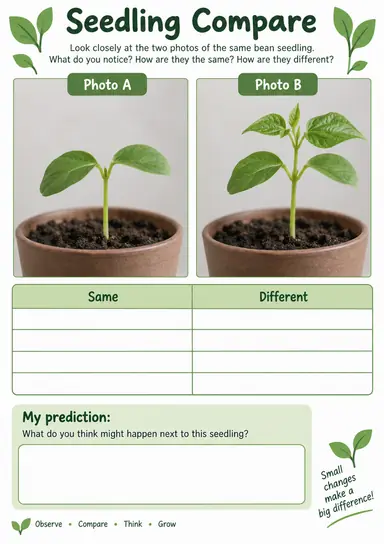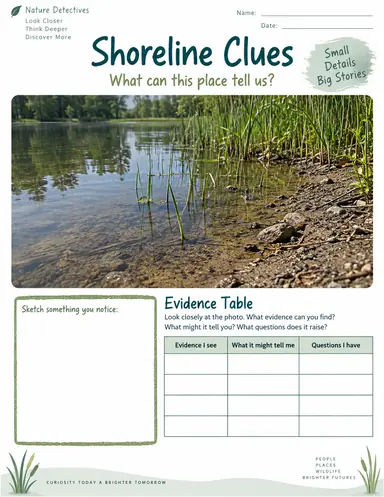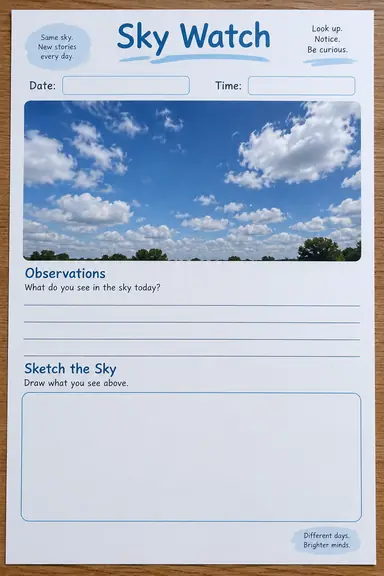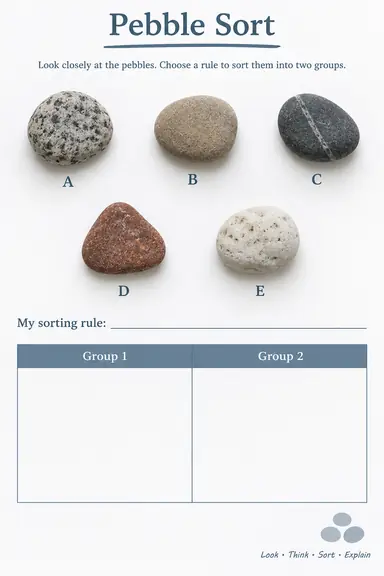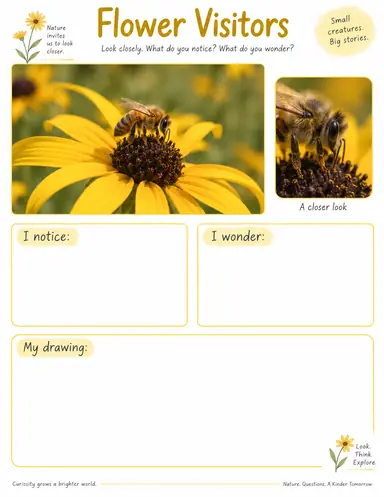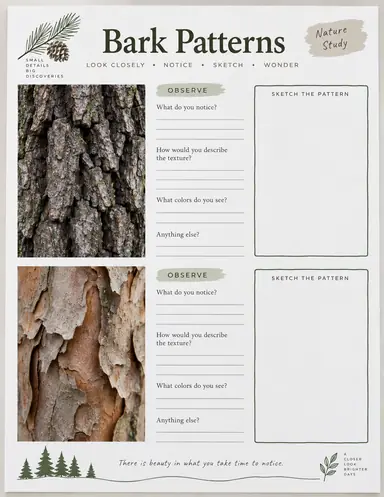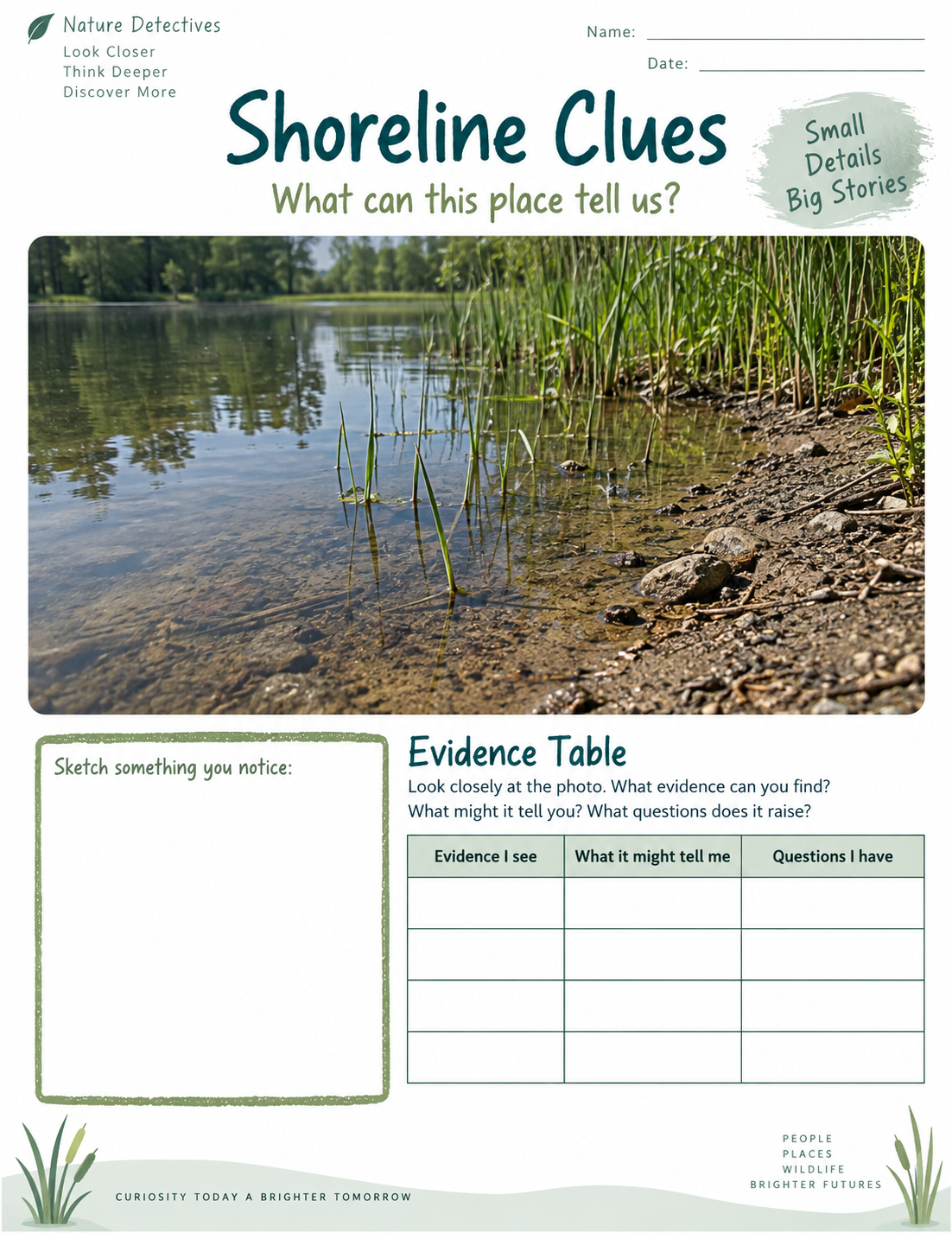
Example result illustrating this prompt's visual direction. Actual results may vary by model, reference image and settings.
 Requires Photo
  Education Prompts
  Nature Photos to Science Observation Worksheet Prompts
 Shoreline Habitat Evidence Worksheet
Guide habitat observations from a shoreline photo without inventing unseen organisms.
Prompt
Transform the supplied reference photo(s) into a printable portrait science observation worksheet for learners aged 8–11. Use the actual reference imagery as the visual evidence, not a newly invented replacement scene. Use clear English, large readable headings, generous writing space, white margins and restrained natural-color accents. Preserve observable features; do not fabricate facts, measurements or invisible details. If the reference is missing or unreadable, ask for a clearer photo before generating the worksheet. Keep student response areas blank and omit an answer key, logos and watermarks. Required input: one shoreline photo showing water, exposed ground and visible vegetation or objects. Preserve the boundaries and positions of water, ground, plants and other visible objects. Place the full source scene above an empty evidence table headed Visible feature, Where I see it and My question. Ask students to distinguish observations from possible explanations and sketch a small selected area. Do not add wildlife, infer water quality or identify species from ambiguous details. Keep possible explanations explicitly tentative and all response areas blank. Output one finished worksheet image, with text and photo panels fully inside the page margins.
Recommended:
ChatGPT


Upload your photo to the AI tool first, then use this prompt.
The prompt asks the model to preserve identity and key visual features.
How to use it
- Upload one shoreline photo showing water, exposed ground and visible vegetation or objects.
- Paste the prompt and specify a different learner age or language if needed.
- Review the worksheet against the source photo before printing or sharing.
Common failure fixes
- If the pictured evidence changes, request the original photo panels be preserved without adding or removing features.
- If the worksheet invents names, measurements or conclusions, remove unsupported claims and retain only directly visible evidence.
- If text is cramped or response boxes are filled, shorten labels, enlarge blank writing areas and request an unanswered worksheet.