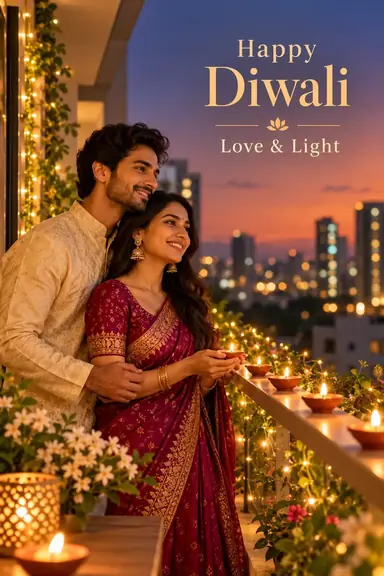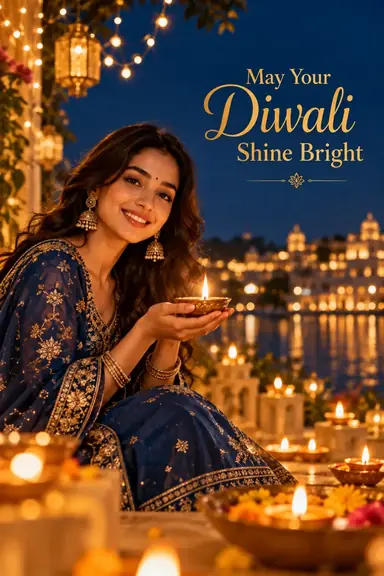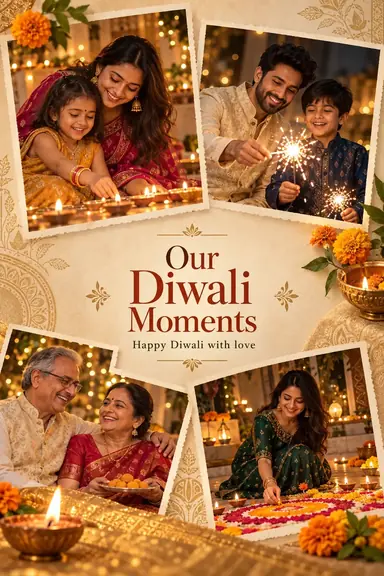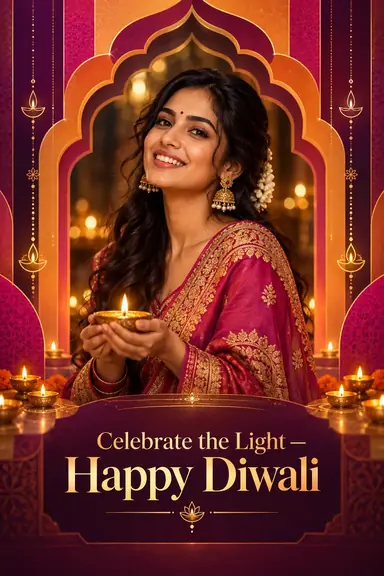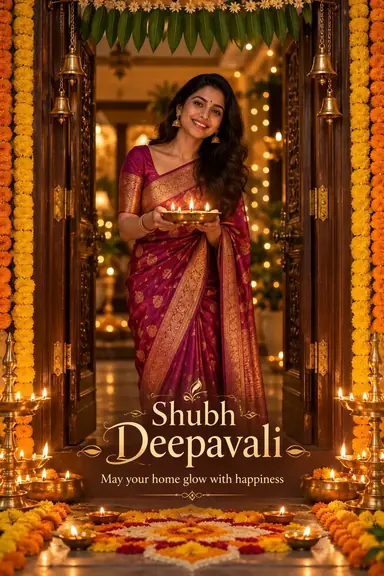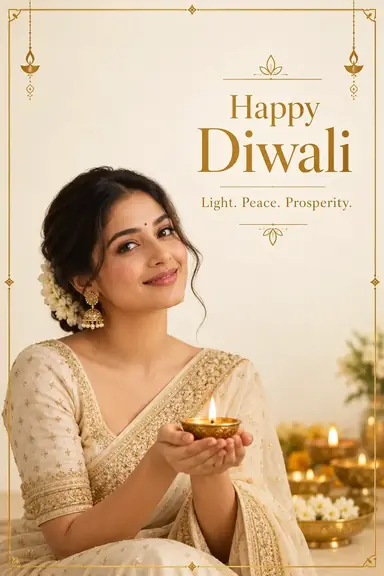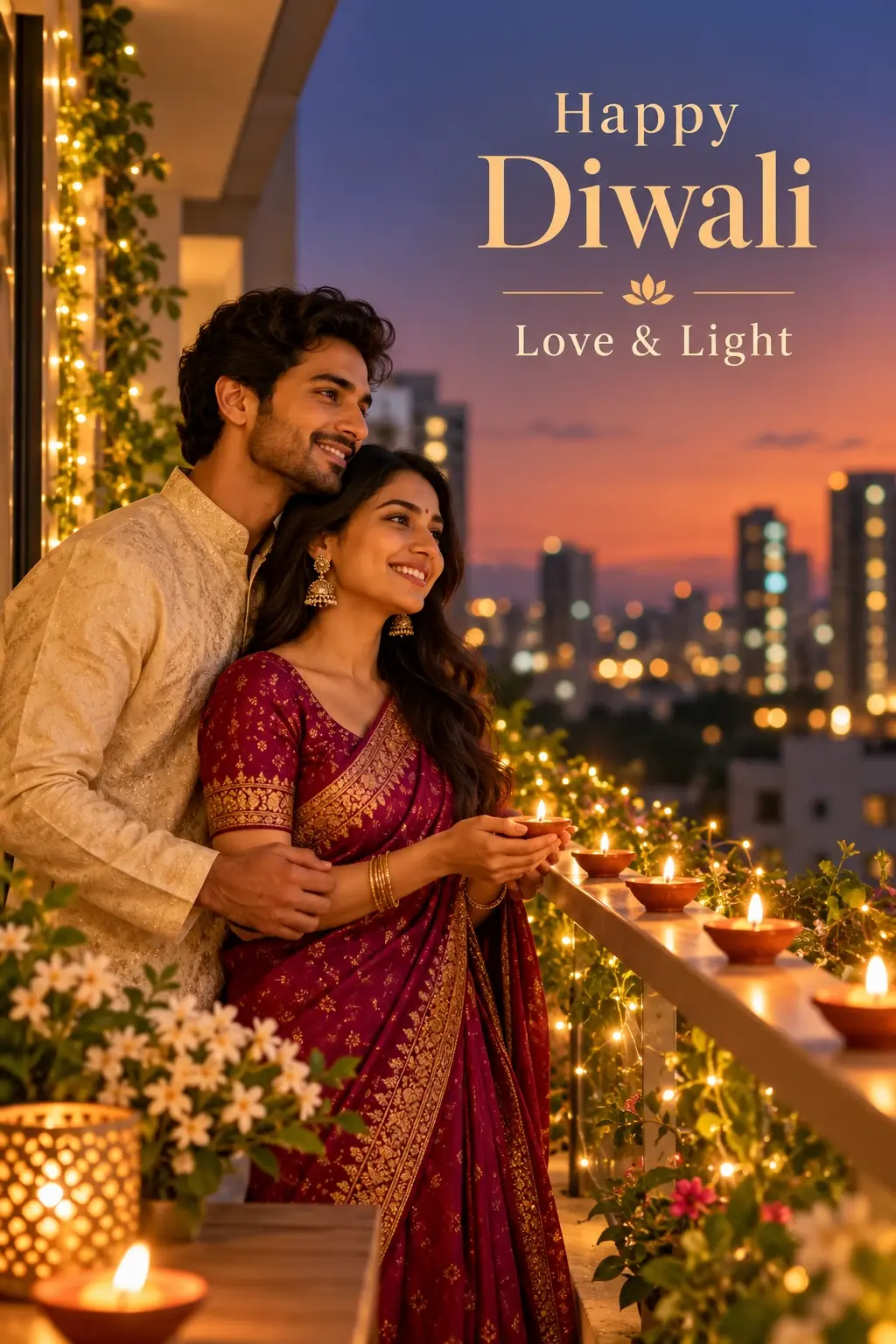
Example result illustrating this prompt's visual direction. Actual results may vary by model, reference image and settings.
 Requires Photo
 Design Prompts
 Personalized Diwali Greeting Photo Design Prompts
Personalized Diwali 2026 Postcard with Name Space
Create a personalized Diwali 2026 postcard from a portrait with a dedicated recipient-name area and refined festive styling.
Prompt
Transform the uploaded portrait into a polished personalized Diwali 2026 postcard. Preserve the subject’s exact identity, skin tone, age, facial features, hairstyle, proportions, and natural expression. Build a contemporary festive layout with a refined warm-gold palette, an elegant postcard border, restrained rangoli geometry, small diya accents, and subtle celebratory light details. Position the portrait so the design includes a clearly separated personalization panel with comfortable spacing. Add the exact visible headline “Happy Diwali 2026” and beneath it the exact placeholder text “[Name]”. Keep “[Name]” visibly editable and do not replace it with an invented person’s name. Make the year 2026 intentional but visually balanced rather than oversized. Use crisp, legible typography, clean hierarchy, and print-ready margins. Do not add addresses, postage stamps, QR codes, brand logos, watermarks, extra slogans, or unrelated text. Keep facial details unobstructed and avoid excessive decorative clutter.
Recommended:
ChatGPT


Upload your photo to the AI tool first, then use this prompt.
The prompt asks the model to preserve identity and key visual features.
How to use it
- Upload a clear portrait with enough surrounding space for a postcard-style crop.
- Keep the exact visible text “Happy Diwali 2026” and the literal placeholder “[Name]” unchanged.
- Maintain print-safe margins, clear text hierarchy, and unobstructed facial details.
Common failure fixes
- If the year or placeholder changes, restore the exact visible text “Happy Diwali 2026” and “[Name]”.
- If the personalization panel feels cramped, increase clear space while keeping the portrait and border balanced.
- If extra copy or branding appears, remove everything except the required headline and name placeholder.