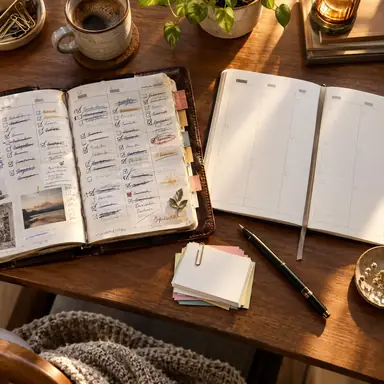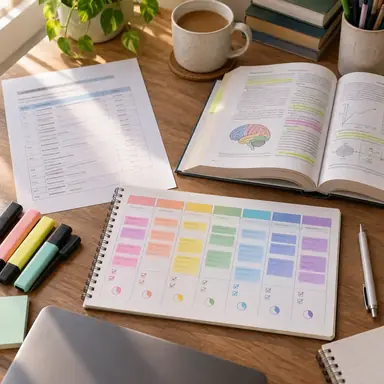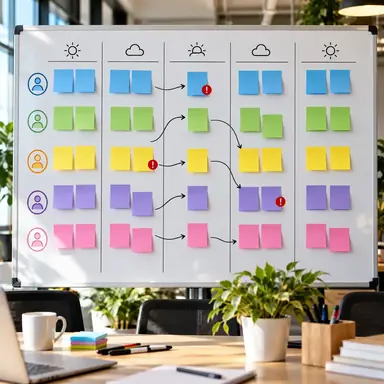
Example result illustrating this prompt's visual direction. Actual results may vary by model, reference image and settings.
 Requires Photo
  Productivity Prompts
  AI Weekly Planning Prompts
 Time-Blocked Week from a Planner Photo
Convert a planner photo into a balanced time-blocked schedule with buffers and recovery space.
Prompt
Analyze the uploaded planner or calendar photo and transform its visible commitments into a realistic time-blocked weekly schedule. Preserve all fixed appointments, dates, and times exactly; group flexible work into focused blocks; add preparation, travel, transition, meal, and recovery buffers where justified; protect at least one uninterrupted deep-work block on suitable days; and avoid double-booking. Present the result day by day with start time, end time, activity, and flexibility status. List any unreadable details or scheduling conflicts separately and do not guess missing information.
Recommended:
ChatGPT


Upload your photo to the AI tool first, then use this prompt.
The prompt asks the model to preserve identity and key visual features.
How to use it
- Upload a well-lit photo of the full weekly planner or calendar.
- Provide your normal working hours if they are not shown.
- Confirm any conflicts or unreadable entries before adopting the schedule.
Common failure fixes
- If fixed events move, explicitly lock every visible appointment before optimization.
- If the plan feels too dense, add transition buffers and reduce flexible blocks.
- If times are unclear, request a conflict list rather than inferred appointments.