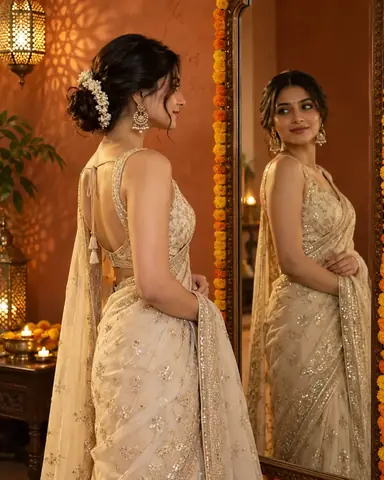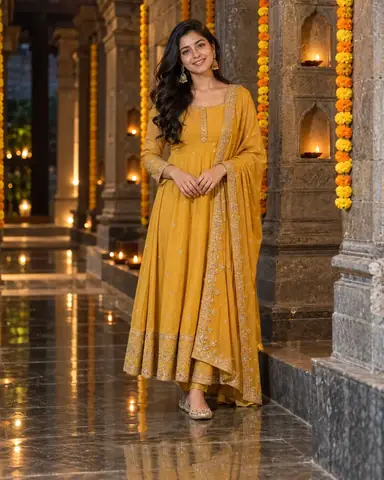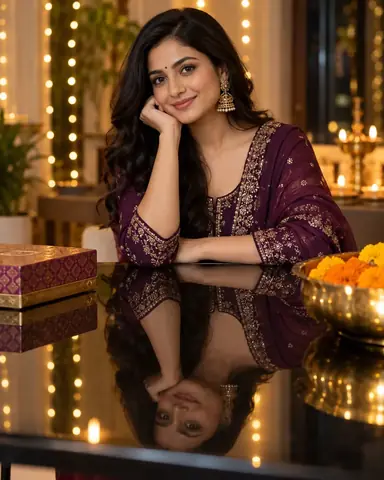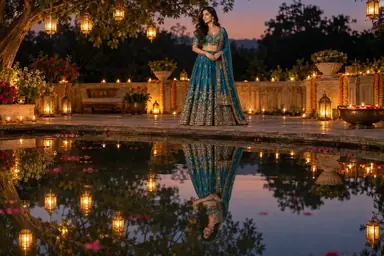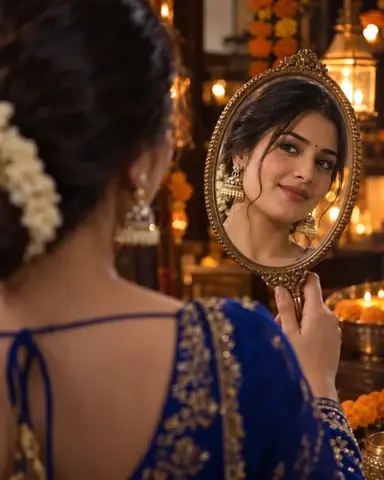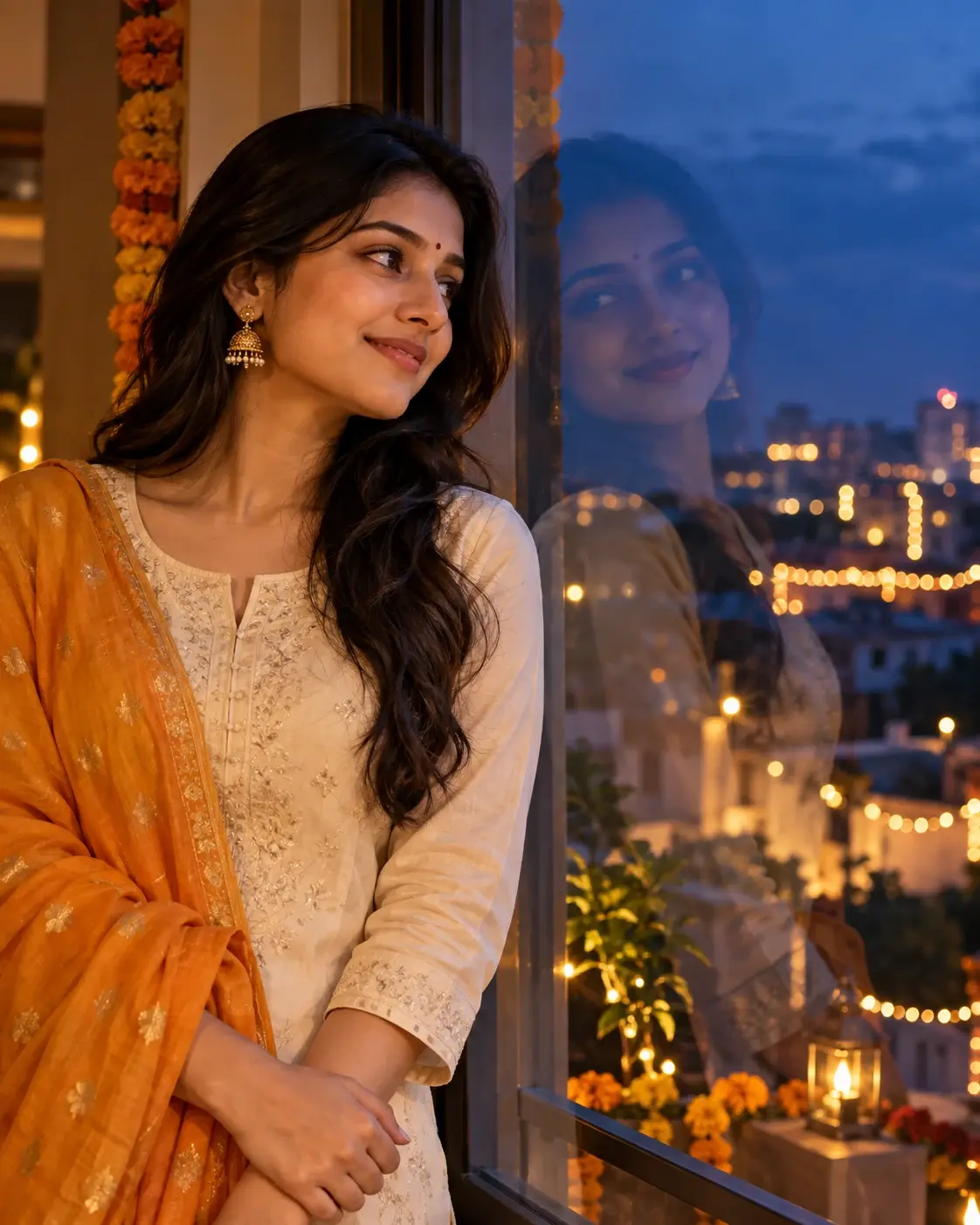
Example result illustrating this prompt's visual direction. Actual results may vary by model, reference image and settings.
 Requires Photo
 Photo Prompts
 Diwali Reflection Photography Prompts for Girls
Blue-Hour Diwali Window Reflection Portrait
Balance a real profile and its subtle window reflection against outdoor festival lights.
Prompt
Transform the uploaded reference photo into a photorealistic Diwali reflection photograph. Use the reference as the identity source: preserve the same person, apparent age, facial proportions, skin tone, body proportions, and distinctive features. Do not age up a child or apply adult styling to a child; adapt the described opaque festive outfit to the reference age. Preserve natural skin texture and avoid beauty-filter reshaping. Place the subject indoors beside a large clean window at blue hour, wearing an opaque ivory kurta with a saffron dupatta. Compose her real three-quarter profile on the left and a weaker, offset reflection on the right glass pane. Let cool twilight outside contrast with soft amber room light on her face. Distant Diwali string lights remain out of focus beyond the glass, and a narrow marigold strand sits on the window edge. Use a 50 mm perspective and a vertical 4:5 crop. The reflection must share the same pose and expression, remain dimmer than the directly visible subject, and not resemble a second person behind the window. Keep facial detail legible without superimposing bright bulbs across the eyes. Deliver one finished photograph in the specified aspect ratio. Keep reflections physically consistent with their surface, camera position, lighting, pose, and object placement. Reflected views must depict the same subject, not additional people. Use natural hands and believable fabric detail. Do not include captions, greeting text, names, logos, watermarks, borders, UI overlays, before-and-after panels, or a collage. If no usable reference photo is attached, request one before transforming it.
Recommended:
ChatGPT


Upload your photo to the AI tool first, then use this prompt.
The prompt asks the model to preserve identity and key visual features.
How to use it
- Upload a clear portrait with a visible three-quarter profile, or a front-facing photo with unobstructed features.
- Paste the complete prompt with the reference photo and request one finished image.
- Review facial identity, reference age, hands, and reflection alignment; use the relevant failure fix if needed.
Common failure fixes
- If the glass reflection looks like a twin, reduce its contrast and opacity while retaining matching facial geometry.
- If outdoor lights obscure the face, reposition their bokeh outside the eye and mouth regions.
- If reflected and real poses disagree, align head tilt and shoulder height across the window plane.