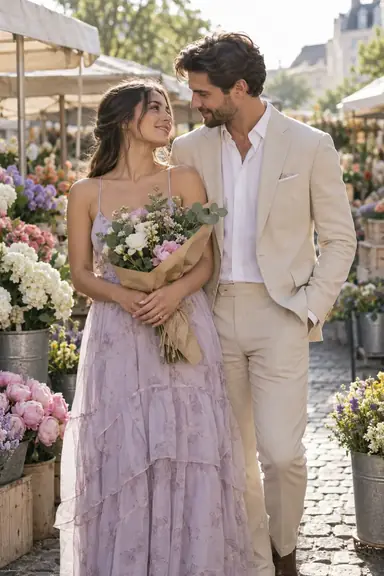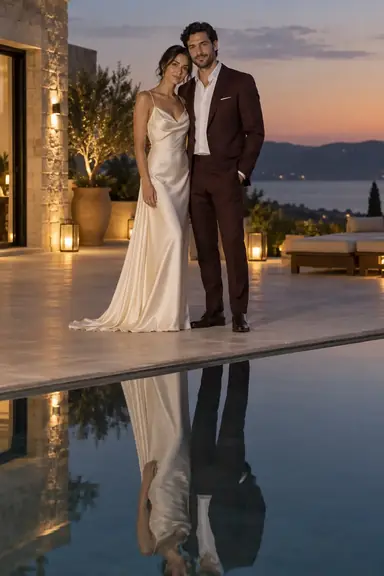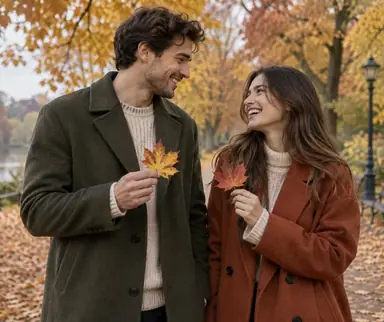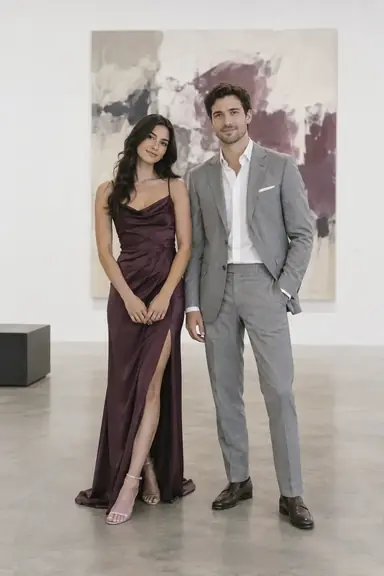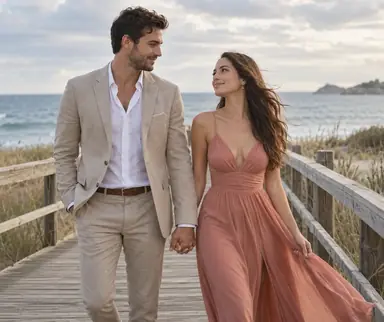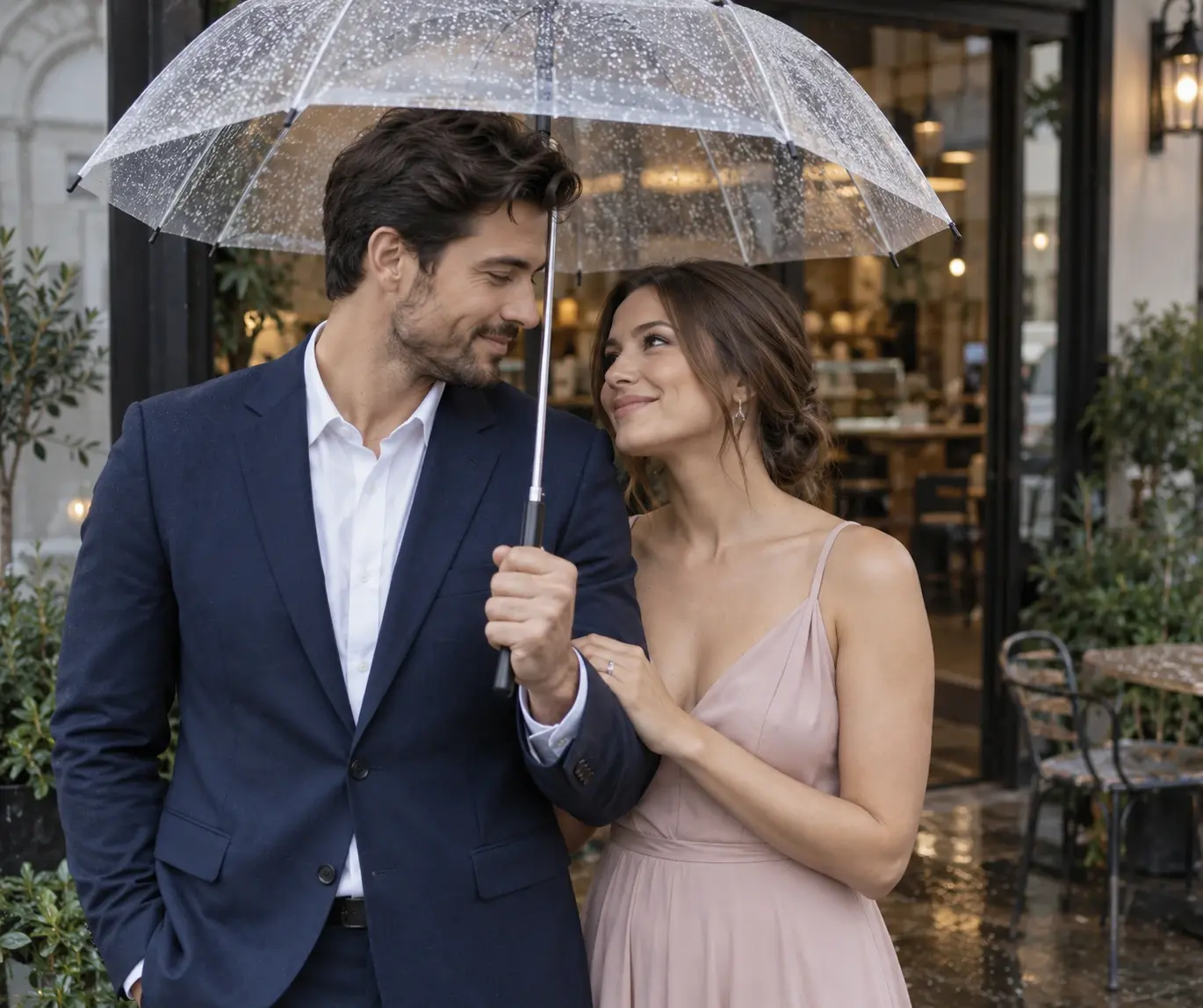
Example result illustrating this prompt's visual direction. Actual results may vary by model, reference image and settings.
 Requires Photo
  Photo Prompts
  Couple Pre-Wedding Photo Prompts
 Umbrella Cafe Entrance Engagement Portrait
Create a pre-wedding portrait featuring couple sharing a transparent umbrella outside a cafe after light rain.
Prompt
Use the uploaded reference photo of two adults as the identity source for a couple pre-wedding photograph. If separate references are supplied, preserve the correct identity of each partner when combining them. Keep each person's facial structure, skin tone, apparent adult age, body proportions, hairline, and distinctive features recognizable; do not blend faces, swap identities, change ethnicity, slim bodies, or apply plastic skin retouching. Preserve any clearly visible mobility aid, religious head covering, and other identity-defining accessory, adapting the staging around it. Place the couple outside a contemporary cafe entrance after light rain, under one generously sized transparent umbrella. Dress them in coordinated navy and muted blush smart outfits. One partner holds the umbrella shaft with a clearly visible hand at chest level, while the other stands close alongside, holding their own coat lapel. Use a vertical waist-up frame at eye level with a 50mm perspective, overcast daylight, small raindrops on the canopy, and subtle reflections on wet pavement below. Keep the umbrella rim above both eyes, the cafe signage absent, and expressions warm and understated; avoid a dramatic neon street aesthetic. Render one coherent photorealistic photograph with exactly two adult subjects, realistic anatomy, plausible contact shadows, and consistent lighting. Keep facial detail crisp without oversharpening. Follow any user-specified wardrobe preferences instead of the suggested colors or garments. Do not add text, captions, watermarks, logos, wedding ritual accessories, or extra people.
Recommended:
ChatGPT


Upload your photo to the AI tool first, then use this prompt.
The prompt asks the model to preserve identity and key visual features.
How to use it
- Upload a clear photo showing both adult partners, or one clear reference photo for each partner.
- Apply the prompt and specify any preferred outfits or accessories before generating.
- Check that both identities, body proportions, and visible hands match the references; use the relevant failure fix if needed.
Common failure fixes
- If the umbrella clips a head, raise its canopy and keep the rim above both faces.
- If extra hands appear on the shaft, assign the umbrella grip to one partner only.
- If faces appear warped through plastic, keep the canopy entirely above face level.