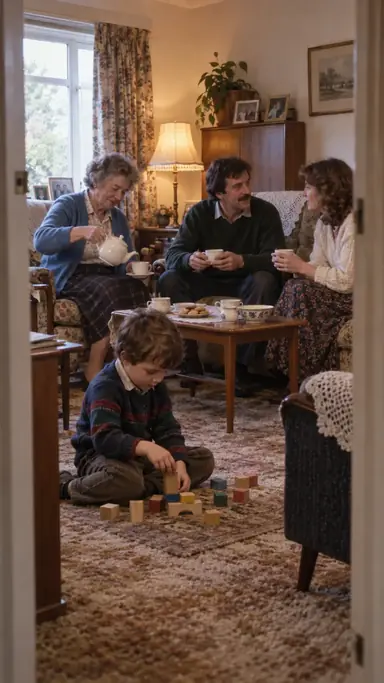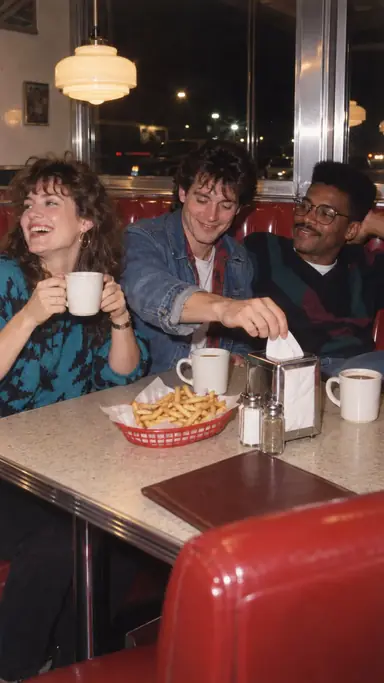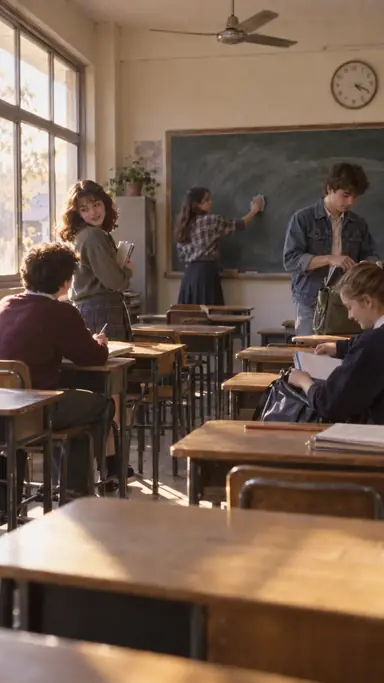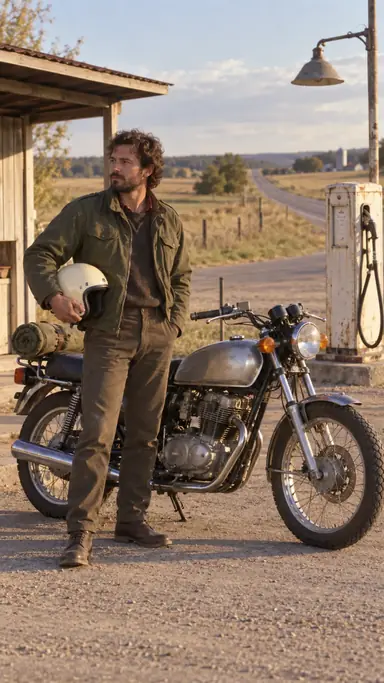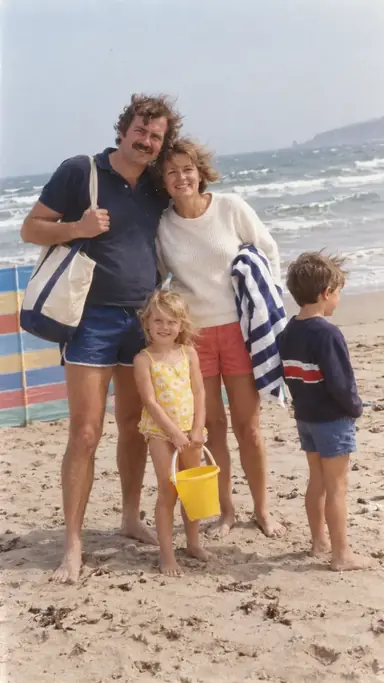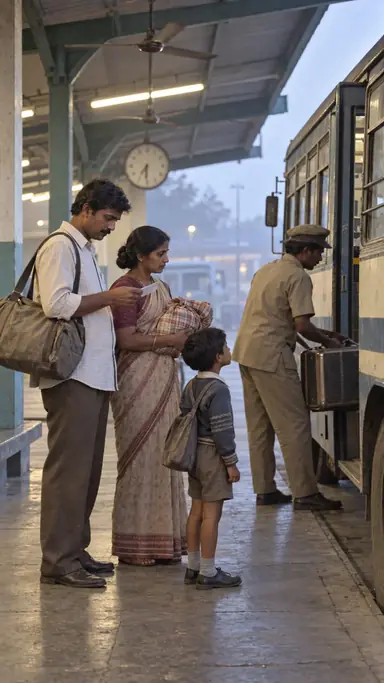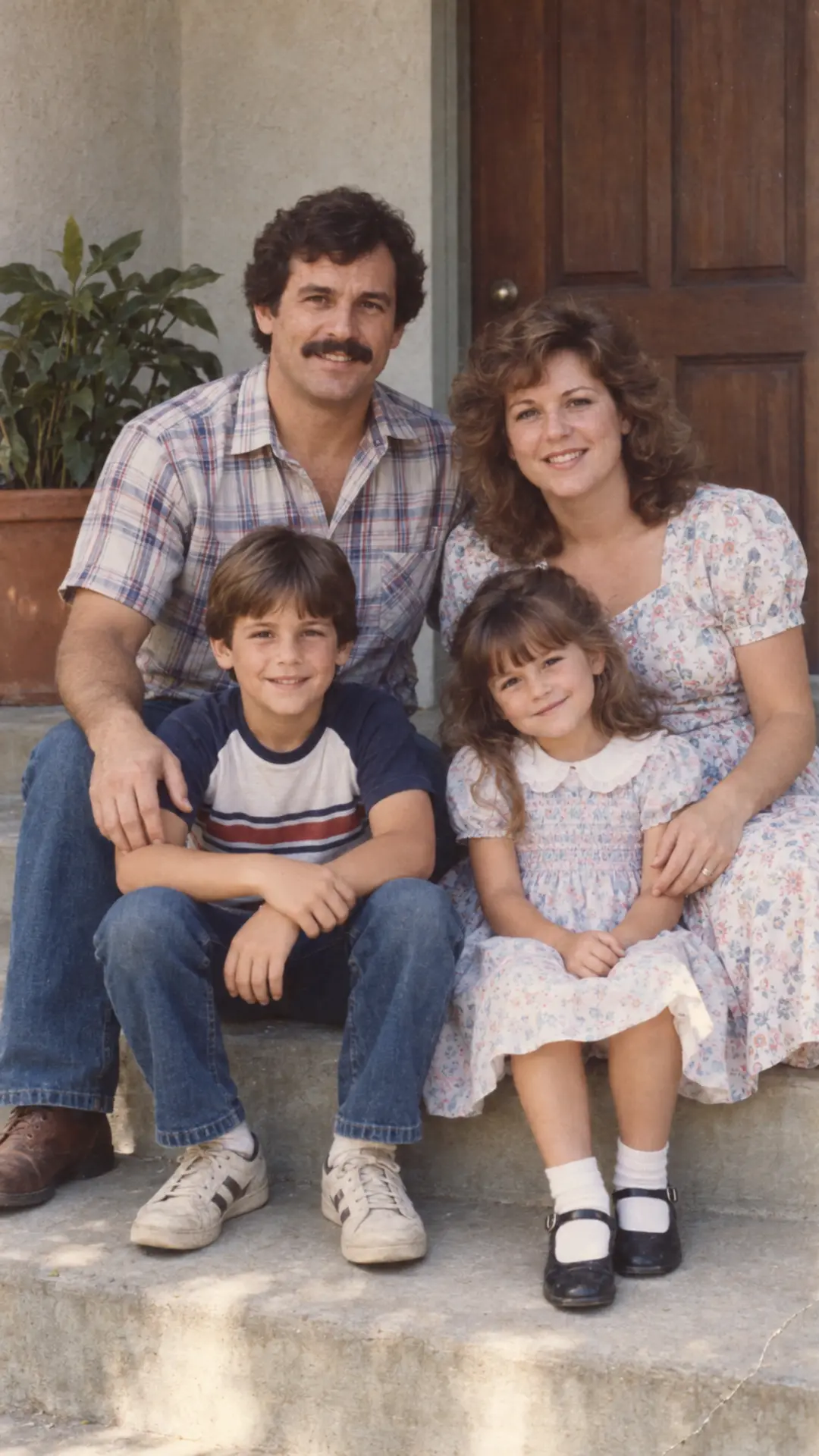
Example result illustrating this prompt's visual direction. Actual results may vary by model, reference image and settings.
 Requires Photo
  Photo Prompts
  80s Photo Prompts
 Subtle Family-Print Restoration
Repairs a lightly damaged 1980s print while preserving original faces, colors, grain, and era instead of producing a newly polished modern photograph.
Prompt
Use [uploaded photo] as the sole identity and composition reference. Restore [uploaded photo] conservatively as an authentic family print. Correct mild color fading, small dust spots, shallow creases, and uneven exposure; rebuild only missing areas that can be inferred from nearby visual evidence. Keep the original crop, people, clothing, background, pose, and photographic imperfections that carry useful period character. Preserve facial geometry, complexion, age, expression, body proportions, hairstyle, distinguishing features, and the exact identity of every person; do not reconstruct uncertain facial details from imagination. Keep the result photographic and believable rather than theatrical. Recover balanced but still period-plausible color, moderate shadow detail, natural paper contrast, and the original grain structure; keep sharpening gentle and localized. Preserve natural skin texture, realistic hands, coherent fabric folds, and the original relationship between every person and the camera. Do not colorize a monochrome source unless requested, erase all grain, smooth skin, add HDR clarity, create new props, or apply fake scratches and borders. Do not introduce celebrity likenesses, fake brands, legible invented text, excessive neon, heavy sepia, torn-paper overlays, or damage that hides important facial details. Return one polished vertical 9:16 photograph with a period-plausible 1980s finish and no border or watermark.
Recommended:
ChatGPT
Compatible:
Gemini
Limited:
Flux


Upload your photo to the AI tool first, then use this prompt.
The prompt asks the model to preserve identity and key visual features.
How to use it
- Upload the highest-quality scan or straight-on photo of the print.
- List any damage crossing a face or important object.
- Choose whether to retain the original border and crop.
Common failure fixes
- If faces are reinvented, restore only damage with clear neighboring evidence and leave ambiguous facial detail natural.
- If the photo looks digitally over-sharpened, reduce microcontrast and preserve original grain.
- If colors become modern and vivid, return to moderate dye fading, neutral skin, and softer print contrast.