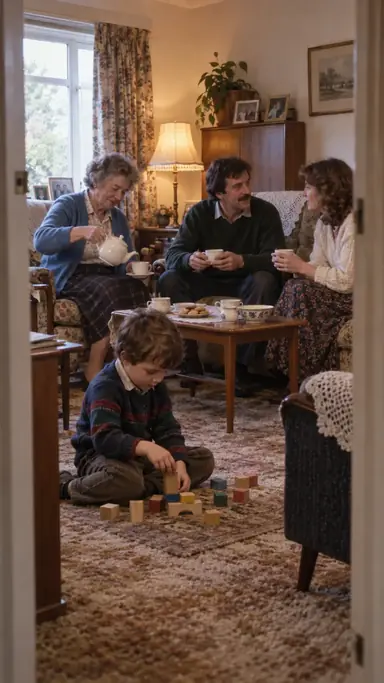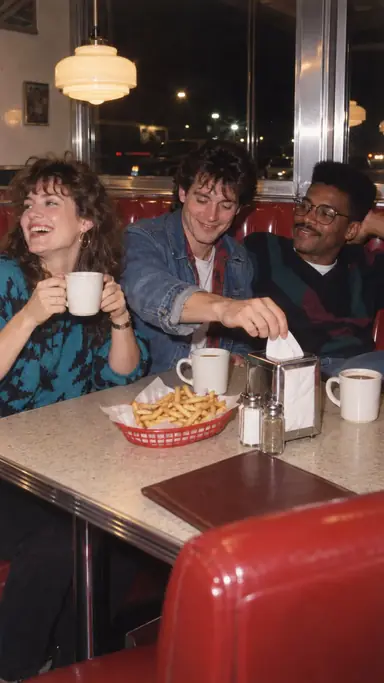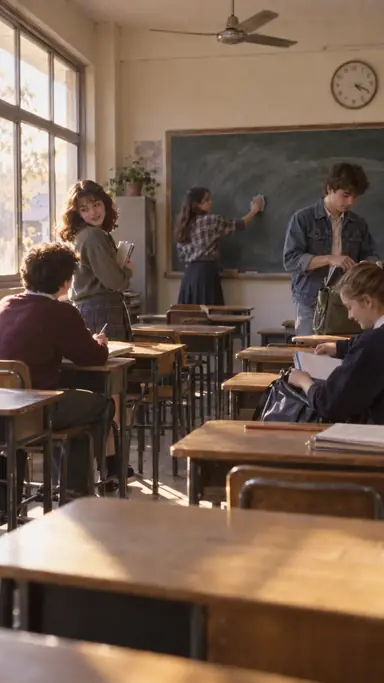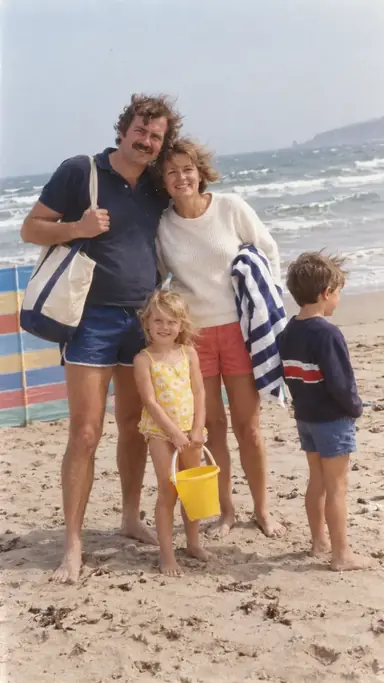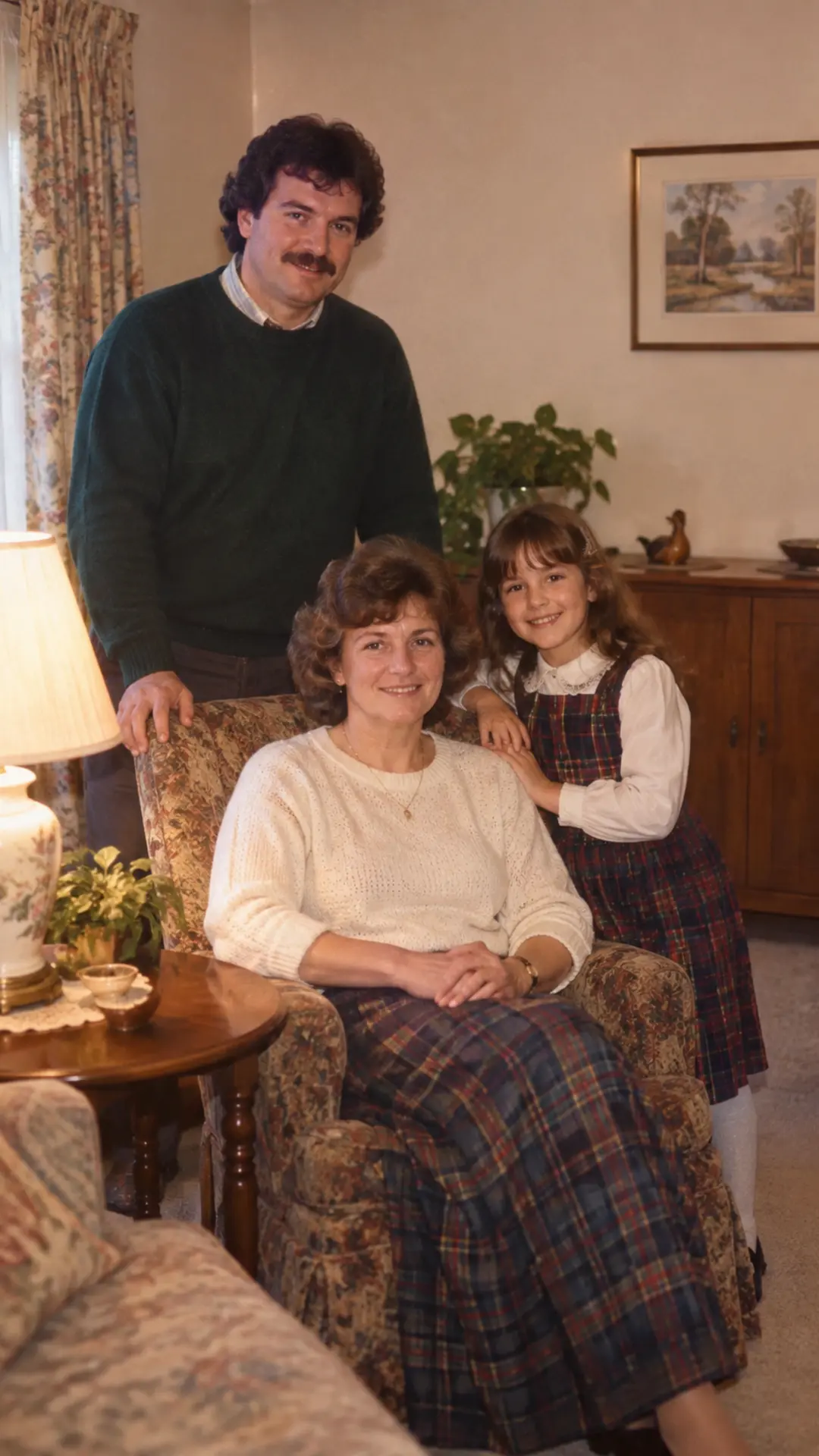
Example result illustrating this prompt's visual direction. Actual results may vary by model, reference image and settings.
 Requires Photo
  Photo Prompts
  80s Photo Prompts
 Modern-Object Cleanup for Family Photos
Removes distracting present-day devices and furnishings from a group photo while protecting people, meaningful objects, and the natural layout of the room.
Prompt
Use [uploaded photo] as the sole identity and composition reference. Edit the uploaded family photo selectively: remove clearly modern items such as smartphones, flat screens, LED strips, smart speakers, contemporary packaging, and visible digital displays. Replace each removed item with empty negative space or a simple functional 1980s equivalent only where composition requires it; retain furniture and personal belongings that are visually compatible, and keep the room lived-in rather than redesigned. Preserve every person's face, complexion, age, body proportions, clothing, pose, hands, placement, and distinguishing features; protect sentimental objects named by the user and maintain the original headcount. Keep the result photographic and believable rather than theatrical. Match replacement textures to the source resolution, lens blur, light direction, reflections, shadows, grain, and color cast so the cleanup is invisible. Preserve natural skin texture, realistic hands, coherent fabric folds, and the original relationship between every person and the camera. Do not replace the entire background, overfill the scene with retro electronics, or introduce fake labels, dates, and logos. Do not introduce celebrity likenesses, fake brands, legible invented text, excessive neon, heavy sepia, torn-paper overlays, or damage that hides important facial details. Return one polished vertical 9:16 photograph with a period-plausible 1980s finish and no border or watermark.
Recommended:
Gemini
Compatible:
ChatGPT
Limited:
Flux


Upload your photo to the AI tool first, then use this prompt.
The prompt asks the model to preserve identity and key visual features.
How to use it
- Upload the family photo and list the modern items to remove.
- List meaningful objects that must stay.
- Choose empty space or a simple period substitute for large removals.
Common failure fixes
- If people change, mask the edit conceptually to named objects and state that every human pixel region is protected.
- If replacement patches look smeared, request reconstructed wall, table, or curtain texture with matched perspective.
- If too many retro props appear, prefer empty space and retain only one necessary period substitute.