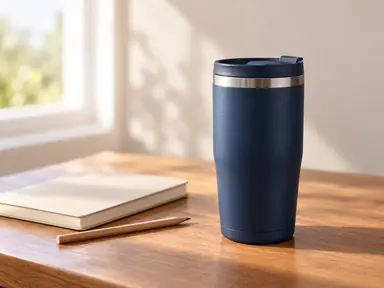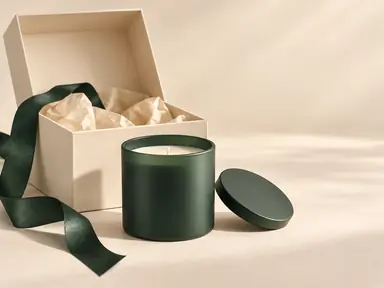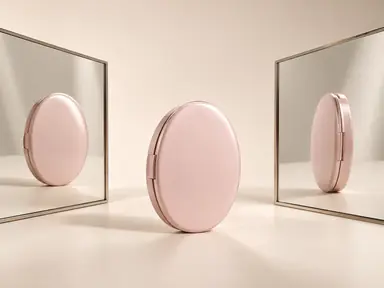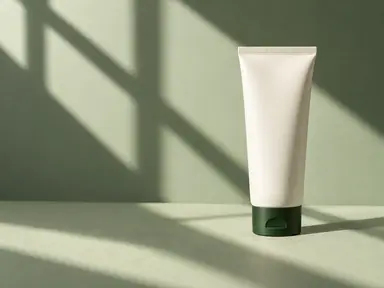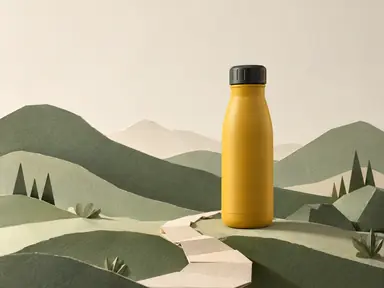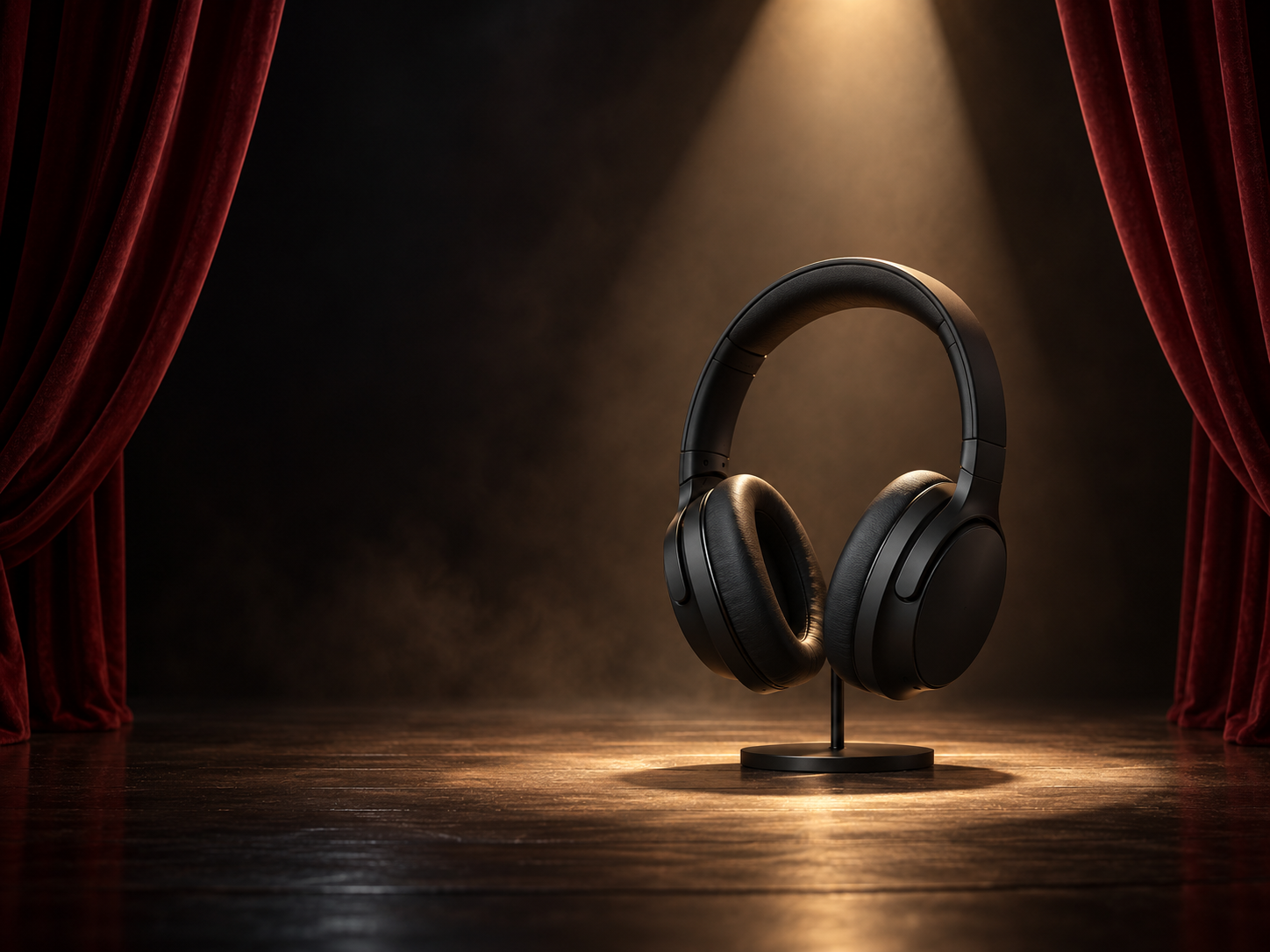
Example result illustrating this prompt's visual direction. Actual results may vary by model, reference image and settings.
 Requires Photo
  Marketing Prompts
  Product Photo to Advertising Concept Prompts
 Spotlight Stage Product Teaser
Give a product launch a theatrical teaser setting with controlled light and readable packaging.
Prompt
Transform the uploaded product photograph into a polished advertising concept image using an ai image editor with prompt-based editing. Treat the supplied photo as the authoritative reference. Preserve the product's silhouette, proportions, construction, color, material, closure, visible controls and existing packaging design. Keep the original viewing angle unless additional supplied references support another view. Reproduce existing legible logos and label text exactly; do not invent, translate or replace them. If tiny text cannot be resolved, keep it unobtrusive rather than creating new wording. Create a small theatrical stage with dark curtains framing the product and a single defined spotlight pool on the floor. Place the product fully within the lit area, keeping enough frontal fill to read its shape and existing label. Treat light haze as very faint atmosphere rather than smoke touching the object. Use the product's accent color only in a narrow curtain edge or rim light. Keep the stage empty and leave the upper-left area dark and uncluttered for later campaign copy. Do not generate a headline, release date or award. Keep commercial photographic realism in the hero product, coherent perspective, realistic reflections and intentional lighting. Produce one finished landscape 4:3 campaign image with the whole hero product inside the frame. Include no new slogans, prices, badges, watermarks, signatures, borders or before-and-after layouts. Do not imply unverified ingredients, certifications, endorsements, performance benefits or included accessories. The open copy area must remain empty.
Recommended:
ChatGPT


Upload your photo to the AI tool first, then use this prompt.
The prompt asks the model to preserve identity and key visual features.
How to use it
- Upload a sharp product photo with the front, shape and packaging clearly visible.
- Paste the full prompt; provide verified product details only if they are needed for the scene.
- Check the product geometry, existing label text and scene accuracy against the source before publishing.
Common failure fixes
- If the product disappears into black, add soft fill to its front-facing surfaces.
- If the spotlight clips highlights, lower its intensity while keeping the floor pool defined.
- If curtains crowd the product, widen the opening and clear its entire silhouette.