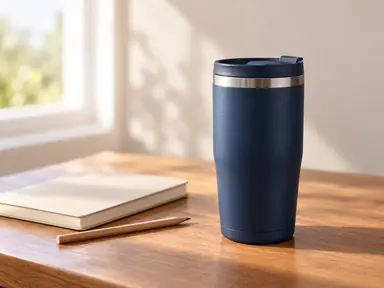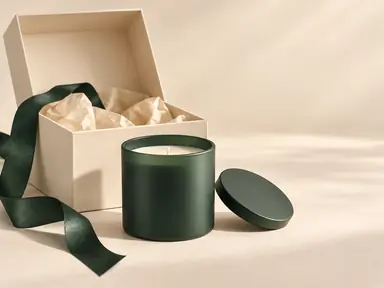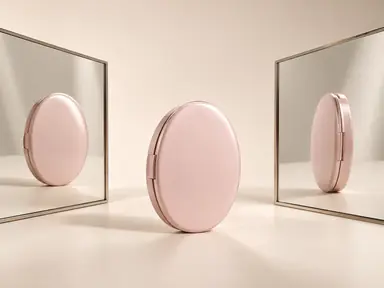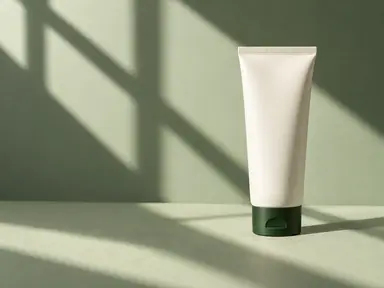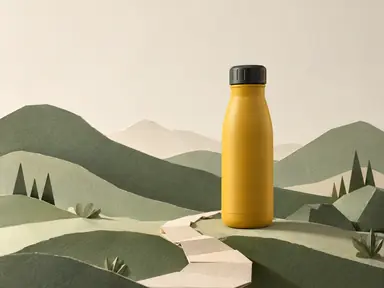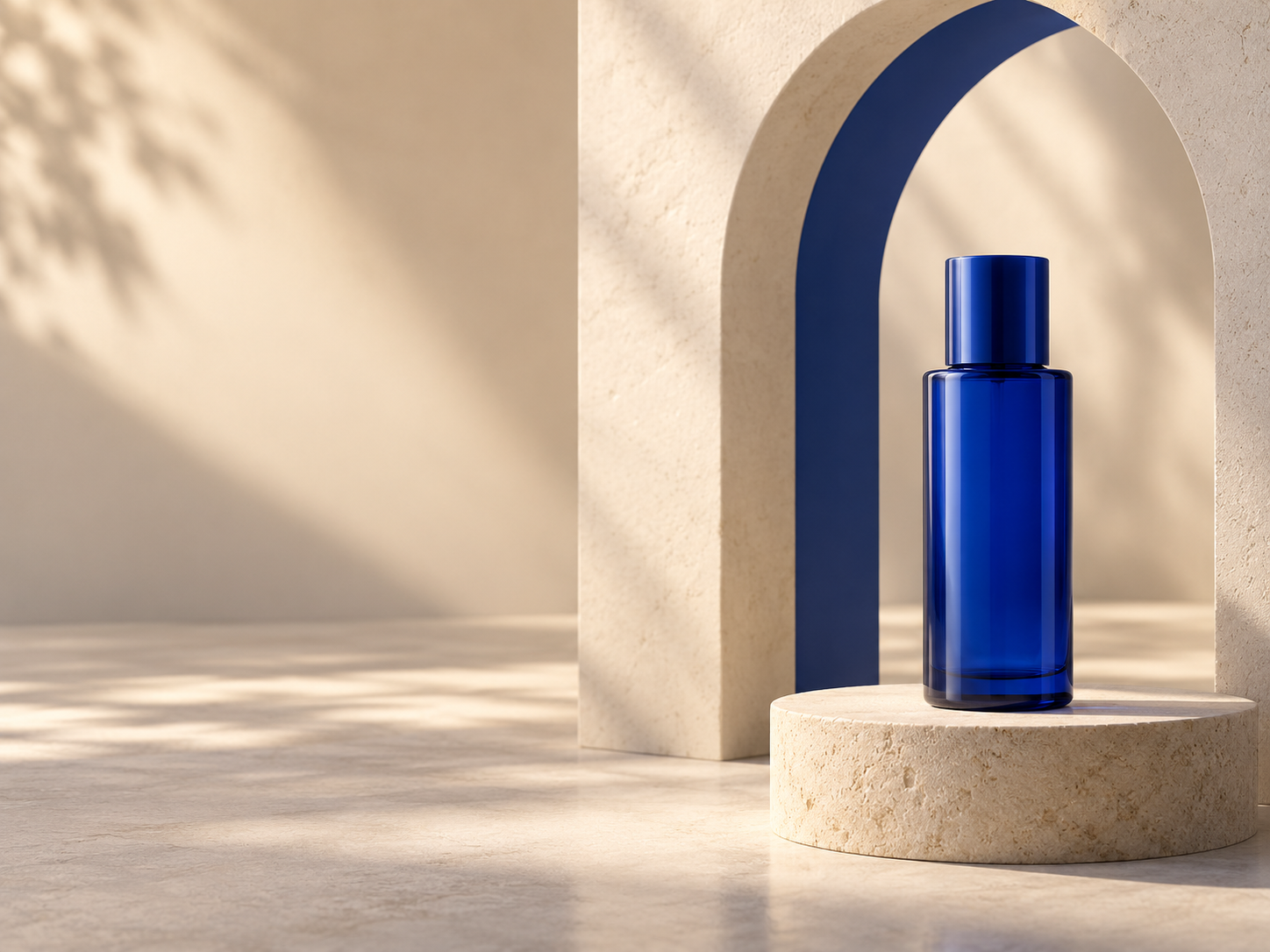
Example result illustrating this prompt's visual direction. Actual results may vary by model, reference image and settings.
 Requires Photo
  Marketing Prompts
  Product Photo to Advertising Concept Prompts
 Architectural Portal Product Launch
Place a photographed product inside a sculptural launch set with a clear focal point and space for campaign copy.
Prompt
Transform the uploaded product photograph into a polished advertising concept image using an ai image editor with prompt-based editing. Treat the supplied photo as the authoritative reference. Preserve the product's silhouette, proportions, construction, color, material, closure, visible controls and existing packaging design. Keep the original viewing angle unless additional supplied references support another view. Reproduce existing legible logos and label text exactly; do not invent, translate or replace them. If tiny text cannot be resolved, keep it unobtrusive rather than creating new wording. Build a monumental architectural portal behind the product using matte surfaces and one accent color sampled from its packaging. Place the product on a low plinth with physically grounded contact shadows. Use directional light through the opening to frame its silhouette, not to obscure the label. Position the product in the lower-right third and leave the left third as calm negative space. Keep the set abstract, with no implied ingredient or performance claims. Keep commercial photographic realism in the hero product, coherent perspective, realistic reflections and intentional lighting. Produce one finished landscape 4:3 campaign image with the whole hero product inside the frame. Include no new slogans, prices, badges, watermarks, signatures, borders or before-and-after layouts. Do not imply unverified ingredients, certifications, endorsements, performance benefits or included accessories. The open copy area must remain empty.
Recommended:
ChatGPT


Upload your photo to the AI tool first, then use this prompt.
The prompt asks the model to preserve identity and key visual features.
How to use it
- Upload a sharp product photo with the front, shape and packaging clearly visible.
- Paste the full prompt; provide verified product details only if they are needed for the scene.
- Check the product geometry, existing label text and scene accuracy against the source before publishing.
Common failure fixes
- If the portal dwarfs the product, enlarge the product in frame while keeping its physical proportions unchanged.
- If the label is lost in shadow, add a soft frontal fill without flattening the architectural lighting.
- If the plinth feels disconnected, align its contact shadow and perspective with the product base.