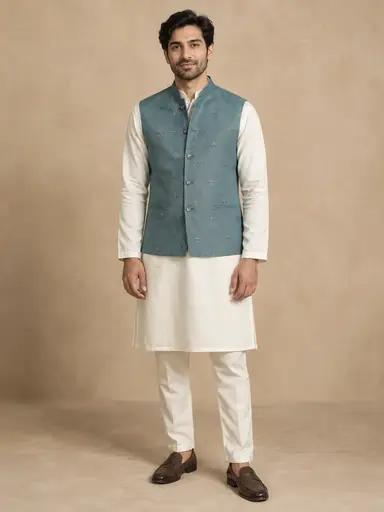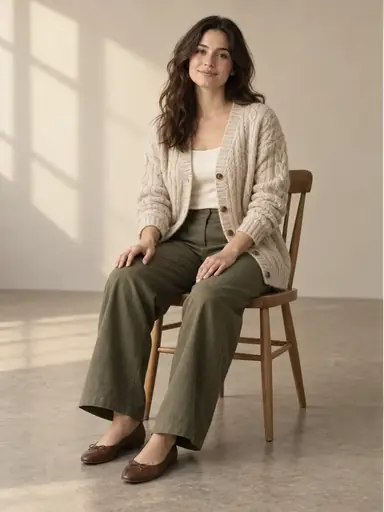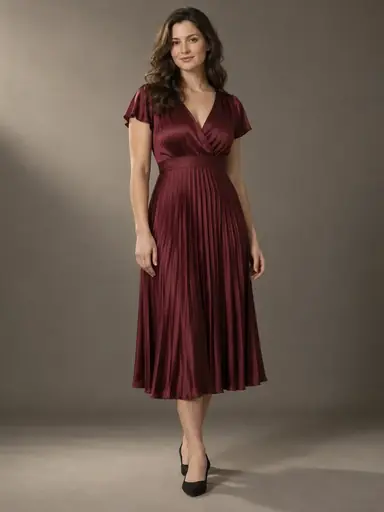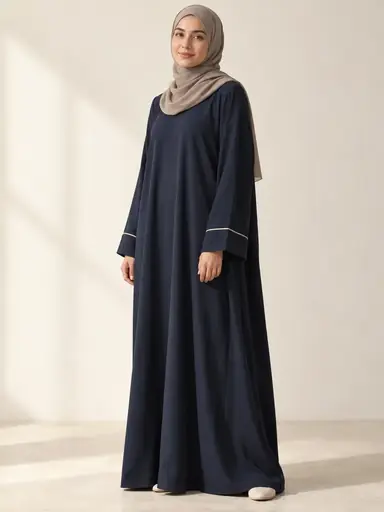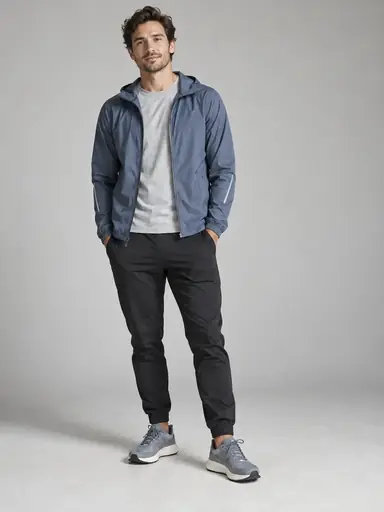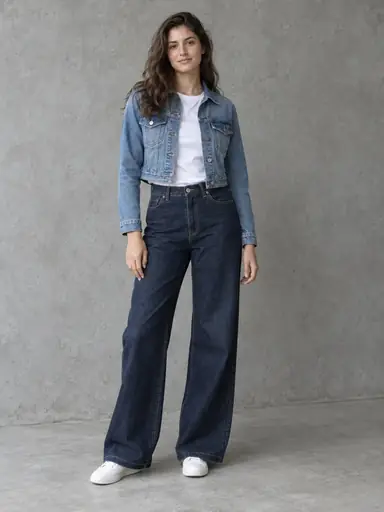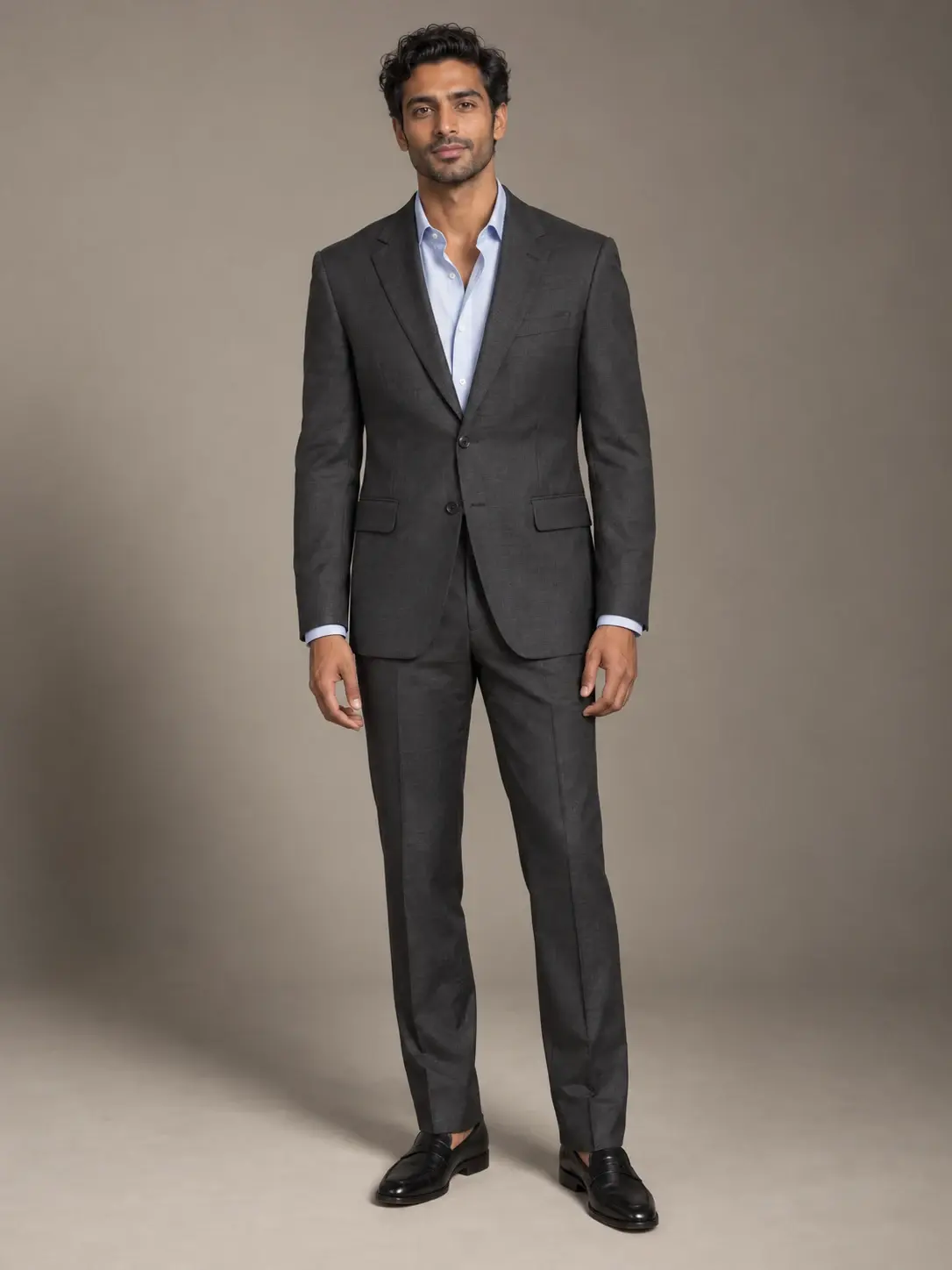
Example result illustrating this prompt's visual direction. Actual results may vary by model, reference image and settings.
 Requires Photo
  Image Editing Prompts
  AI Outfit Try-On Photo Prompts
 Tailored Suit and Shirt Try-On from Garment References
Preview a coordinated suit and shirt on your photo while preserving your proportions and the supplied tailoring details.
Prompt
Edit the supplied person photo into one photorealistic outfit try-on image. Treat that photo as the authority for identity, apparent age, skin tone, facial features, hair, body proportions, pose, camera angle, crop, background, and lighting. Treat additional garment photos only as clothing references; do not copy a garment model’s face, body, or setting. Replace the existing upper and lower garments with the suit jacket, matching trousers, and shirt shown in the garment references. Match the supplied lapel shape, button arrangement, pocket positions, shirt collar, trouser rise, and leg cut. Seat the jacket naturally at the shoulders without widening the body; construct believable sleeve pitch and cuff exposure around the unchanged arms. Keep the shirt underneath the jacket, with coherent overlap at the collar and waist. Preserve the supplied fabric weave and create restrained, directional highlights appropriate to wool or the visible material. Let trouser creases follow the existing leg positions and keep hems clear of the floor. Retain the original shoes unless a shoe reference is explicitly supplied. Do not add a tie, pocket square, jewelry, or extra accessories. Preserve the original face and all visible anatomy; change only the clothing and any explicitly supplied replacement footwear, including physically necessary cloth occlusion and local shadows. Match the source image resolution and aspect ratio. Keep material detail sharp without oversmoothing skin. Do not invent unseen construction details: if an essential garment feature is unclear, ask for a clearer reference before generating. Produce a single finished image, not a collage or before-and-after panel, and add no captions, labels, watermarks, or invented logos. This is a visual styling preview, not a measurement-based fit or sizing guarantee.
Recommended:
ChatGPT


Upload your photo to the AI tool first, then use this prompt.
The prompt asks the model to preserve identity and key visual features.
How to use it
- Upload one clear full-length person photo with shoulders, hands, and shoes visible, plus front views of the suit and shirt you want to try.
- Identify the person photo as the identity reference and the suit and shirt photos as clothing references; include a side garment view if sleeve or jacket construction is unclear.
- Run the prompt with the uploaded references, then check facial identity, garment construction, and overlap; use the matching failure fix for any visible defect.
Common failure fixes
- If the shoulders or waist change shape, restore the original body silhouette and fit the jacket around it without slimming or broadening.
- If shirt and jacket edges merge, separate the collar, lapels, cuffs, and waist overlaps with realistic seam edges and contact shadows.
- If tailoring drifts from the reference, restore its button count, lapel shape, pocket positions, and trouser cut.